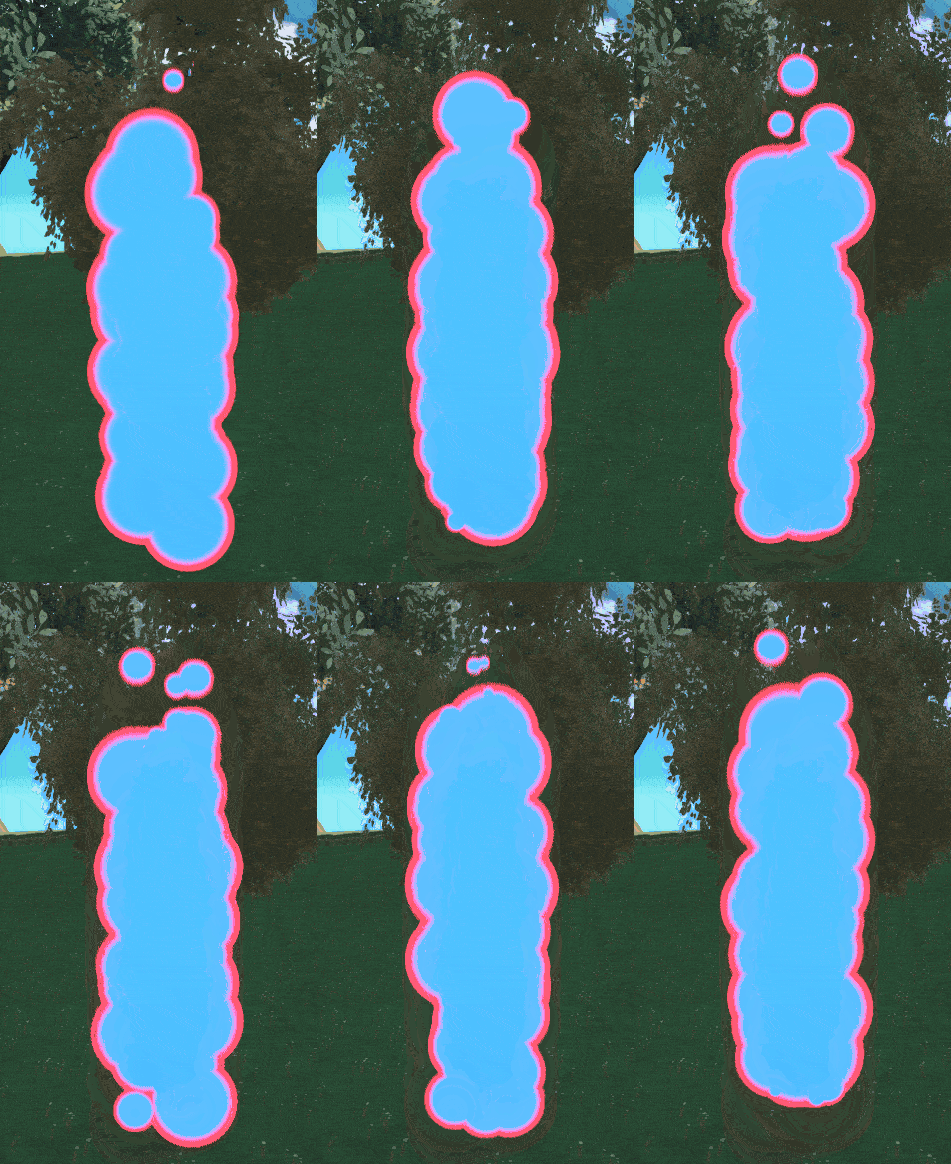
Okay so I’ve been trawling the web for anything I can find regarding this topic and I have found mixed results. As far as I know and can remember from prior research this is pretty well tread ground but I may be confusing this particular problem with others.
So here it is:
I am trying to figure out how to blend the textures of a material together so that every instance of the material merges together into one seamless texture with a seamless outline surrounding the entire final “shape” but not each individual instance. For the sake of specificity, those instances are individual niagara particle sprites.
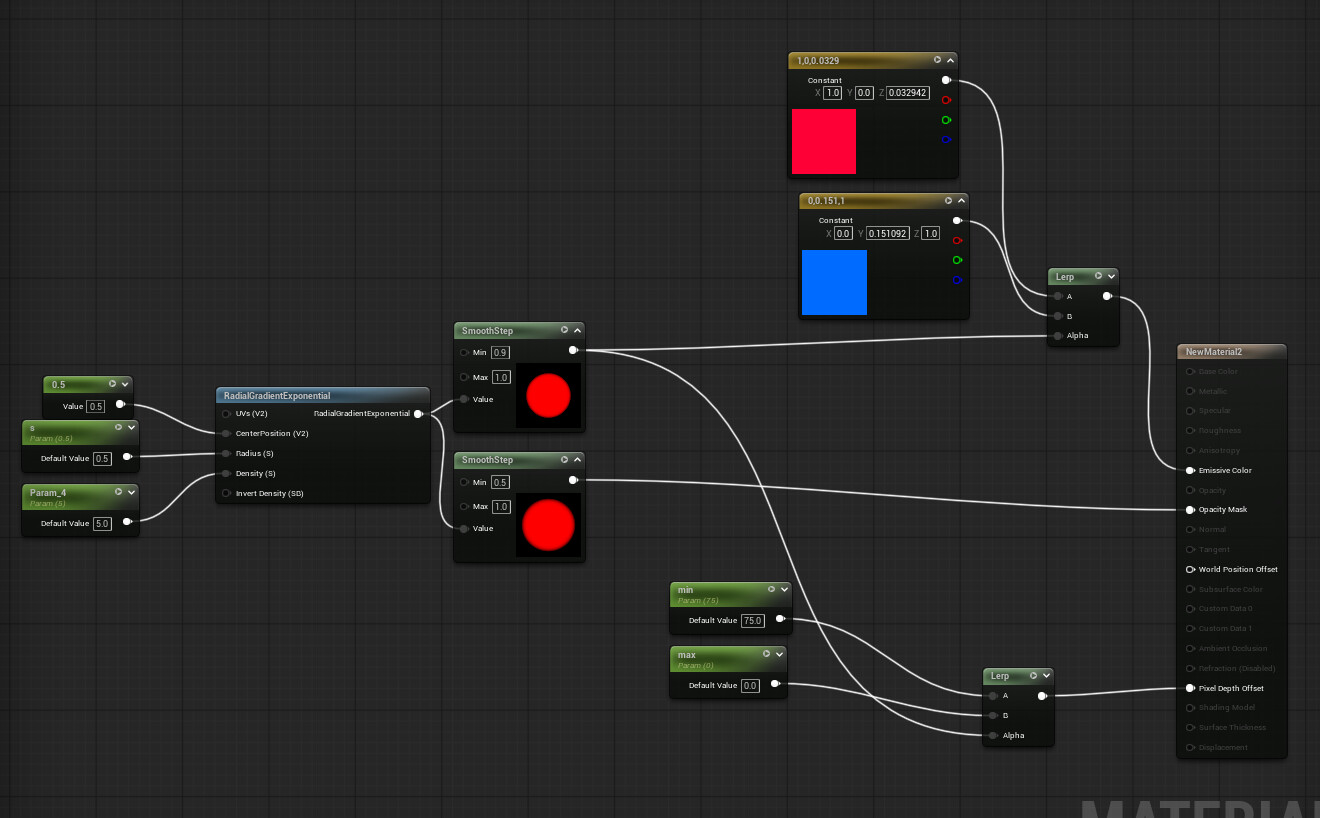
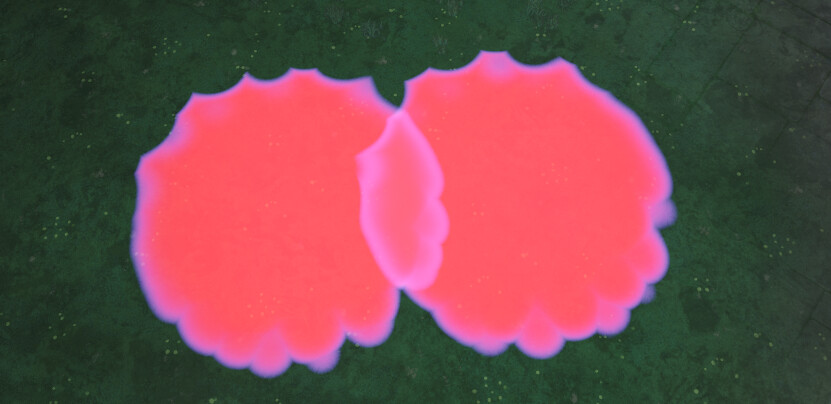
Suppose we have a material, inside we have a combination of a world aligned texture providing the bulk/body of our visuals, as well as a radial gradient to define our shape outline.
Like so:
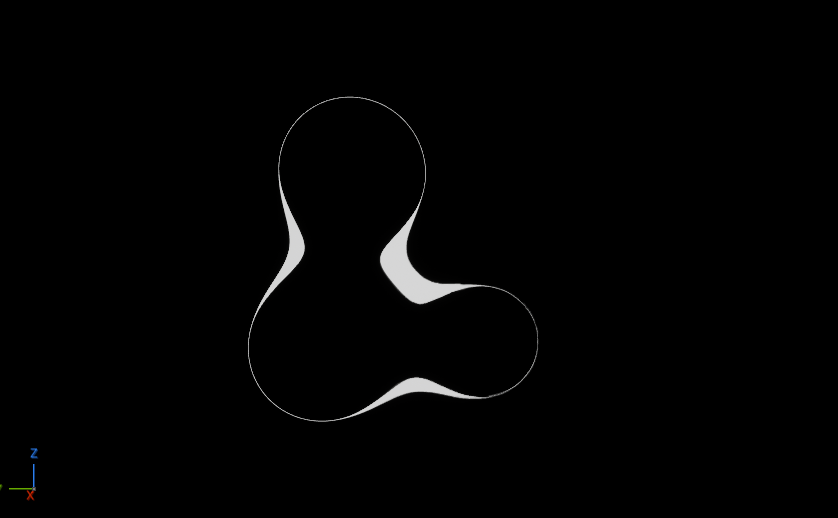
How do I make the main texture merge on all instances, while keeping the outline reserved for just the actual edge of the entire shape as shown below?
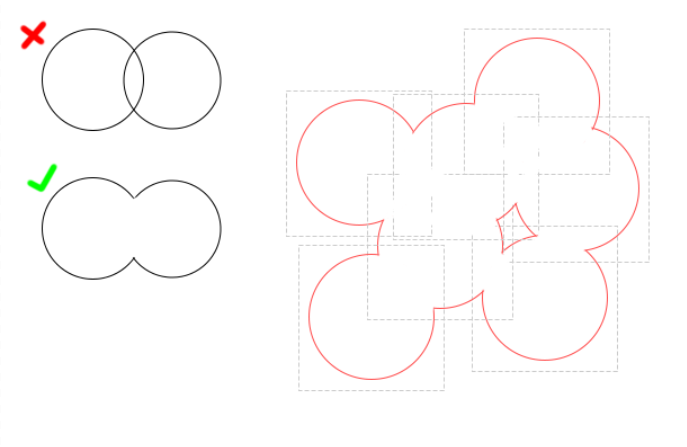
I’ve done a fair bit of reading and watching over the past few days and am thinking I may just be searching for the wrong stuff since all of the keywords involved in this question generally pertain to very different VFX then what I’m trying to do here.
I’ve attempted a SDF/raymarching solution and while I got a prototype working it seems like overkill and possibly not an actual solution to the problem, since it didn’t really work on particles out of the box.
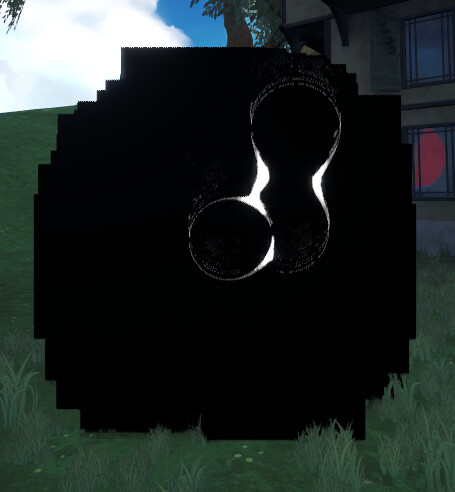
I suppose if I could get the material to render the spheres at the particle positions instead of a world position it could possibly work (I will give it a try when I sit back down to work.) but I think that may bring its own issues.
A lot of what I have seen from looking around is pertaining to mesh outlines, post process effects, and other tagentially related topics which are obviously not what I want or need.
Please RTVFX, you’re my only hope!