I have a quick question about the underlying logic of the Niagara Ribbon Renderer.
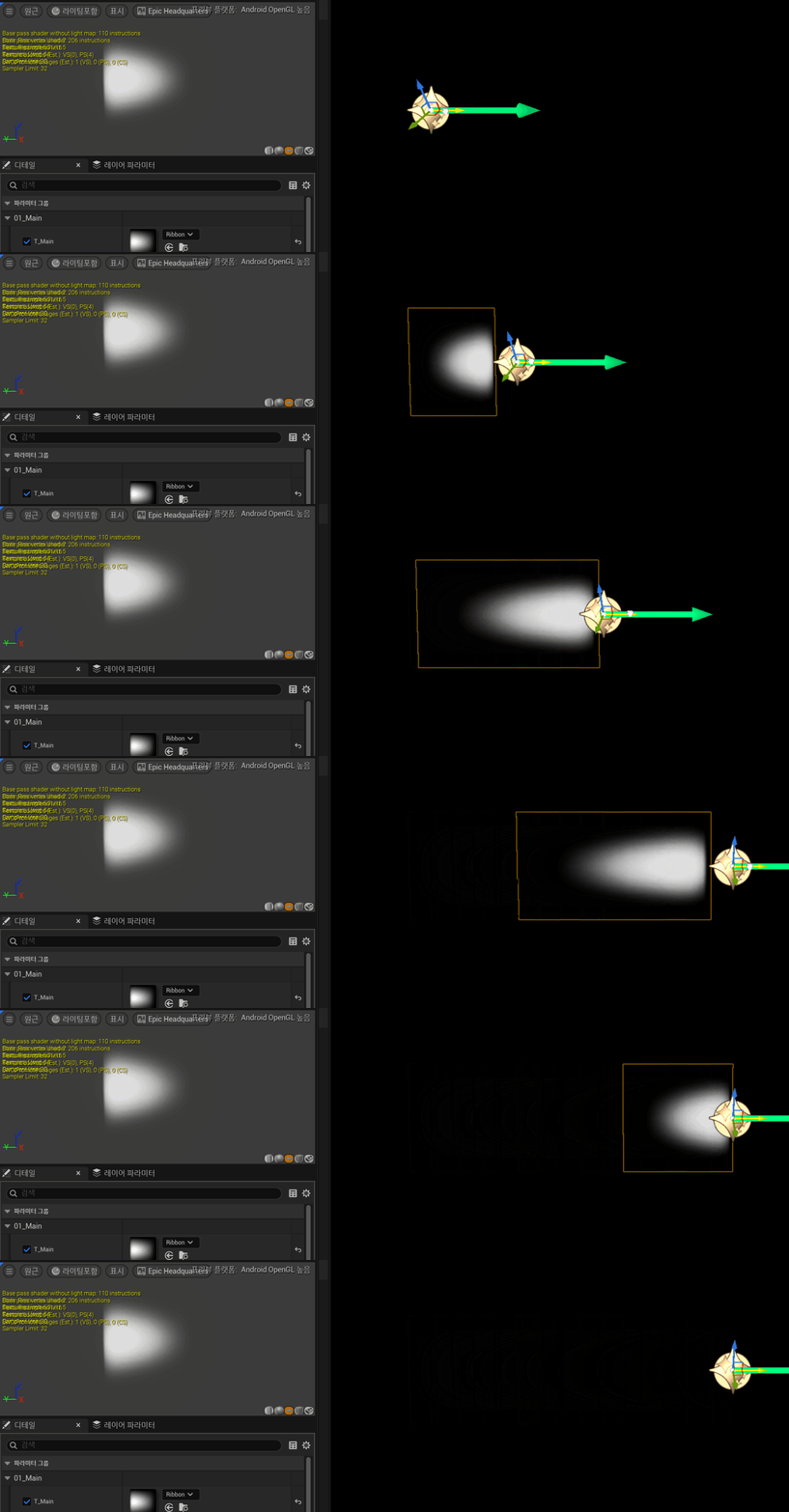
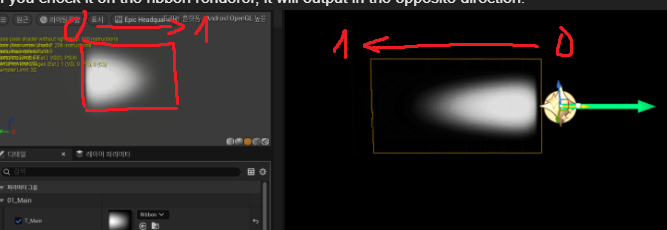
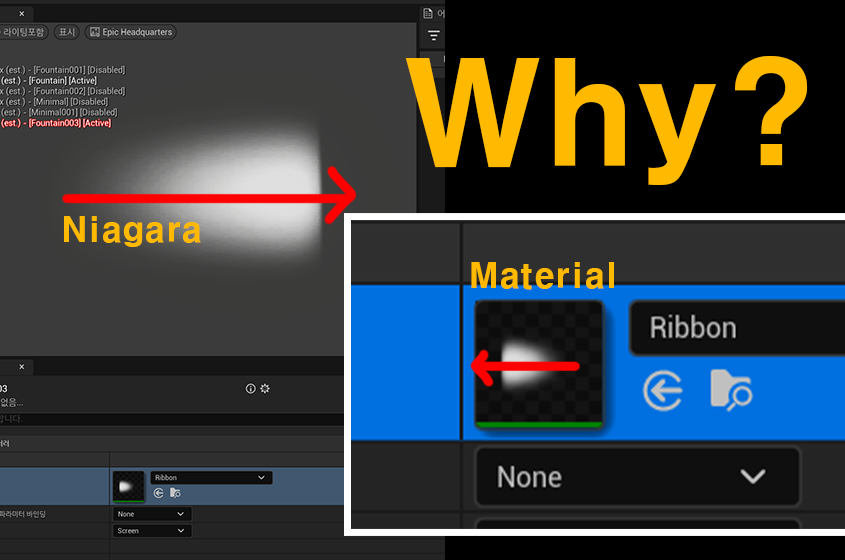
As you can see in the attached image, when I apply a texture to the Ribbon Renderer, the direction appears flipped compared to how it looks in the Material preview. The “head” of the texture is facing the tail of the ribbon trail.
I know I can easily fix this by rotating the texture in the material or flipping the UVs in the renderer settings. However, I’m really curious about the “Why” behind this default behavior.
Does the Ribbon Renderer map UV 0 to the oldest particle and UV 1 to the newest particle by default? I would love to understand how Niagara calculates the UVs along the ribbon trail relative to particle age.
Thanks in advance for your insights!