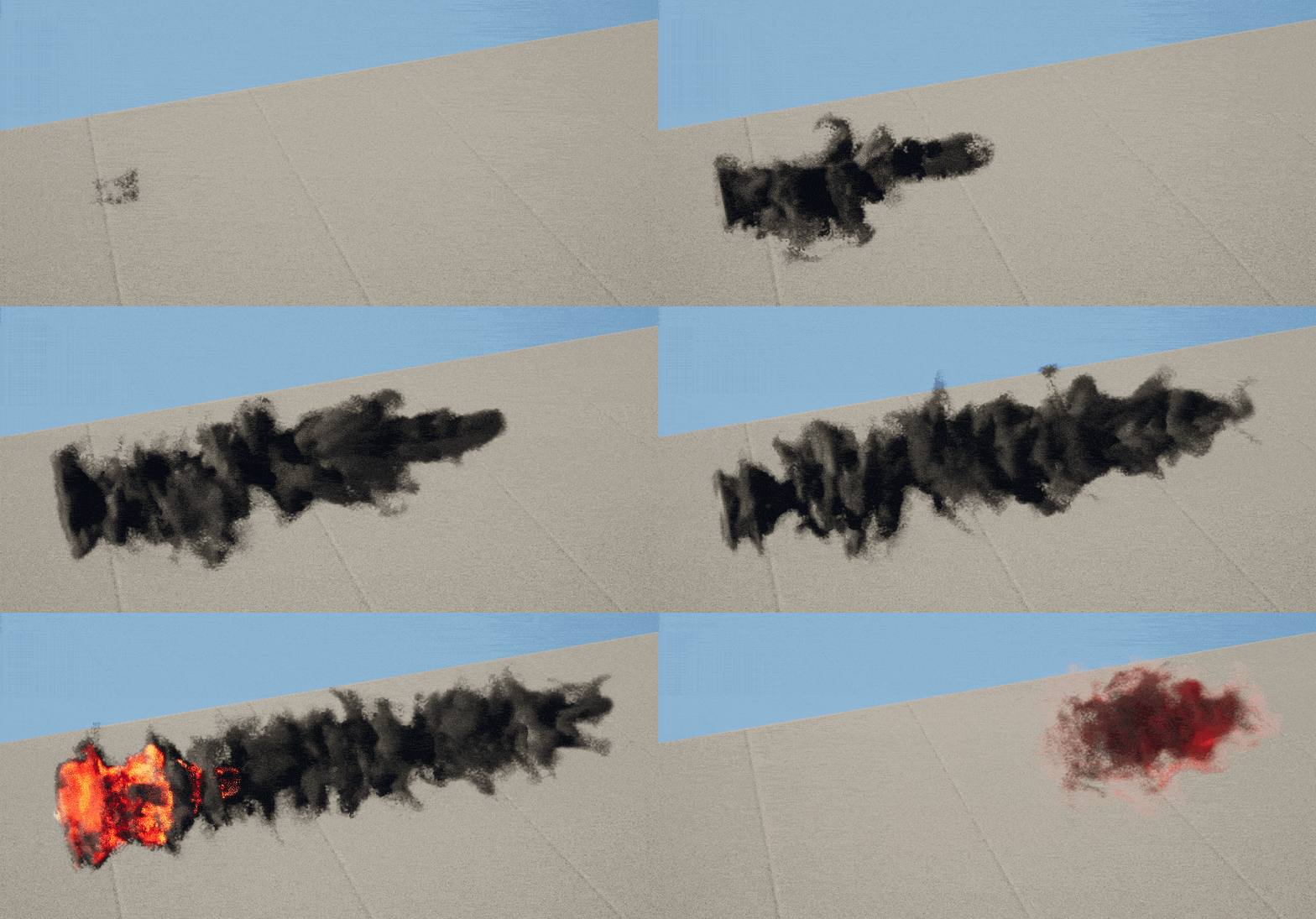
Hello, I’ve been recently trying to make some niagara gas simulations however I’ve encountered this issue. For some reason the simulations appear either completely black or have some parts of them being black like in the second gif.
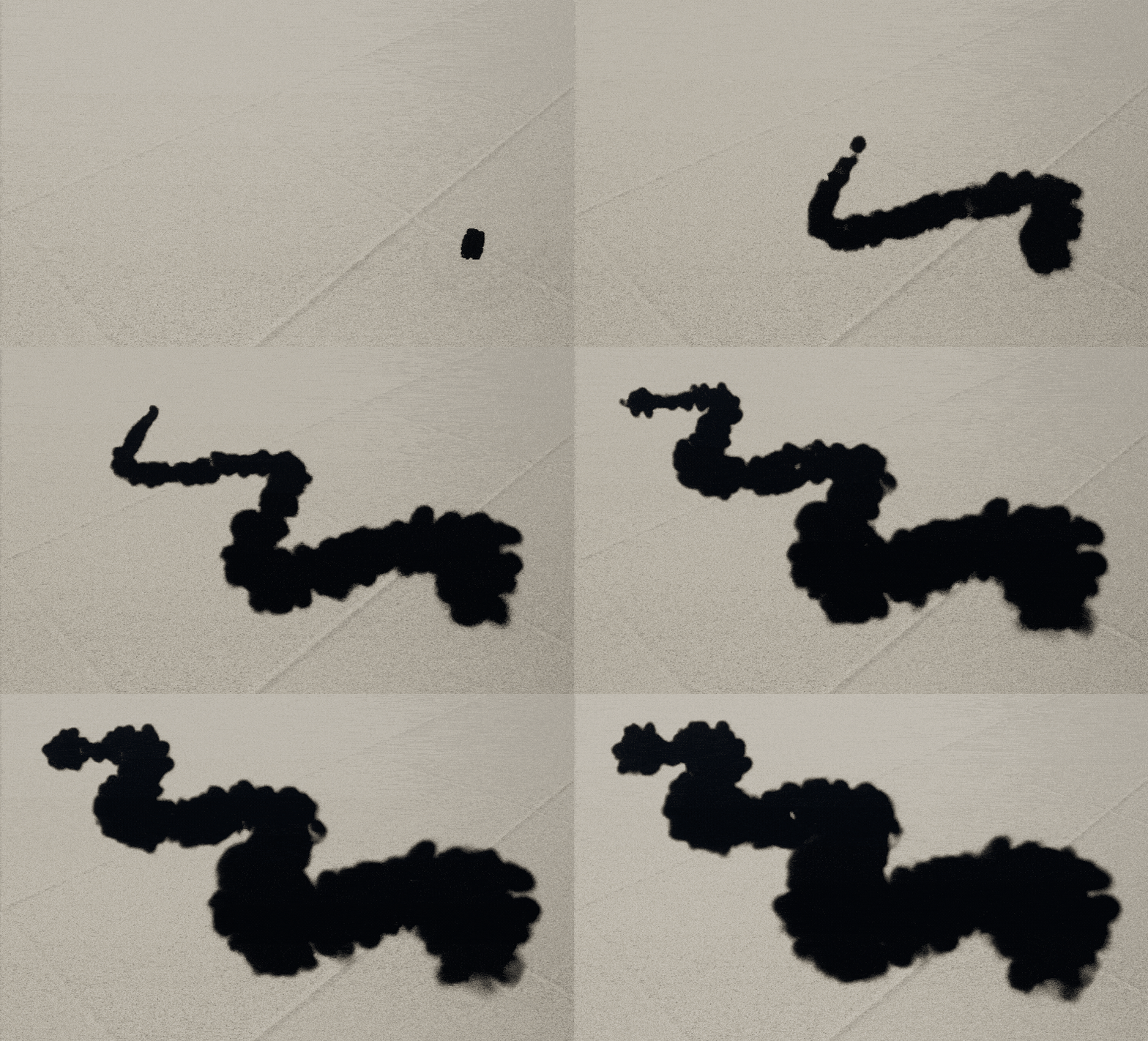
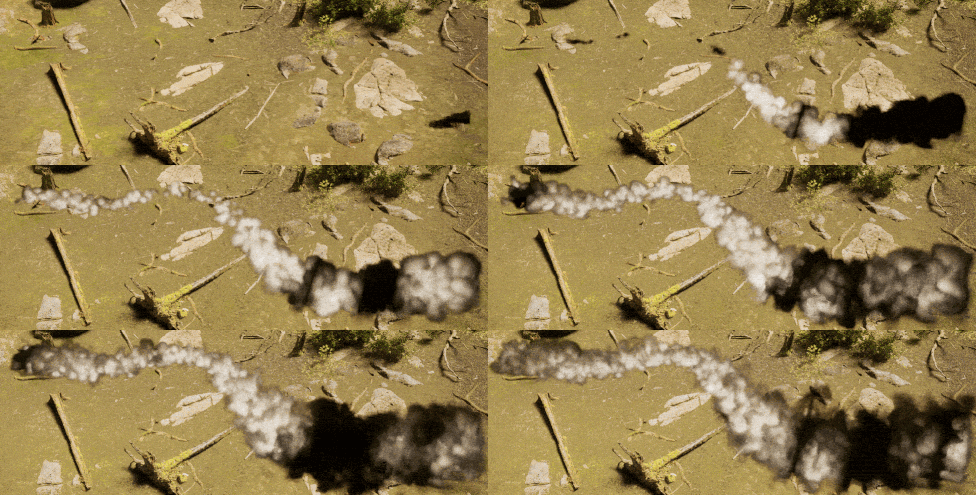
I’ve not changed the material nor the render color parameters of the niagara emitters involved in the simulation so I’m not sure what could be causing this. Also I’ve seen some posts saying that this usually happens on Mac but that’s not my case.
Here’s the current setup im using
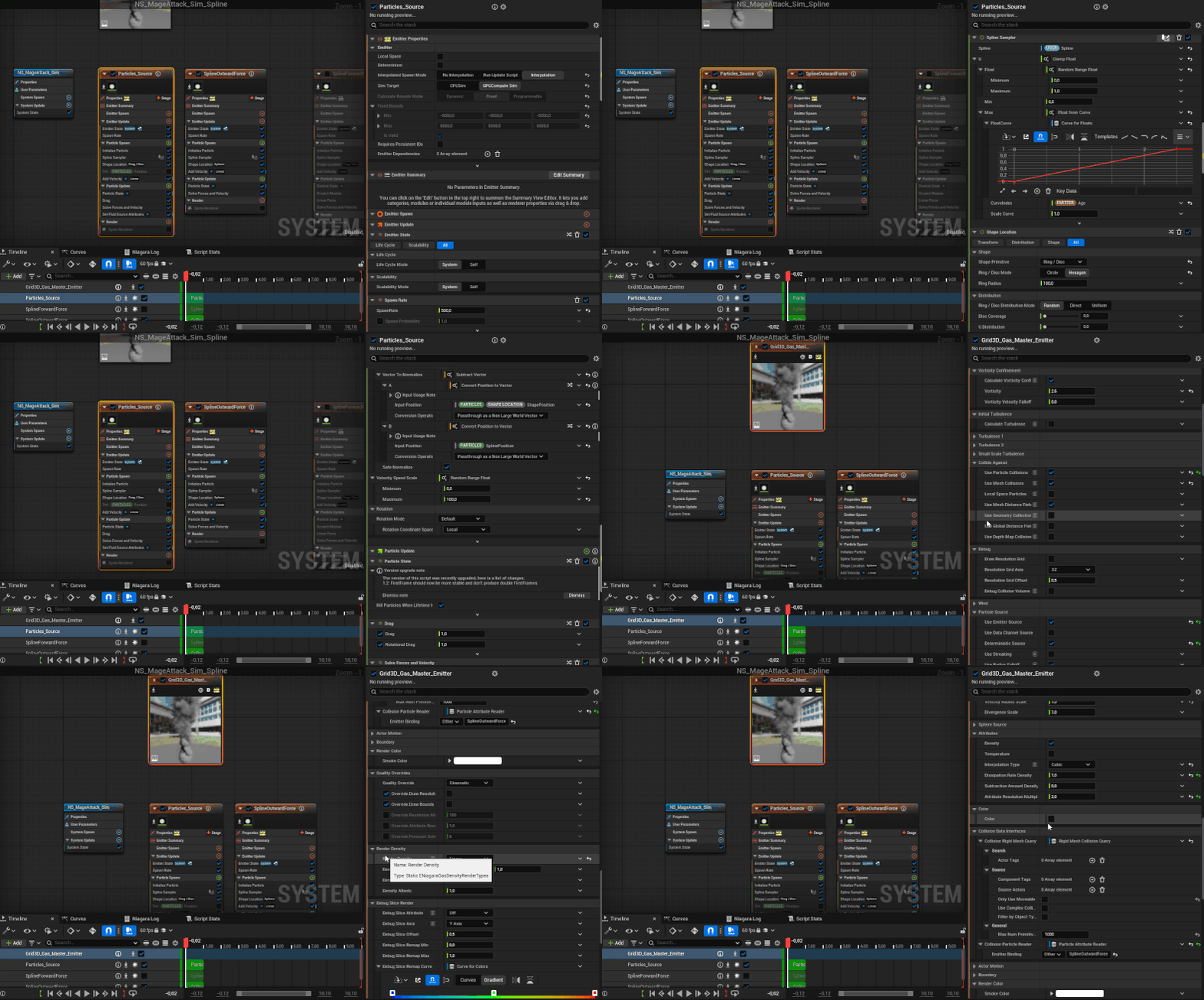
Do you guys know what could be causing something like this? I’ve tried migrating the effect to a completely new unreal project but the issue persists. Also my unreal version is 5.7
Hi ! Have you tried the cvar “r.PathTracing.HeterogeneousVolumes 1” ? It’s used to enable path tracer support for heterogeneous volume rendering
You can find more infos here : Heterogeneous Volumes in Unreal Engine | Unreal Engine 5.7 Documentation | Epic Developer Community
1 Like
Thanks for the anwser! Apparently they must have renamed or implemented the “r.PathTracing.HeterogeneousVolumes 1” cvar as deafult as it no longer appears as a variable in version 5.7.4.
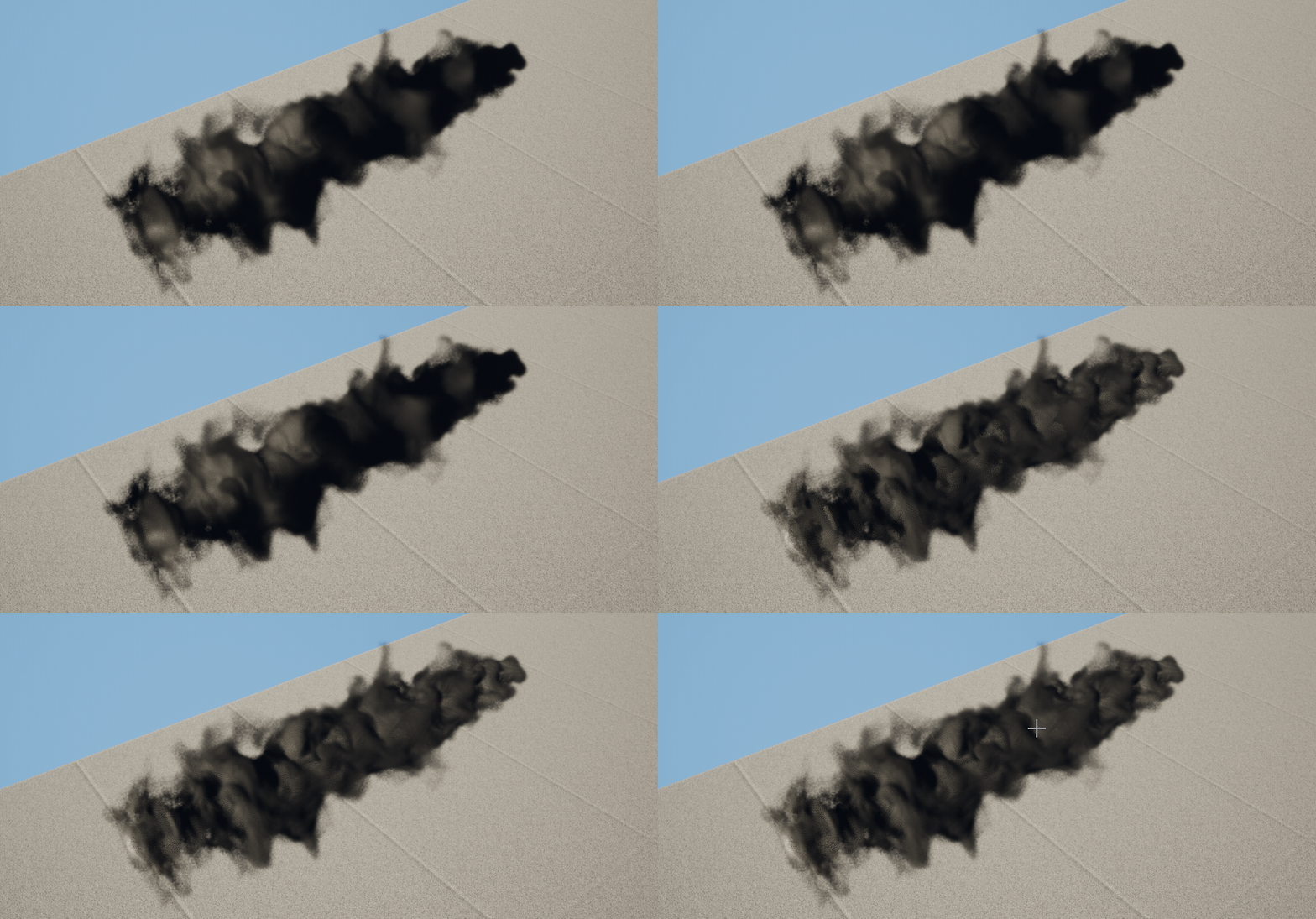
After testing most of the Heterogeneous Volumes cvars I found that disabling hetereogeneous volumes lightning cache by setting “r.HeterogeneousVolumes.LightingCache” to 0 fixed the issue. Obviously this takes a toll on performance but its a tradeoff im willing to make.
Here’s a comparison of how it looks now vs before
Also as a bonus here’s how the effect im building currently looks
Thanks again for the help! 
1 Like