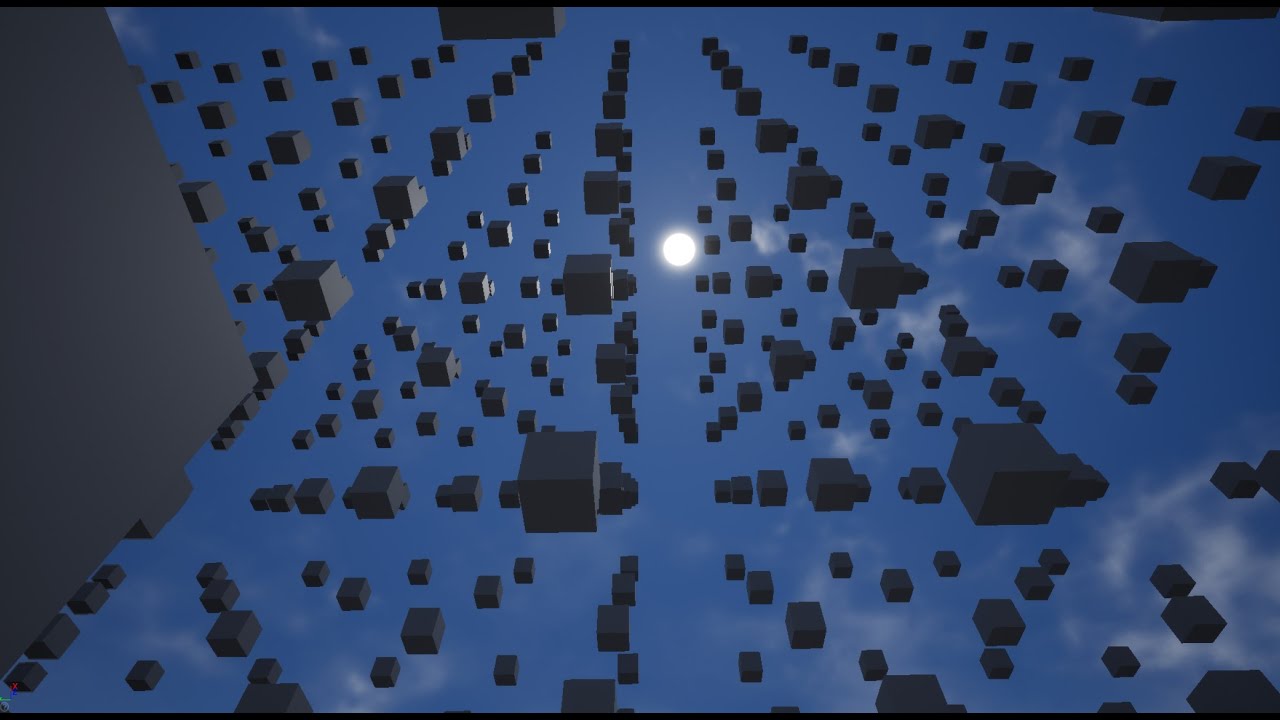
A person in the comments section said to look into transform effector for how it’s made, but another person commented that it would be more performant to make as a shader. Does anyone know how to go about this using the shader method? Or else do you know of a simpler effect I could do that still looks similar enough?
That’s wildly unoptimal to do via BP, spawning each cube as a separate actor and detecting the actor tag with collisions.
It’s way better to do so in Niagara, or with shaders.
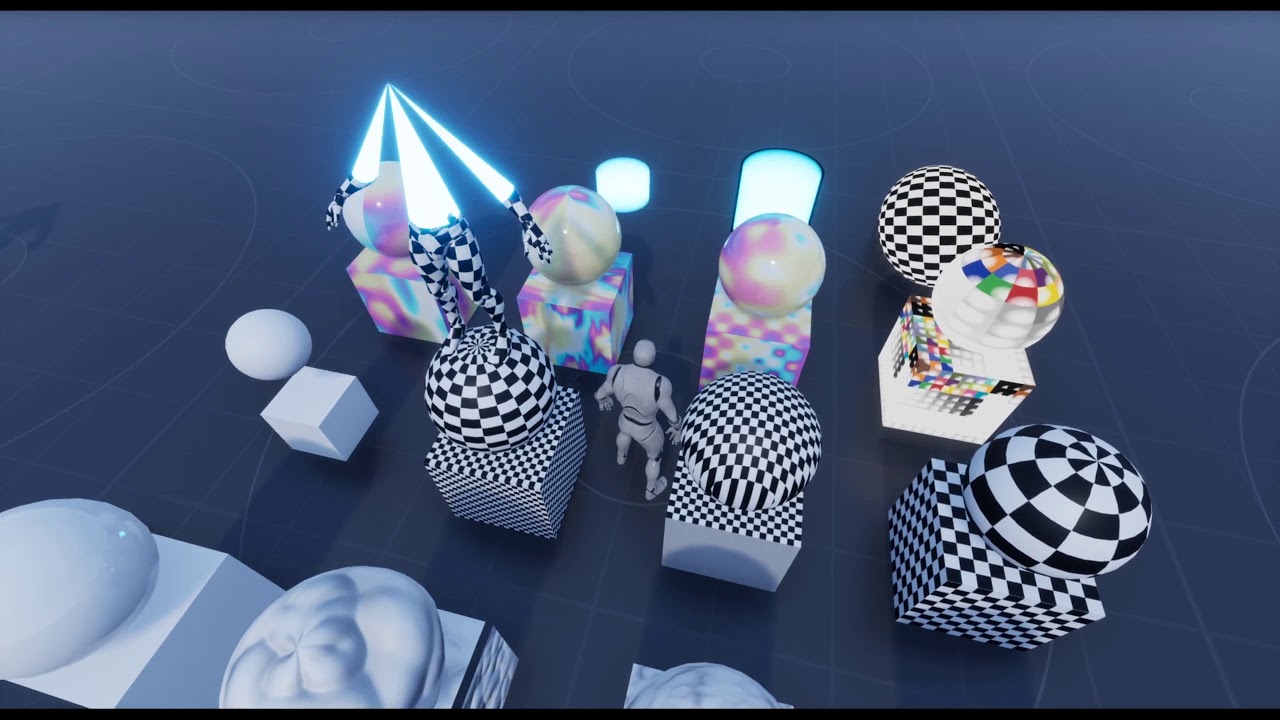
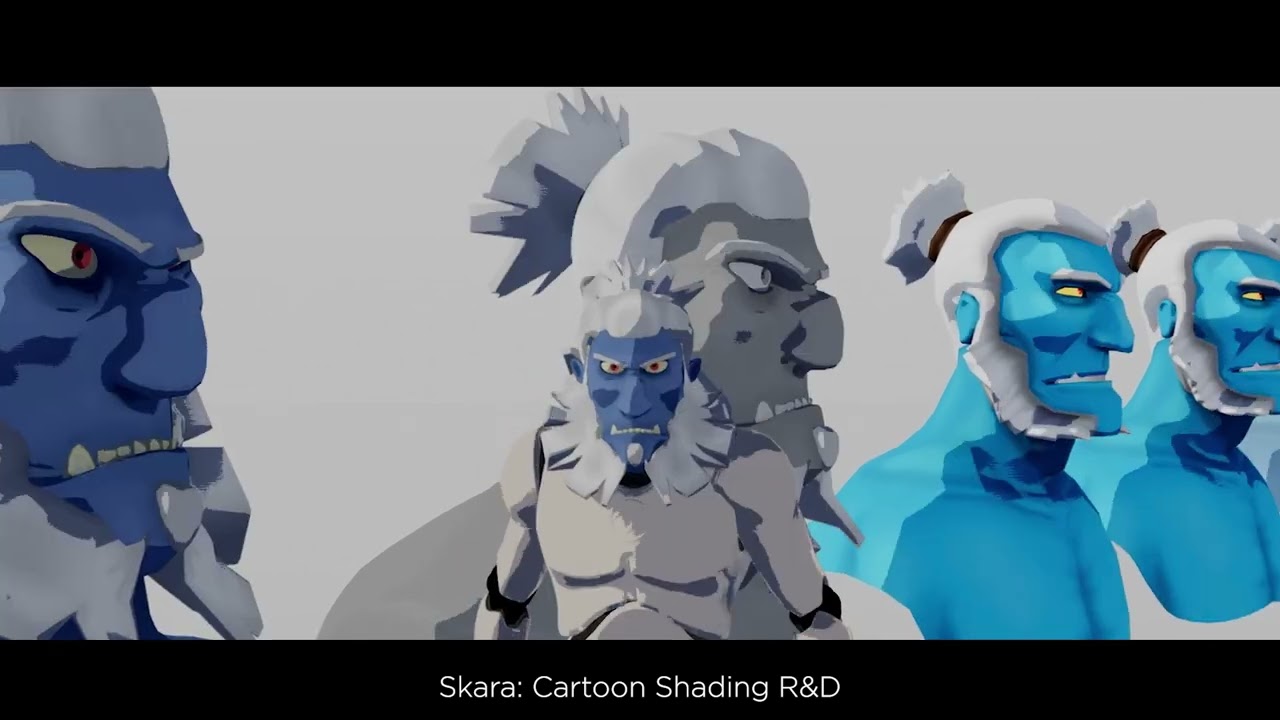
Some examples:
These are all Niagara-based behaviors, you can use a Module to check the player position compared to the specific particle position, and based on proximity, scale the particle, rotate it, change its color, etc.
Here you can see those led lights and stairs, which are separate BP actors, be affected by the player’s proximity, using a shader.
The random floating broken pieces are also following that principle, but the collapse animation is activated via BP on player collision using a Timeline and Dynamic Material Parameters.
 - Aniket🍁 on Instagram: "This is why Unreal Engine feels unreal. #UnrealEngine #GameDevelopment #GameDev #VFX #RealTimeRendering #NiagaraSystem #IndieGameDev #GameDesign #GameArt #VirtualProduction"