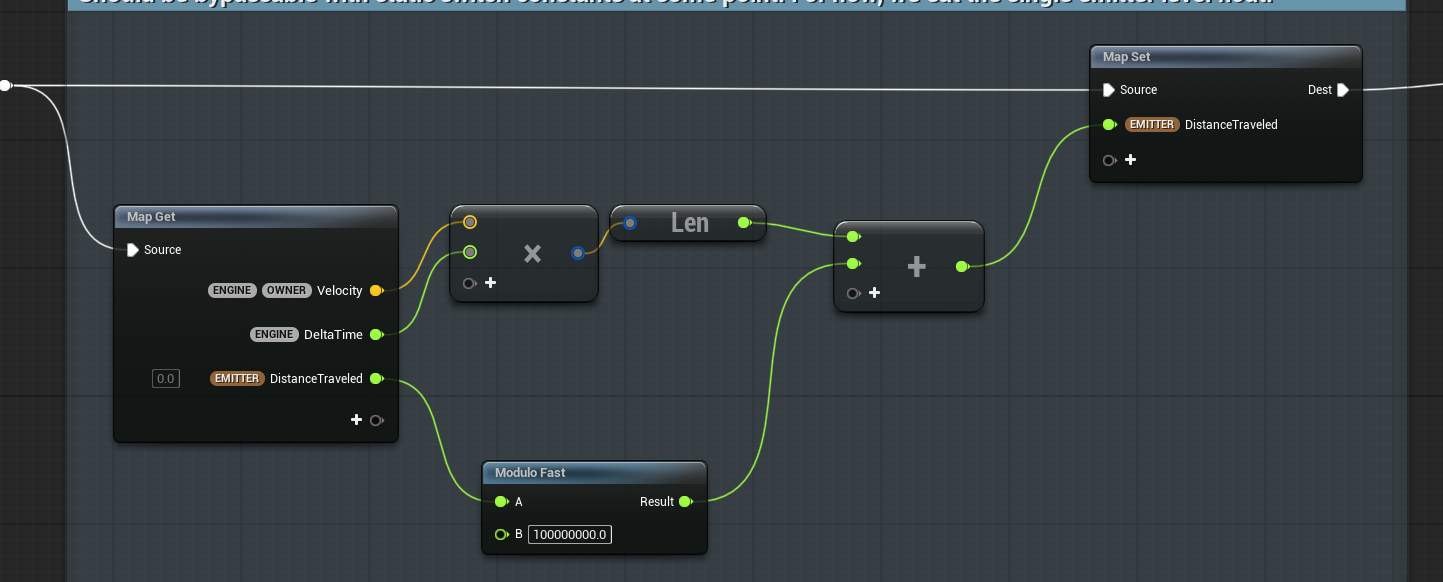
I’ve been playing around with Roblox VFX tools, and there’s this super simple thing in their Trail component – Max Length. You literally clamp the trail length. Done.
Why the hell don’t we have this out-of-the-box in Unreal or Unity?
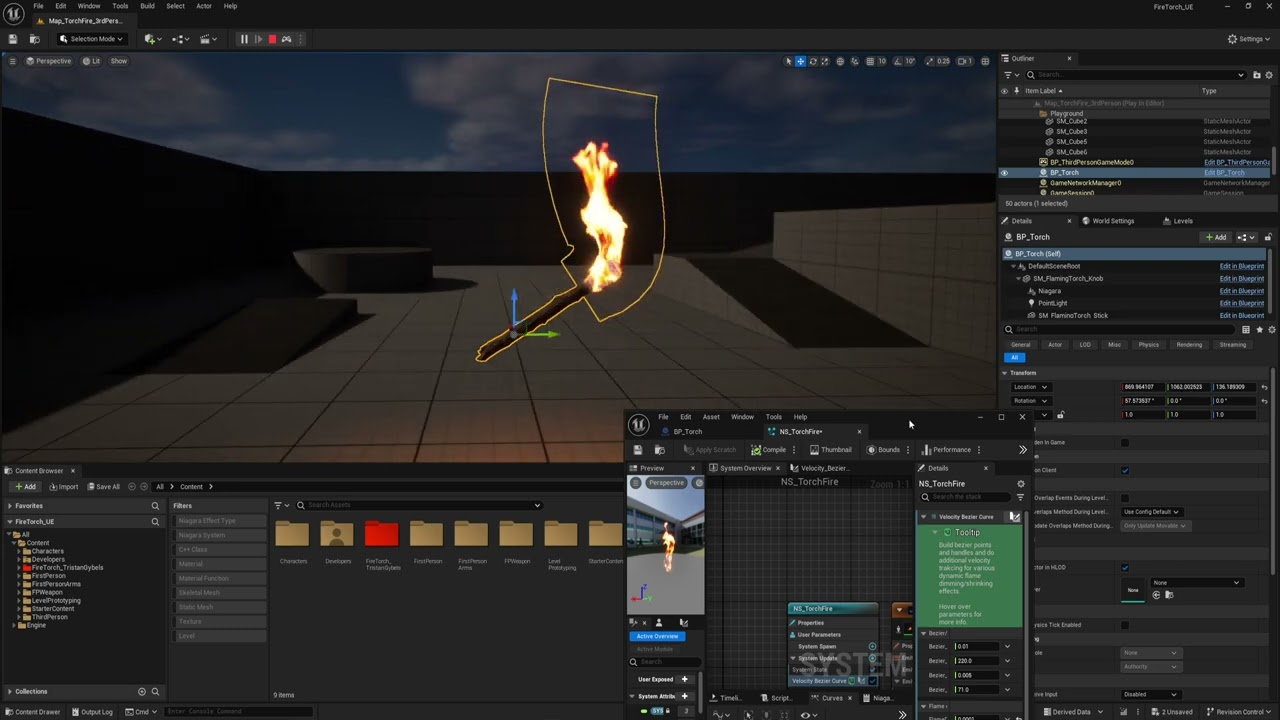
I had a real production case with Niagara: I had ribbons attached to a character. In one specific animation, the character was moving insanely fast, and the ribbons turned into full-on spaghetti, insanely long and messy. Looked terrible.
The only control I had was lifetime.
So I reduced it to something like ~0.1s. And yeah – it fixed that one fast animation. But then everything else broke. In slower animations, the trail became way too short, unusable.
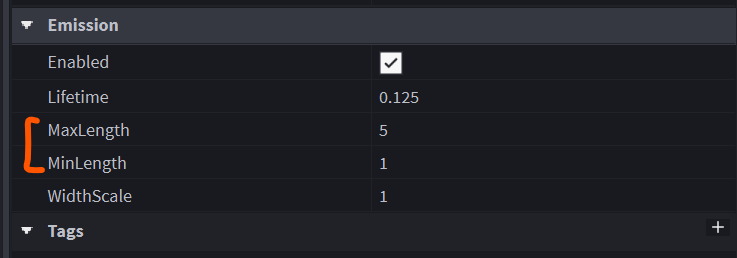
In Roblox
Lifetime ≠ Max Length. These are different controls.
Lifetime is time-based.
Max Length is space-based.
3 examples:
A) Lifetime = 0.125 | Max Length = 200
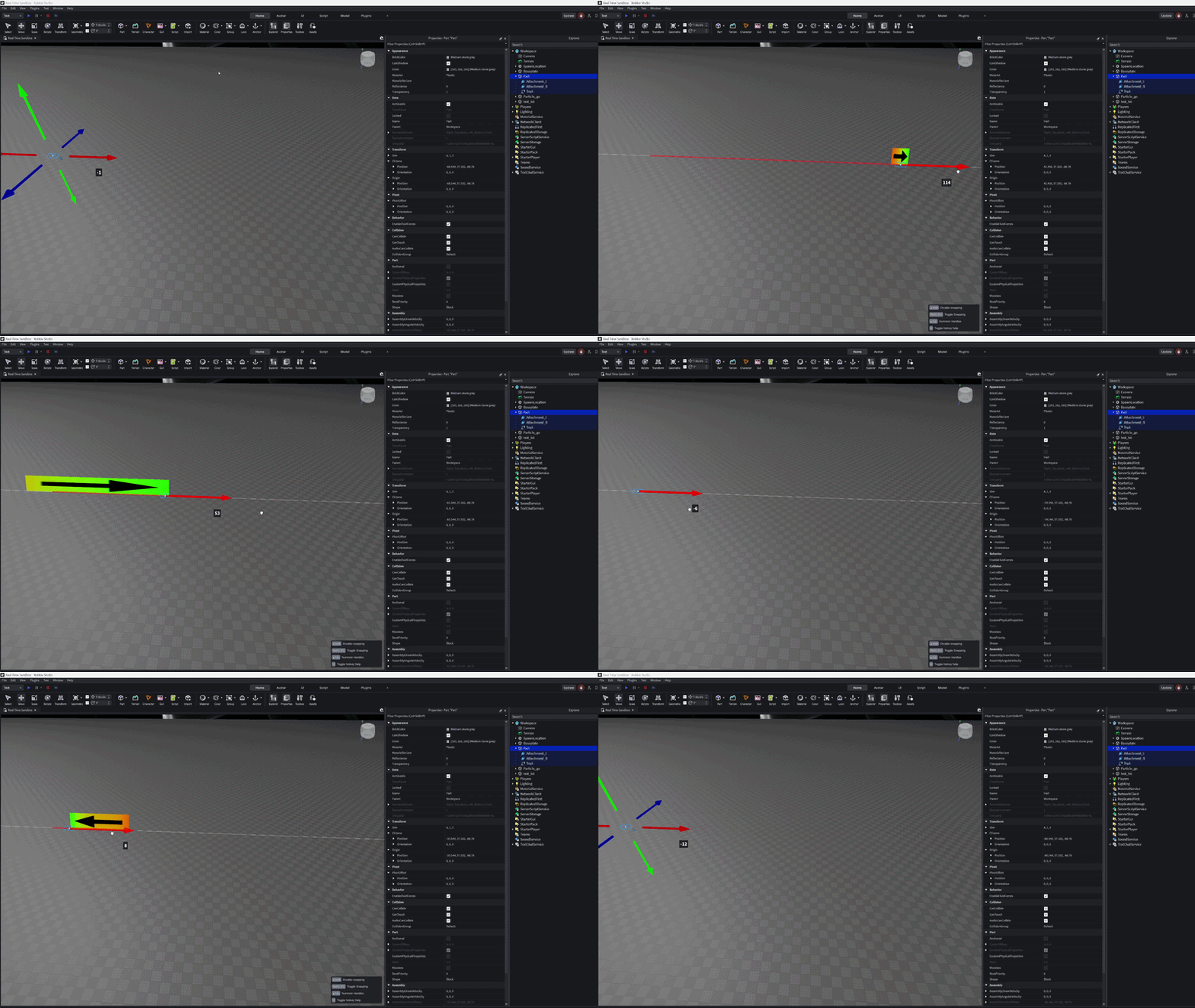
B) Lifetime = 0.125 | Max Length = 5
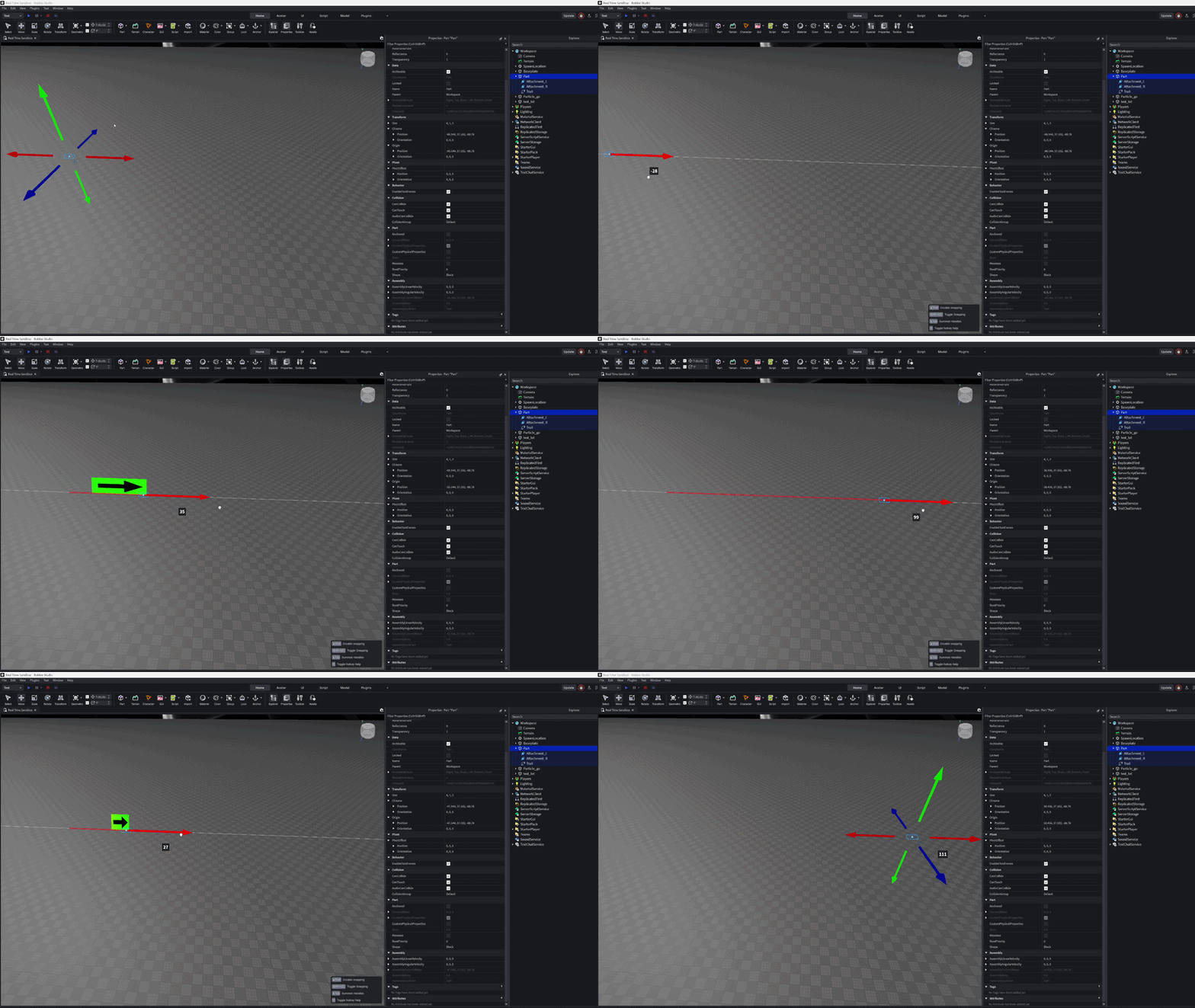
C) Lifetime = 0.5 | Max Length = 5
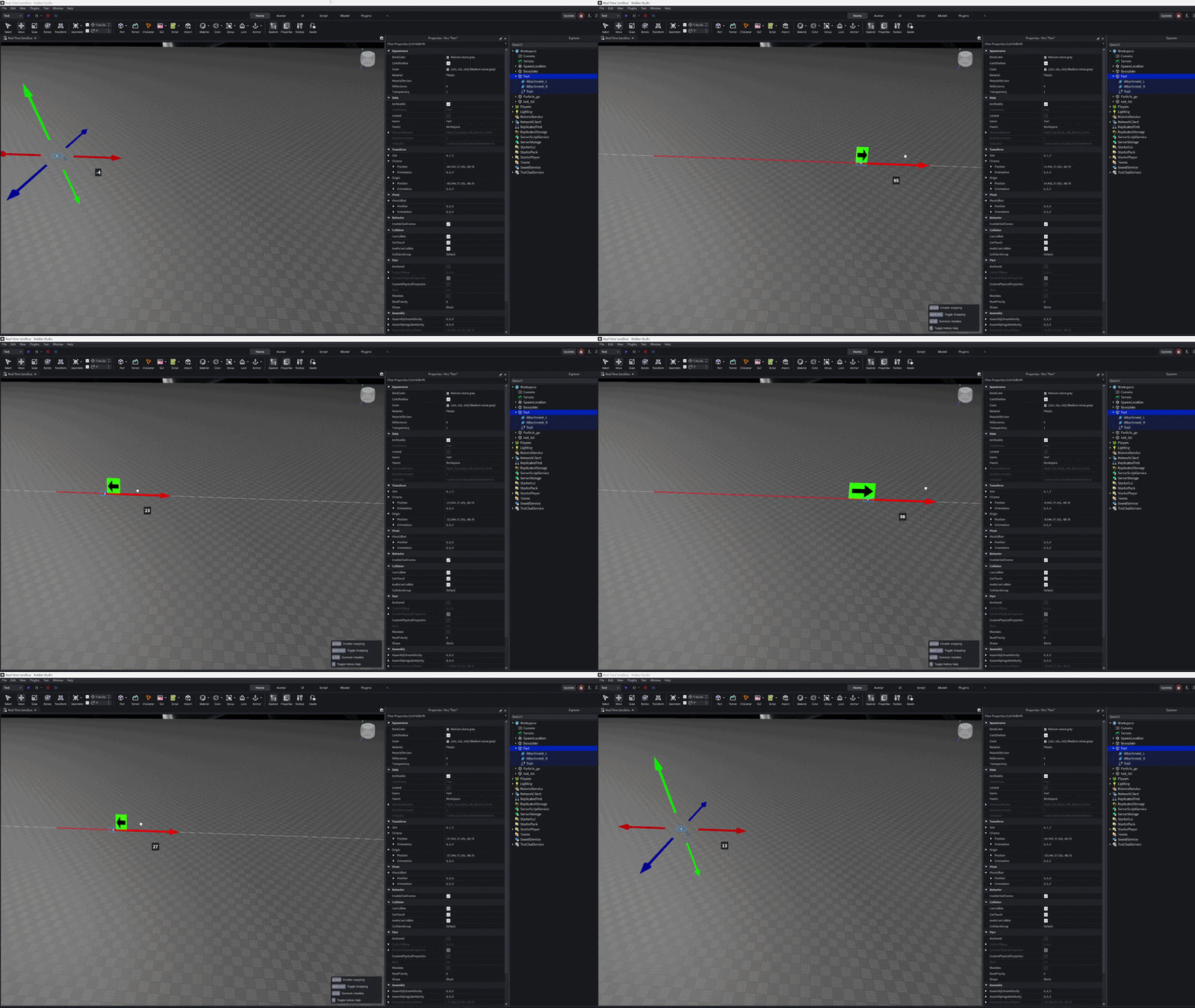
In Roblox – you get both.
In Unreal/Unity – you’re stuck with the “lifetime” parameter
How are you guys handling this in Unreal?
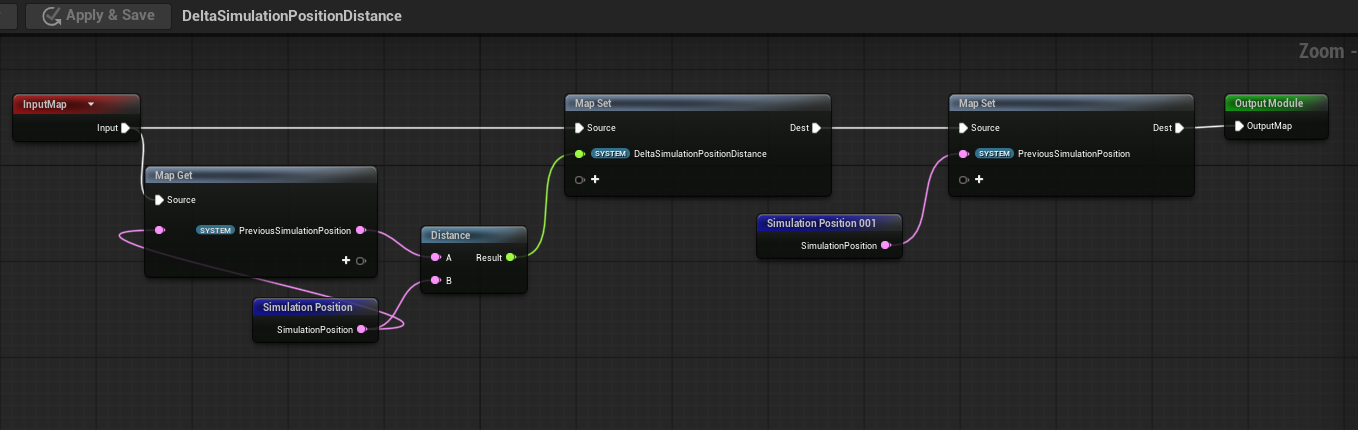
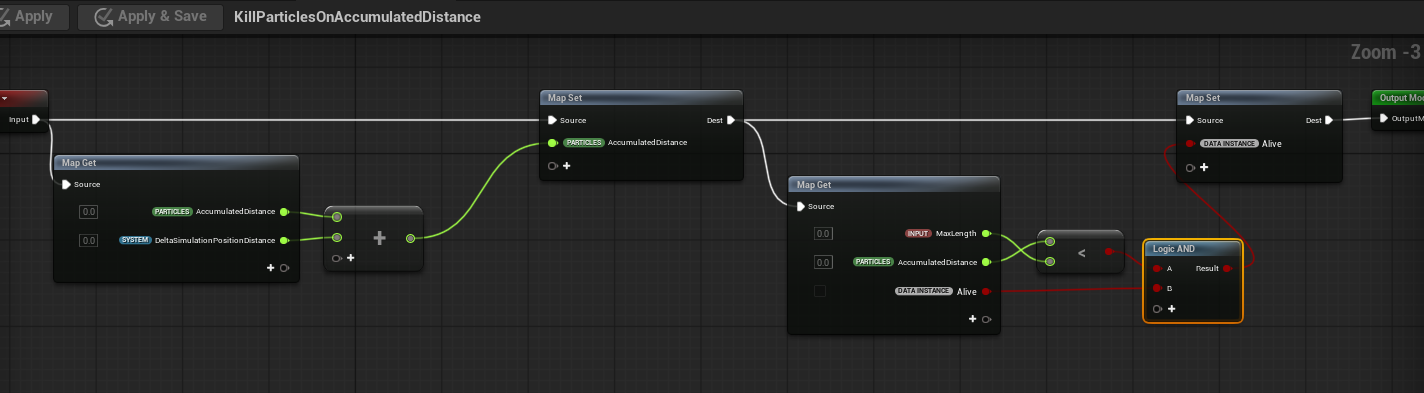
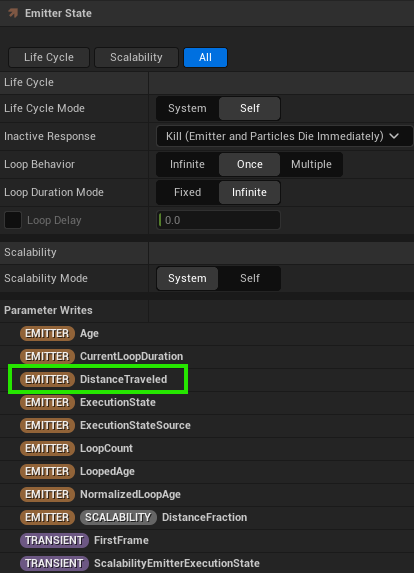
Is there a clean Niagara setup for clamping trail length?
Maybe someone has a neat scratchpad module or script to share?
Сheers guys.