Hi!
I got inspired almost at the end of the challenge and hope that I can finish the project before the deadline.
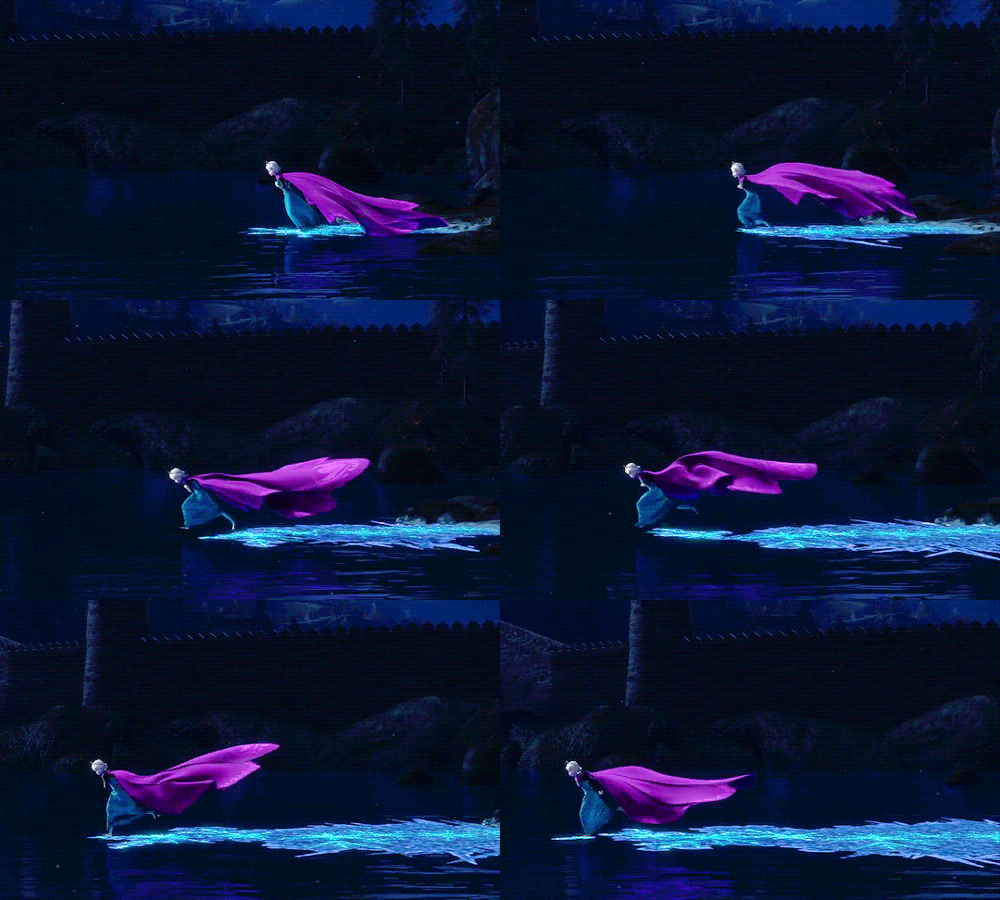
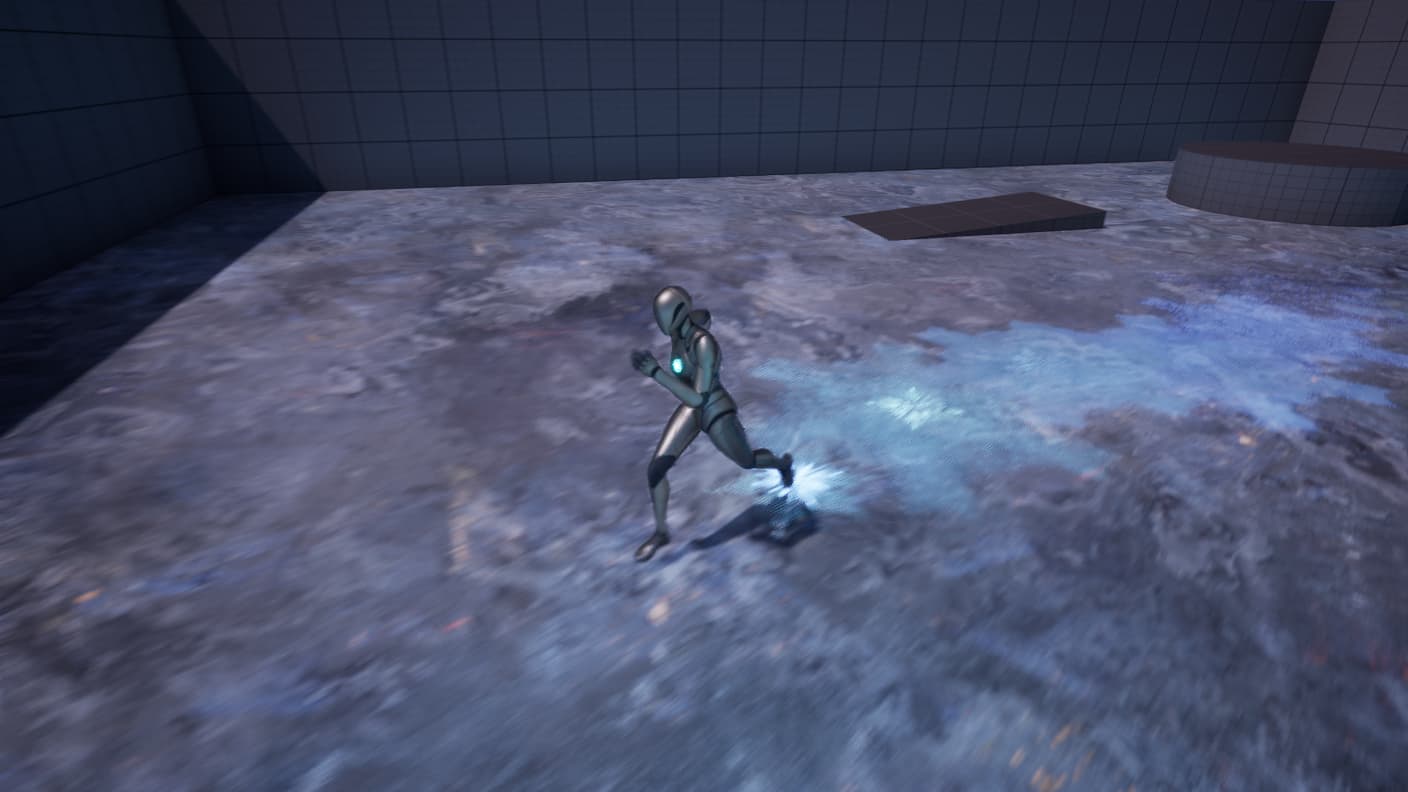
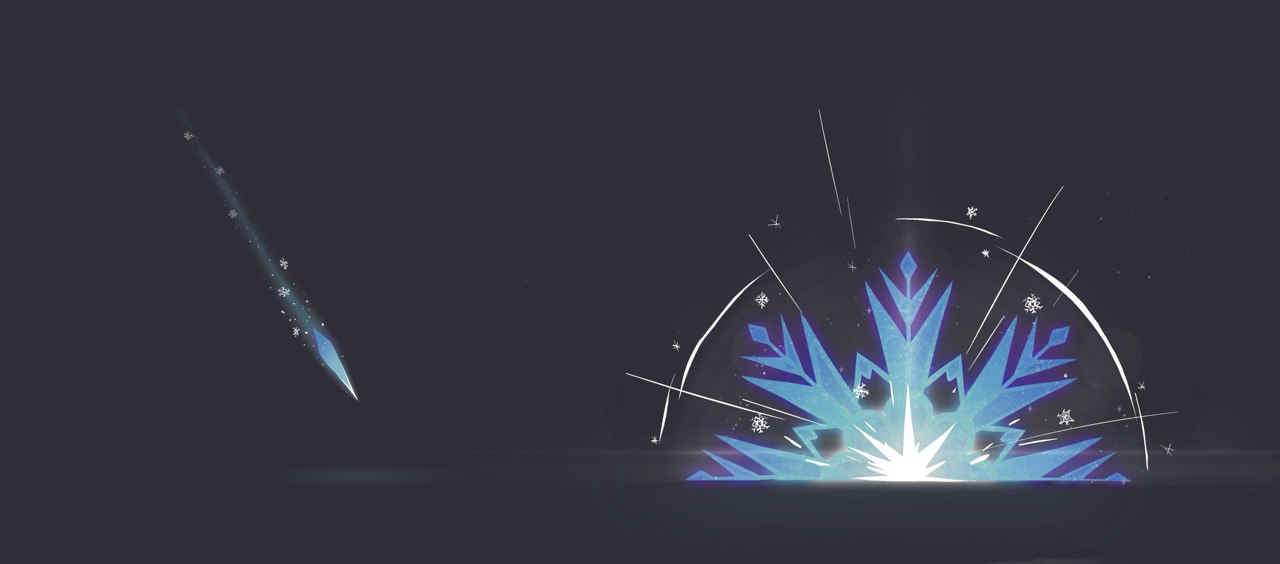
Well, I was inspired by Elsa XD and I decided to try to do something similar to her magic. I love that moment when she runs on the ice.
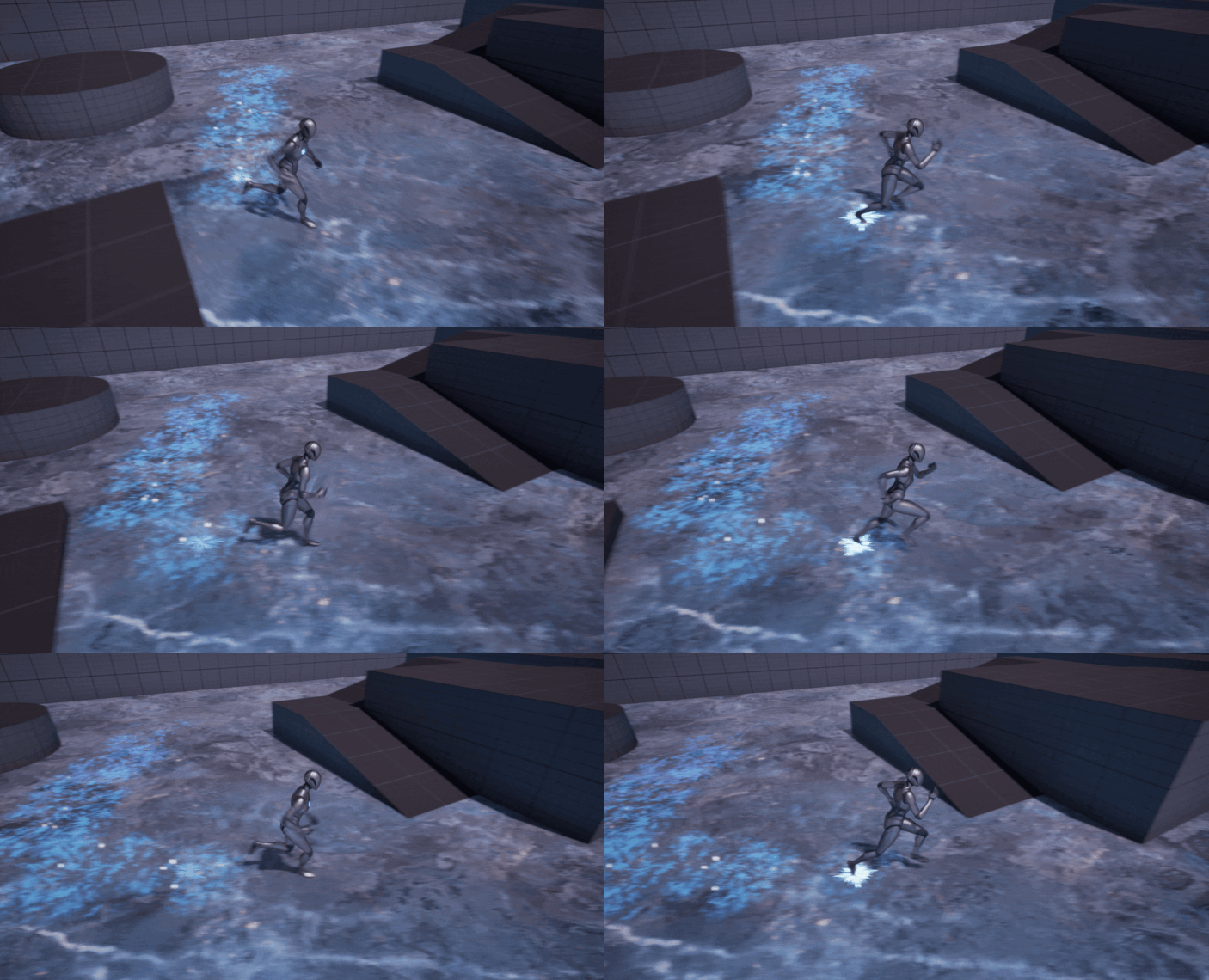
My goal is not to make a copy(it’s just inspiration) and learn how to make footprints.
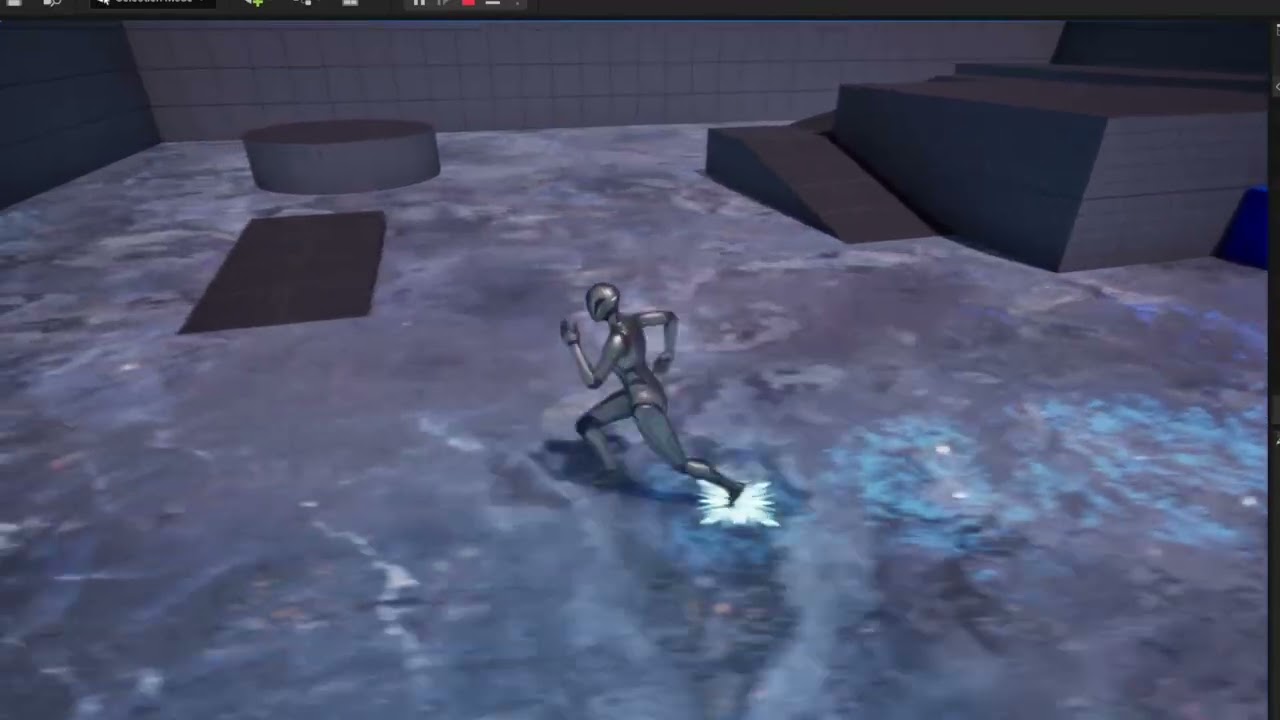
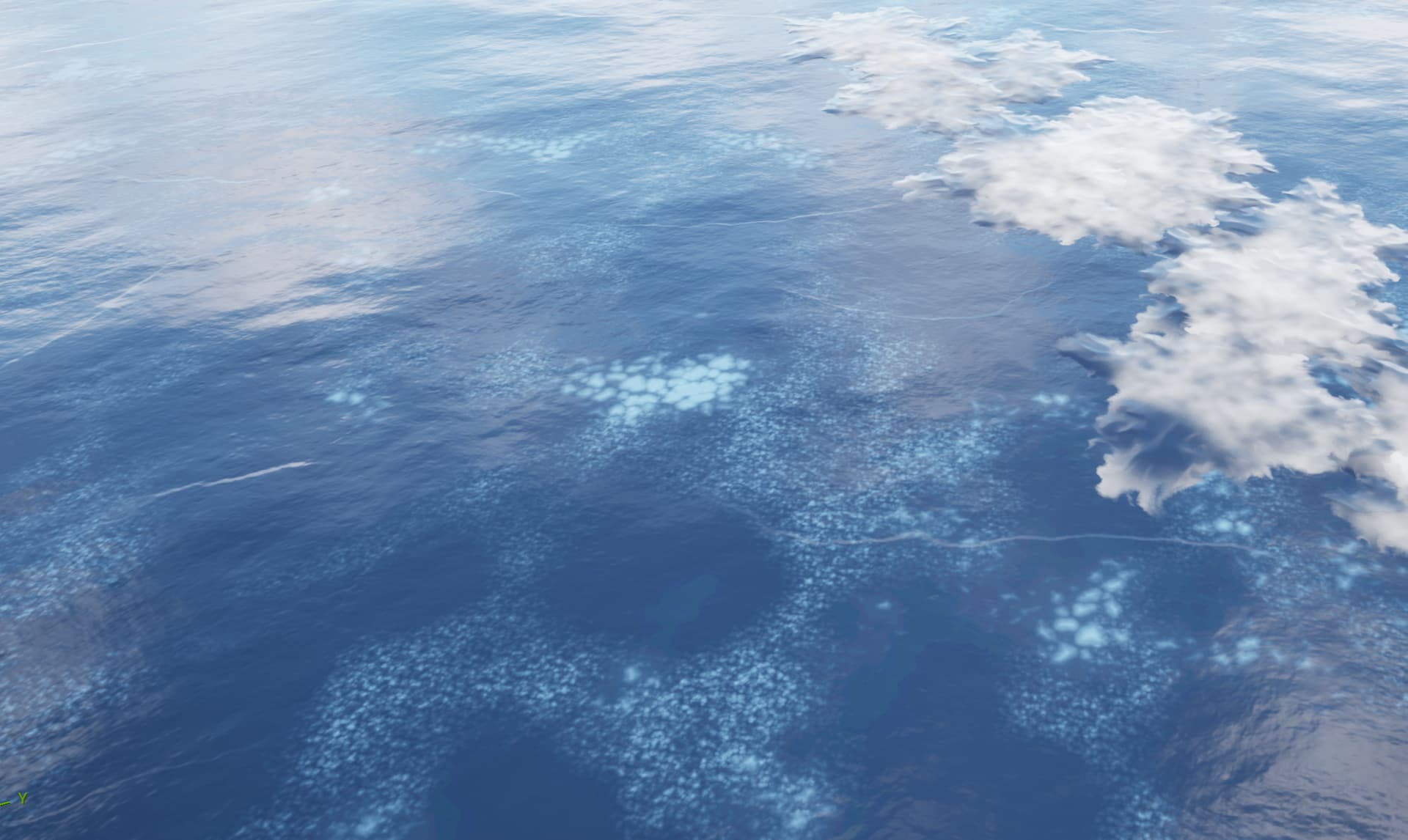
So here’s my work_in_progress
Hey Valeriia, that’s a good choice for the effect. But pay attention to how it’s done in the animated film.
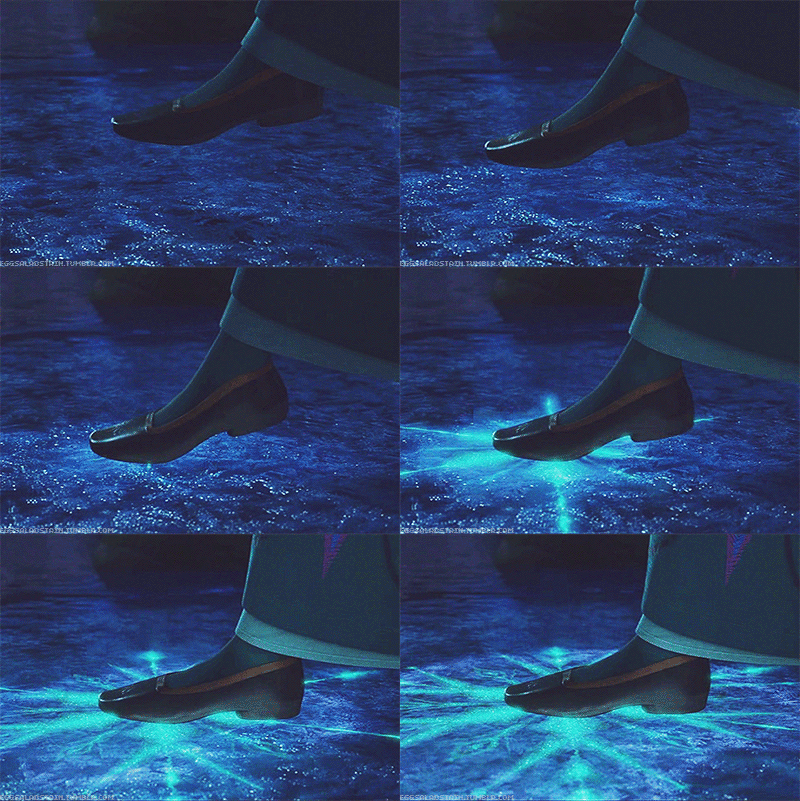
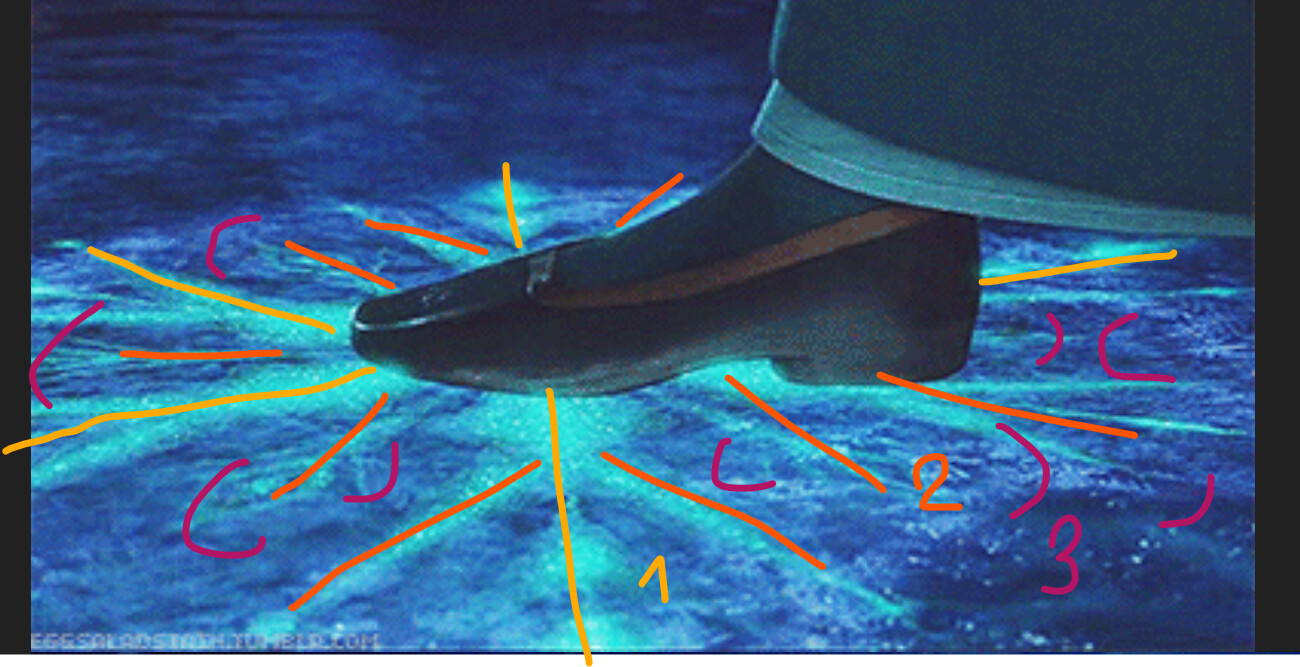
When she steps, we see a close-up of all the tiny details of how the snowflake spreads. The reason they show the very first step so close is to highlight the most satisfying part of the effect — the beginning of the propagation and the contrast of the bright elements. When she walks, it’s not just footprints in snow or wet ground — the surface actually freezes behind her. Each step turns into a snowflake roughly the size of her body. After a few meters, we see an entire frozen path behind her, wide enough for two people to walk side by side.
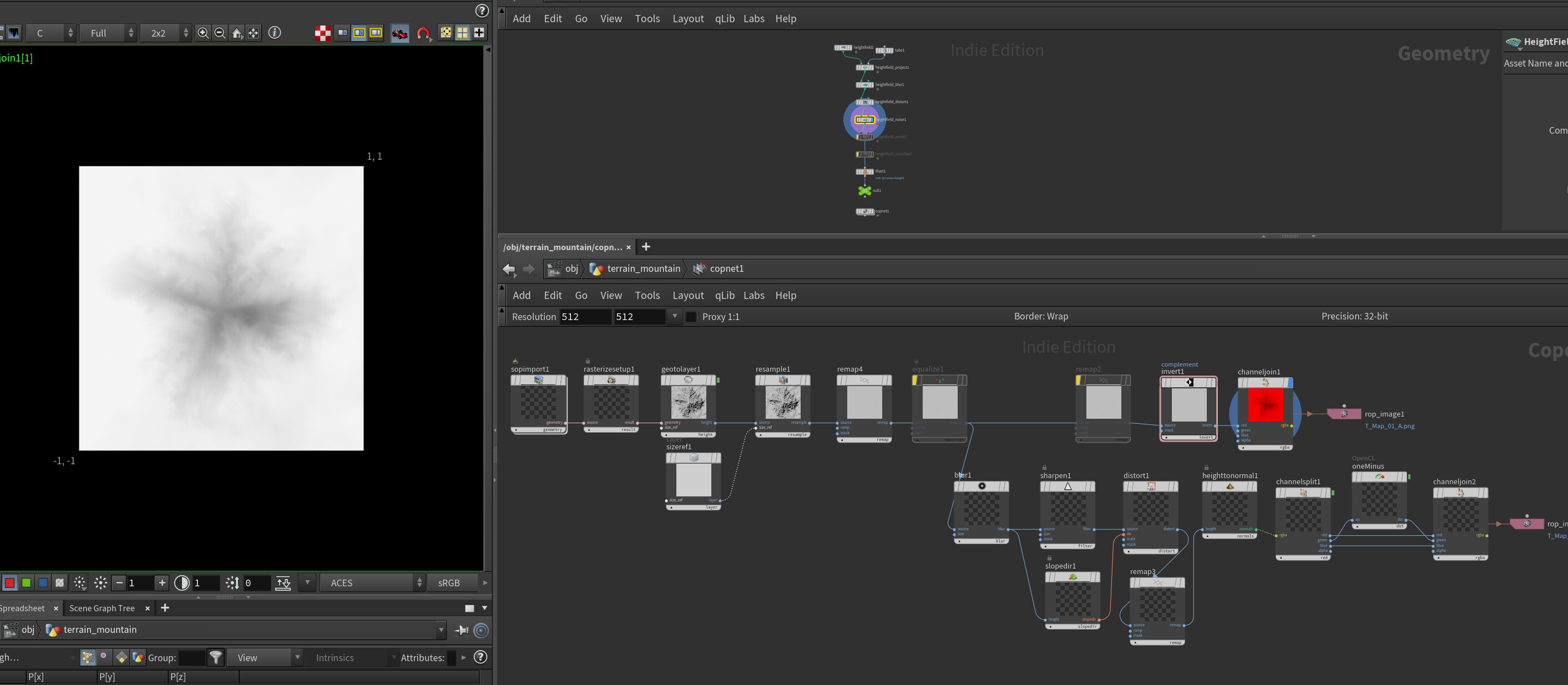
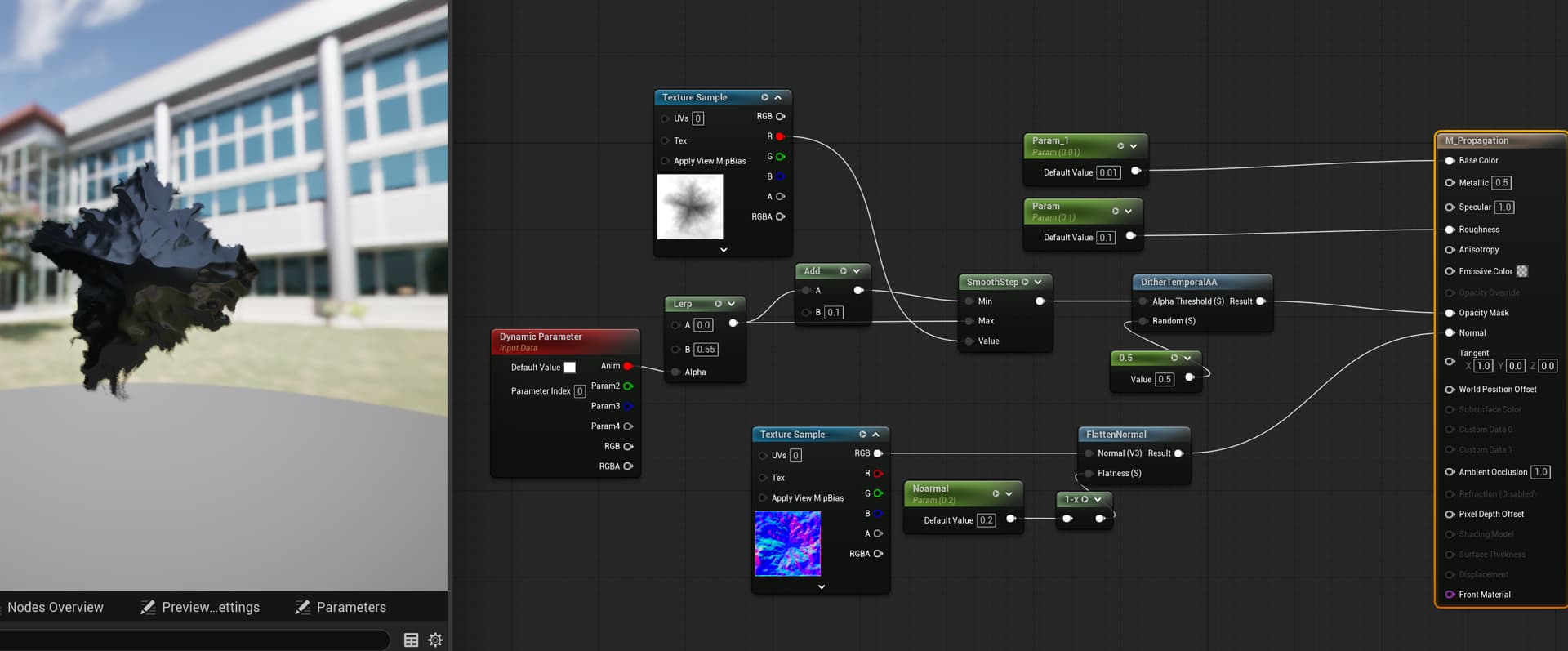
If I were you, I’d focus primarily on the snowflake animation . The best way to approach this is to create a depth map and animate it in the material. In my opinion, you don’t need to overthink the ice surface or the final look of the snowflake at first — just concentrate on the propagation.
I’d prioritize it like this:
1. Snowflake propagation
2. Snowflake visual appearance
3. Everything else
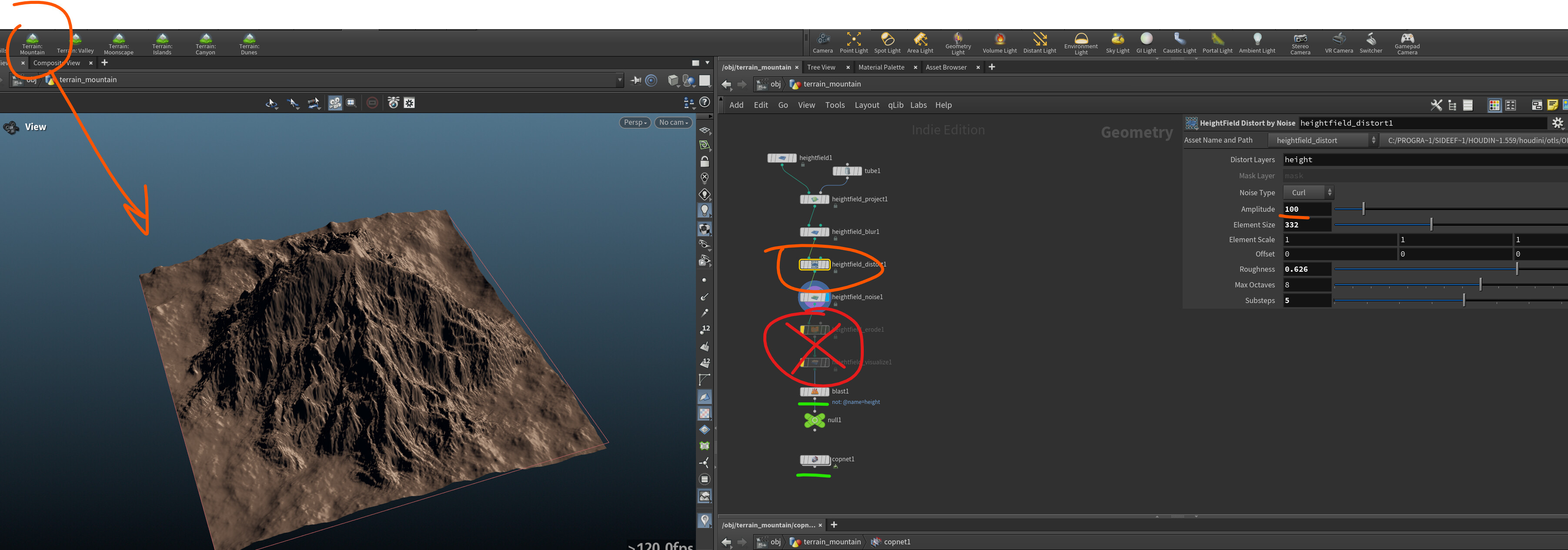
If you’re familiar with Houdini, there’s a good way to generate a snowflake shape and then bake out a depth map. If you’re using a different tool, try creating a simple mountain shape as a test element, generate a depth map from it, and then animate it using remap or smoothstep in the material.
One more thing — pay attention to the spikes (the lines and sharp parts of the snowflake) that actively grow out of the frozen path behind her. This should be the main point of interest in the animation, because it’s the most dynamic part of the entire effect.
If you can add more bright elements to this area, or give these sharp spikes a more interesting visual treatment, it will really enhance the appeal of the animation. You can also use normals with low roughness to make it good reflaction, and add a subtle inner glow as well.
Houdini Files - ayuroveduc@HPaste
How to use the link above - hpaste or MyPatreon
I used masked material but you can use decal, it will look better, but it only works on CPU
Alright, if that works for you, I’d be happy to help.
If you don’t mind, I can put together a step-by-step tutorial using Houdini. I’ll also create a short guide for those who don’t use Houdini yet — how to download the free version, use the educational license, and quickly set up HPaste for file sharing.
I’ll show how to create the snowflake in Houdini and how to add that inner glow inside the snowflake. I also think we should revisit the ground/floor a bit later to introduce more contrast between dark and bright areas — right now the floor is flattening the effect and hurting the overall look.
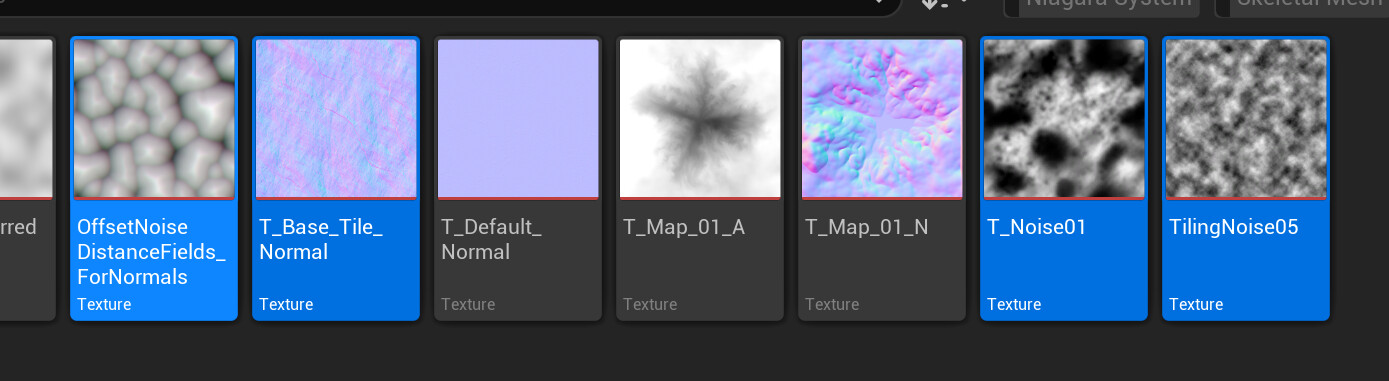
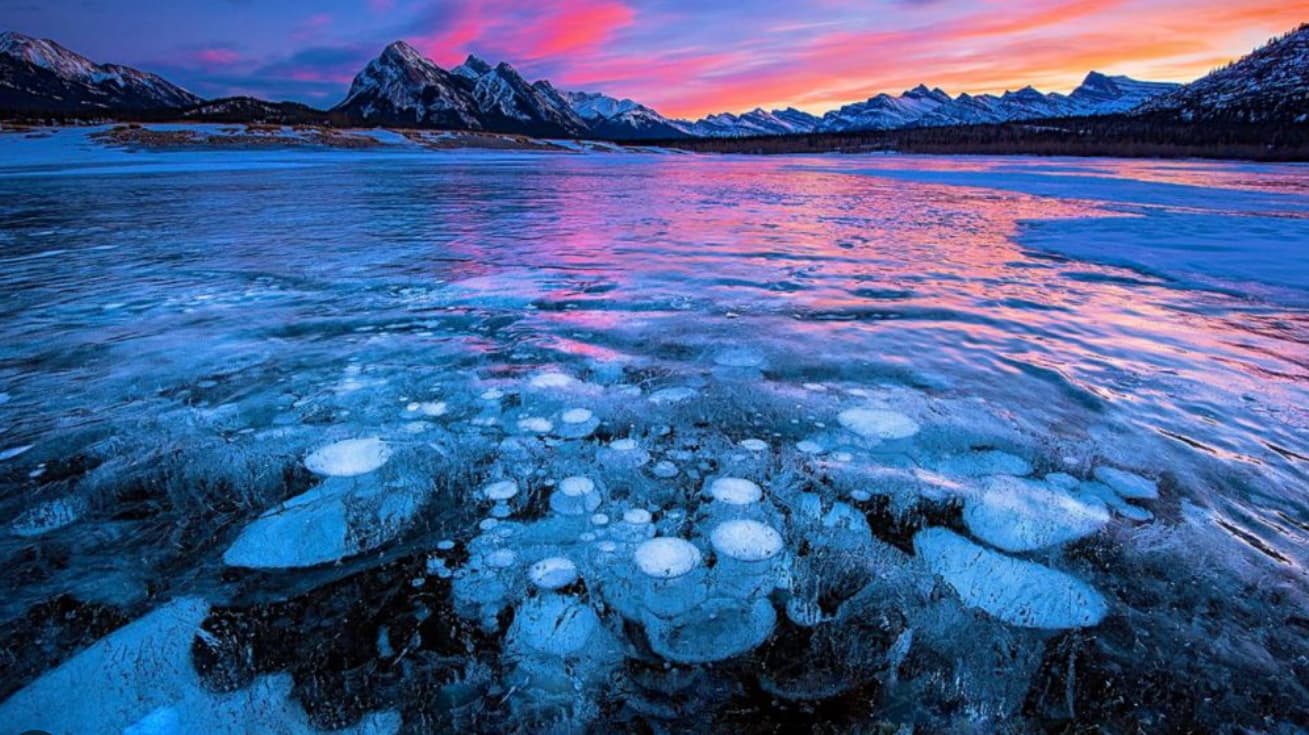
If you still want to add ice early on, you can tinker a bit with this type of material.
The most important thing is the normal texture, as soon as you find it in the engine you will immediately get a good result.
To achieve a similar result with the bubbles, you can create a bubble texture and use different tiling, noise masks, and bump offset to add a bit of volume. I used a simple noise instead of actual bubbles — that should be sufficient so we don’t spend too much time on something that isn’t a high priority right now.
To achieve good brightness in the snowflake, you need to use several masks and noise patterns blended together. But most importantly, you need silhouettes. If you look closely at the snowflake animation at the beginning, you’ll notice that there are several layers of silhouetted snowflakes animated in a non-linear way.
First, the animation drives the primary lines of the snowflake, then the secondary branches, and underneath that there are a few additional layers of ornamental detail, along with an outline.
Thank you a lot for all the feedback, there’s so much of it
I was planning to do something different from the concept, so first I would like to finish my initial idea, but when I’m done (I hope that before the sketch end :D) then I will happily learn on all that you wrote. There’s still a bit I want to do before that. But thank you!
As a bonus, I want to show you a concept (part of which you’ve already seen). At first I wanted to make a snowflake explosion, but the idea of Elsa VFX seemed much more creative to me