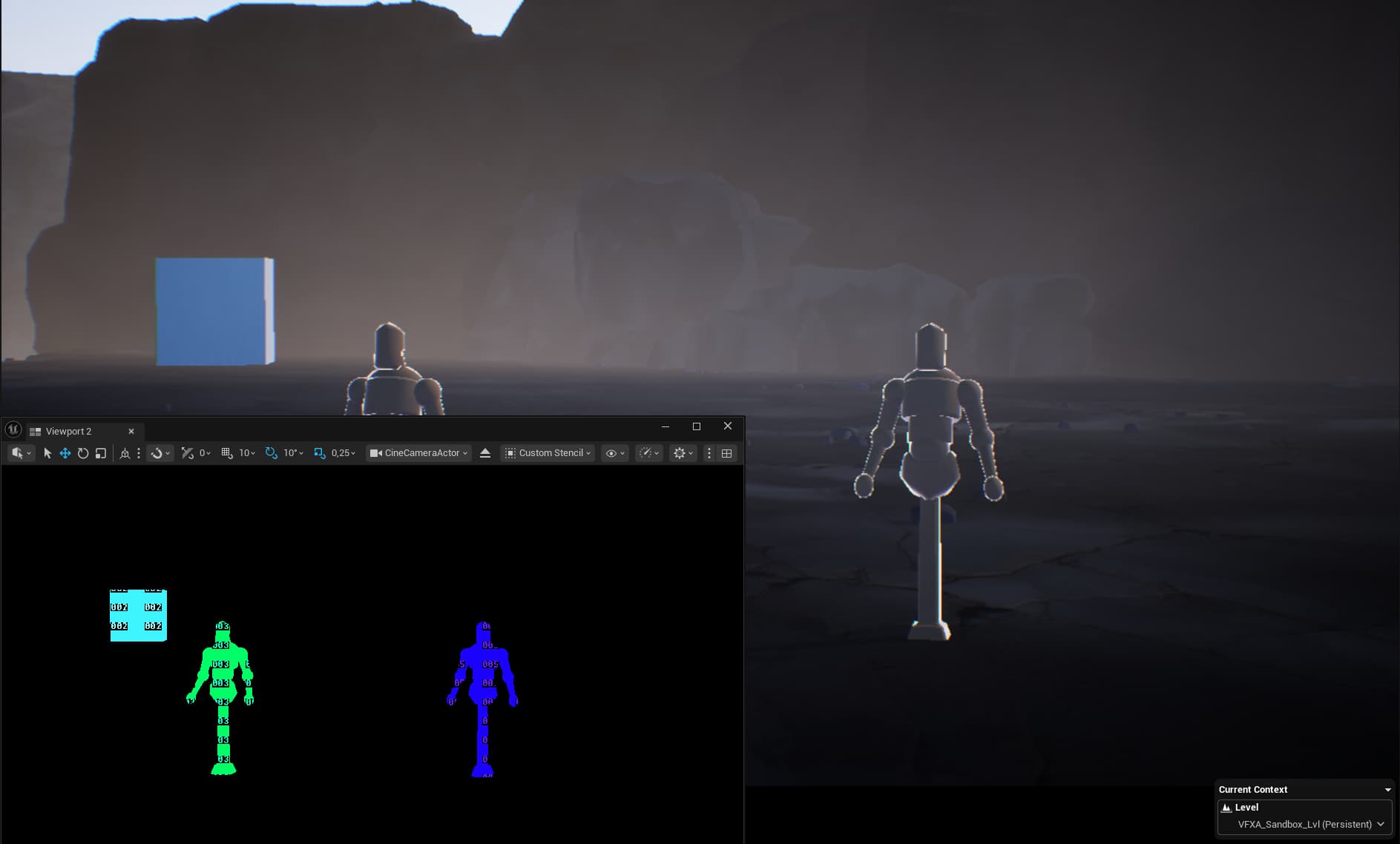
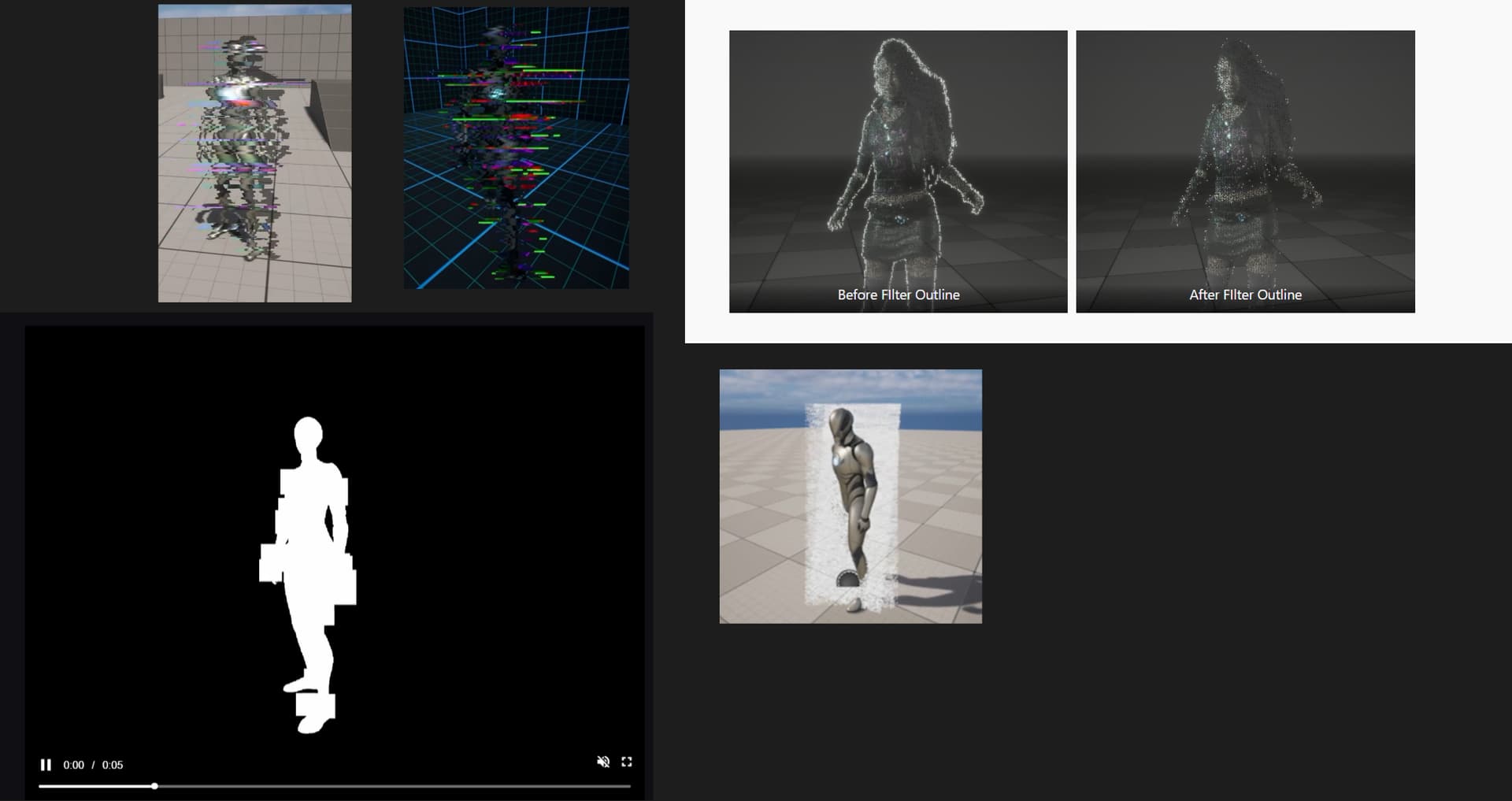
After some research I decided to join this challenge to study how to use the stencil buffer with Niagara.
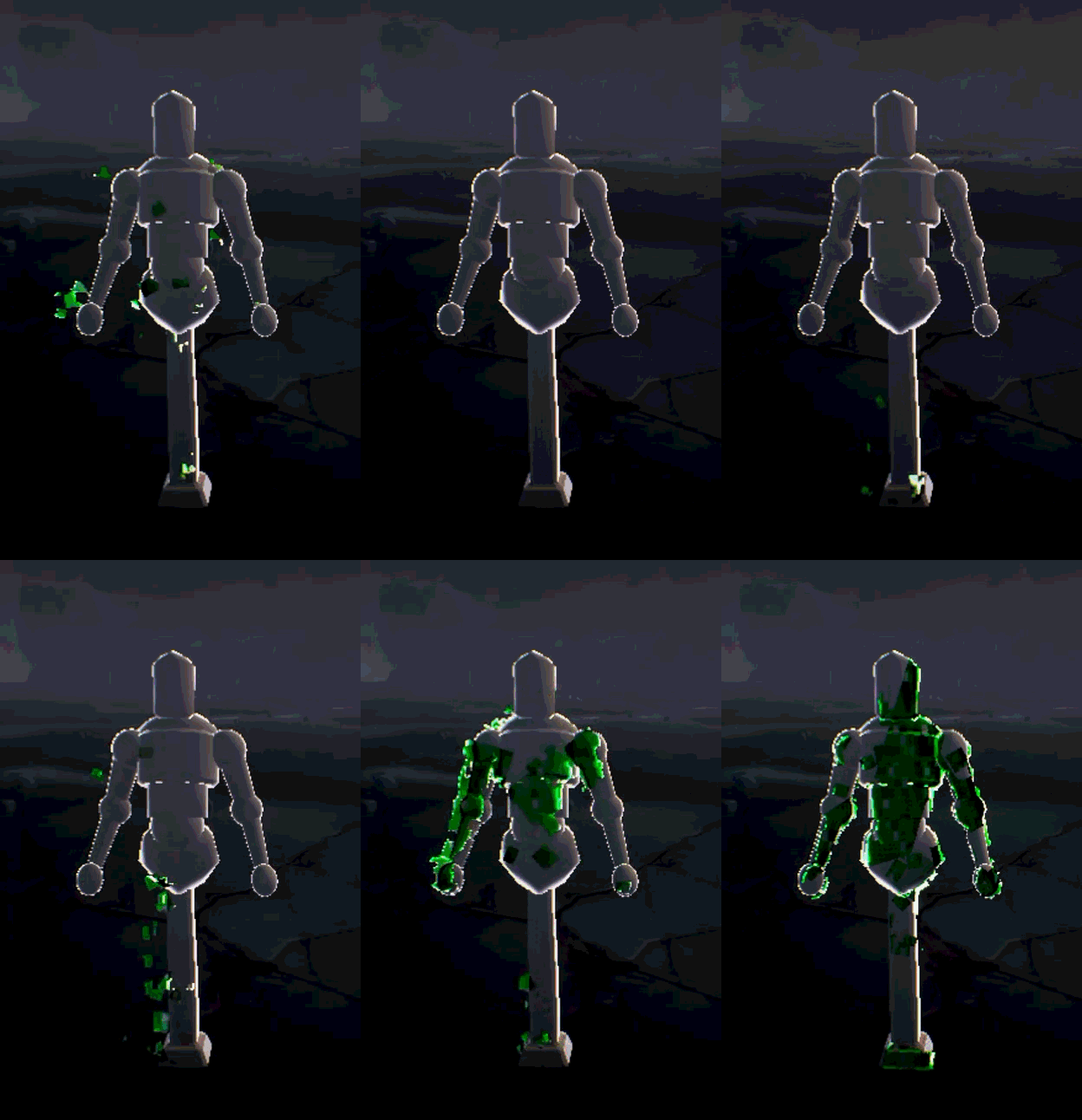
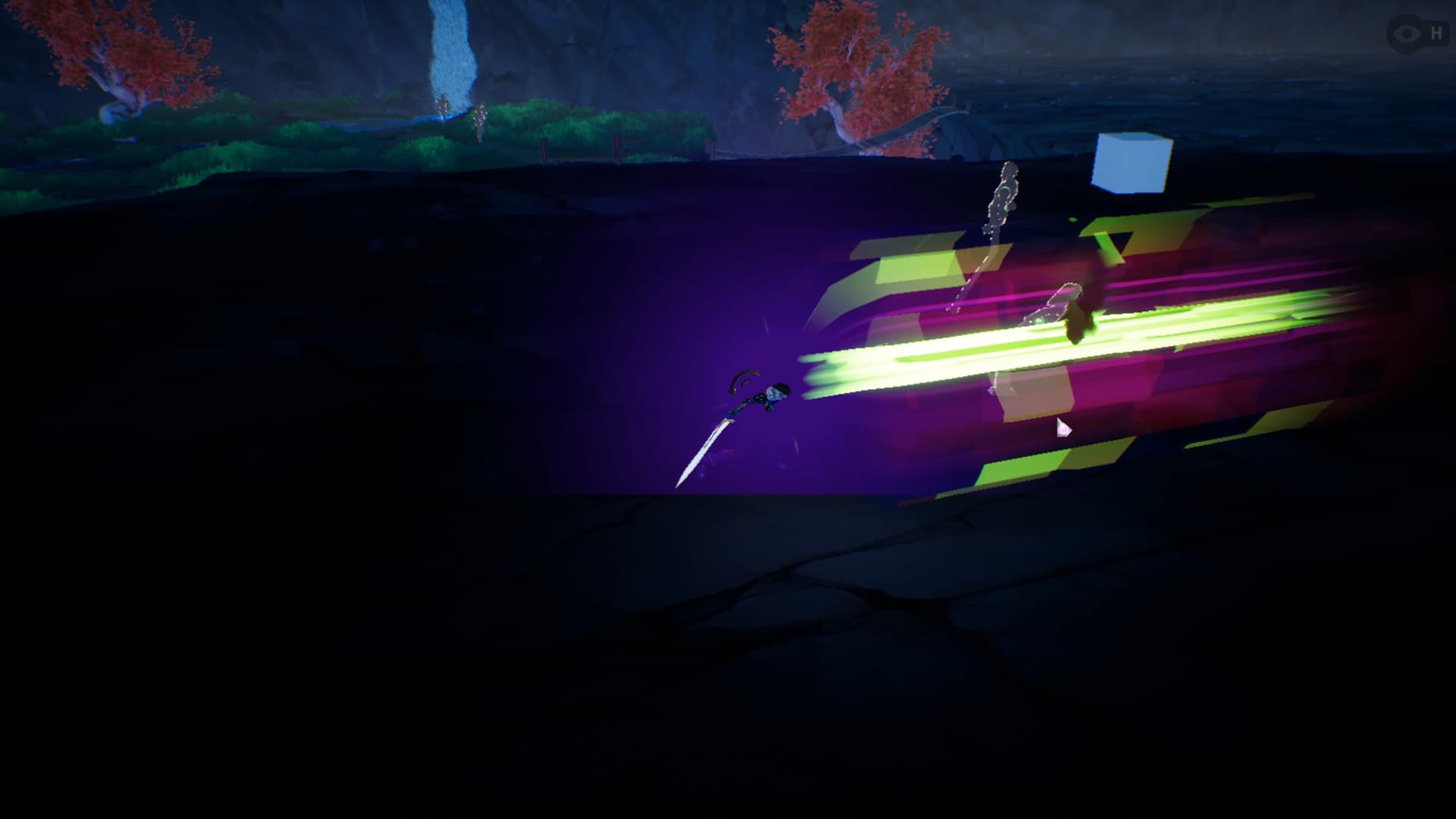
To test it out, I want to create a projectile that spawns particles in a zone only if there’s an object with a specific stencil value inside it, triggering a partial or full glitch effect on that object.
I have two very good articles to explore stencil buffer and niagara, with two different approaches: one use post process for write in a dedicate buffer, and the other one use it for a mask. Hologram Stencil / Glitch stencil postprocess
I want to use only a particle shader and custom stencil to reveal the glitch on a mesh or skeletal mesh.
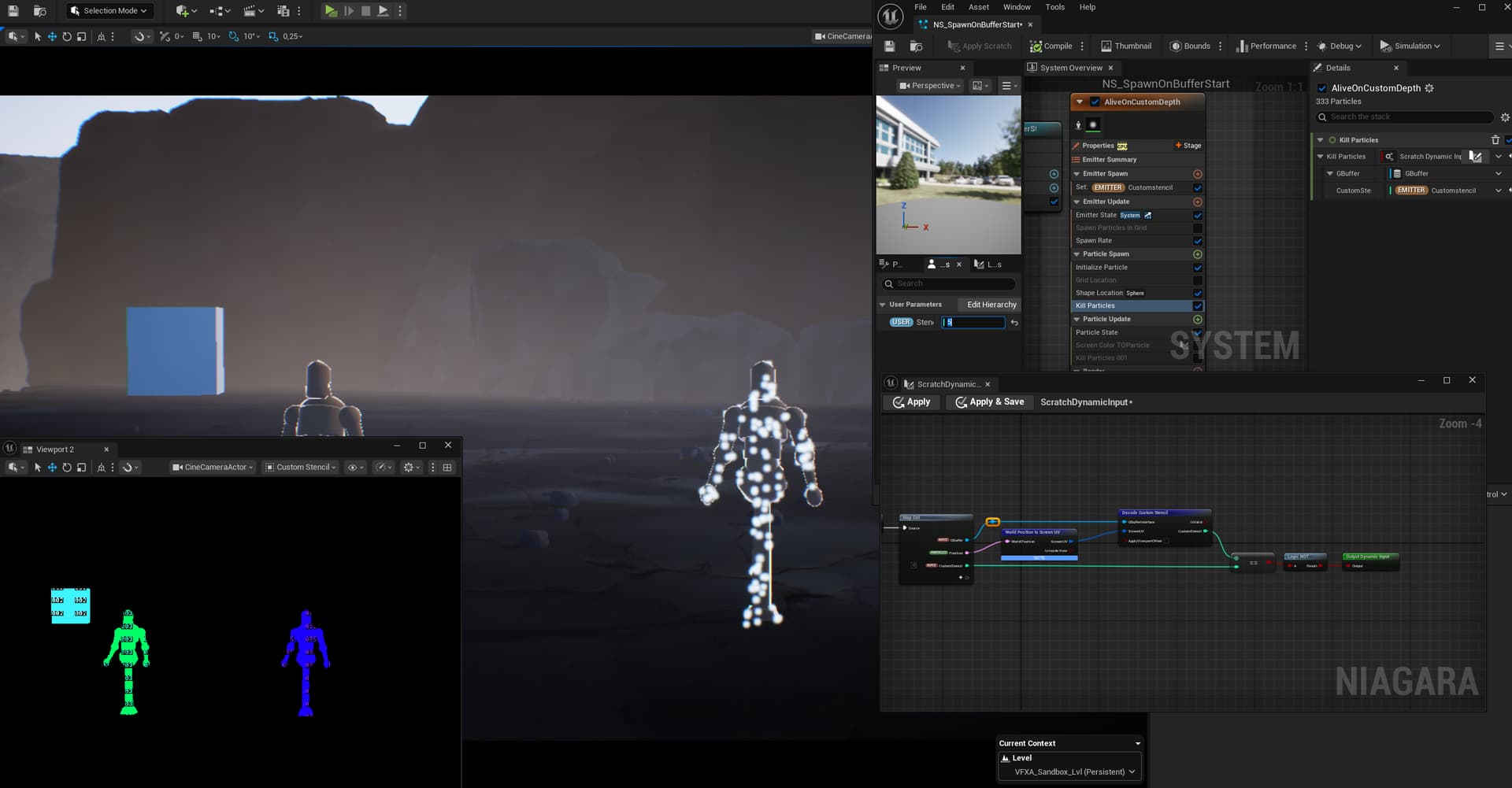
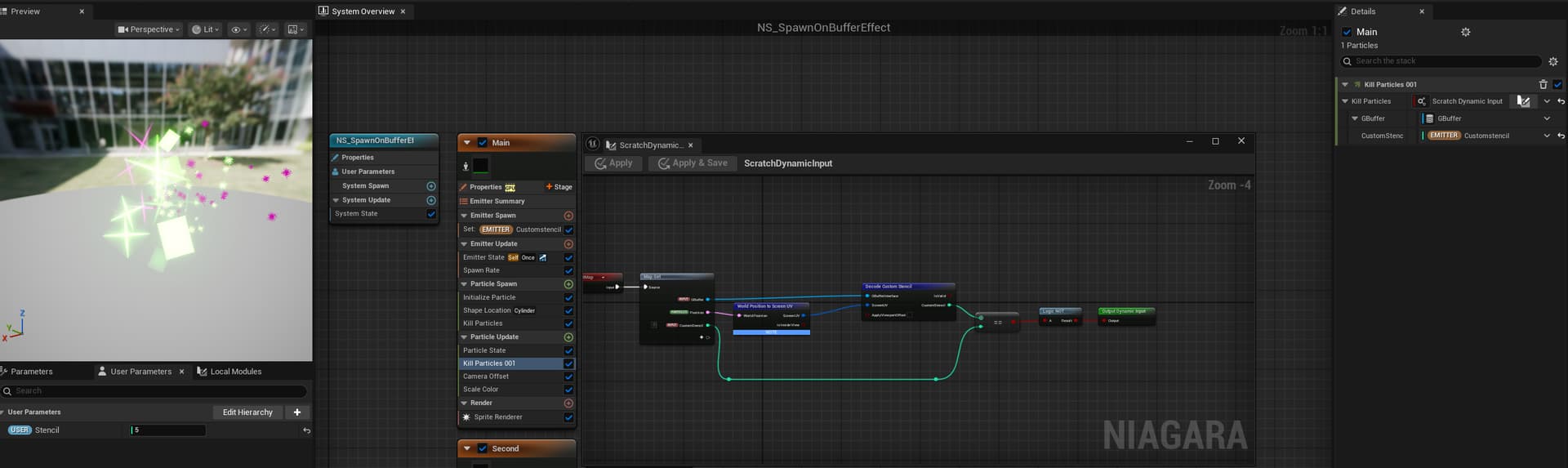
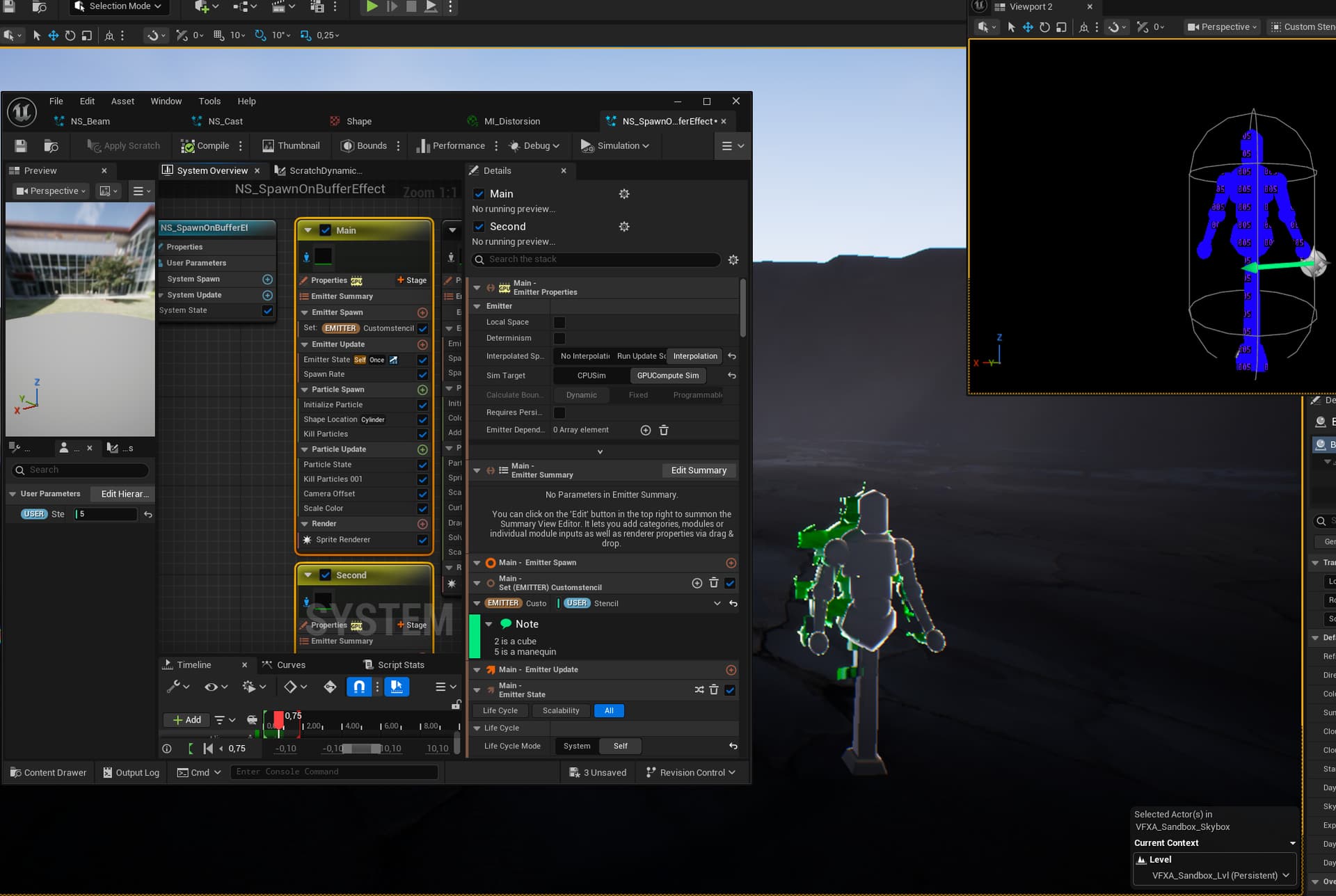
The first step is spawning particles only when a custom stencil value is read.
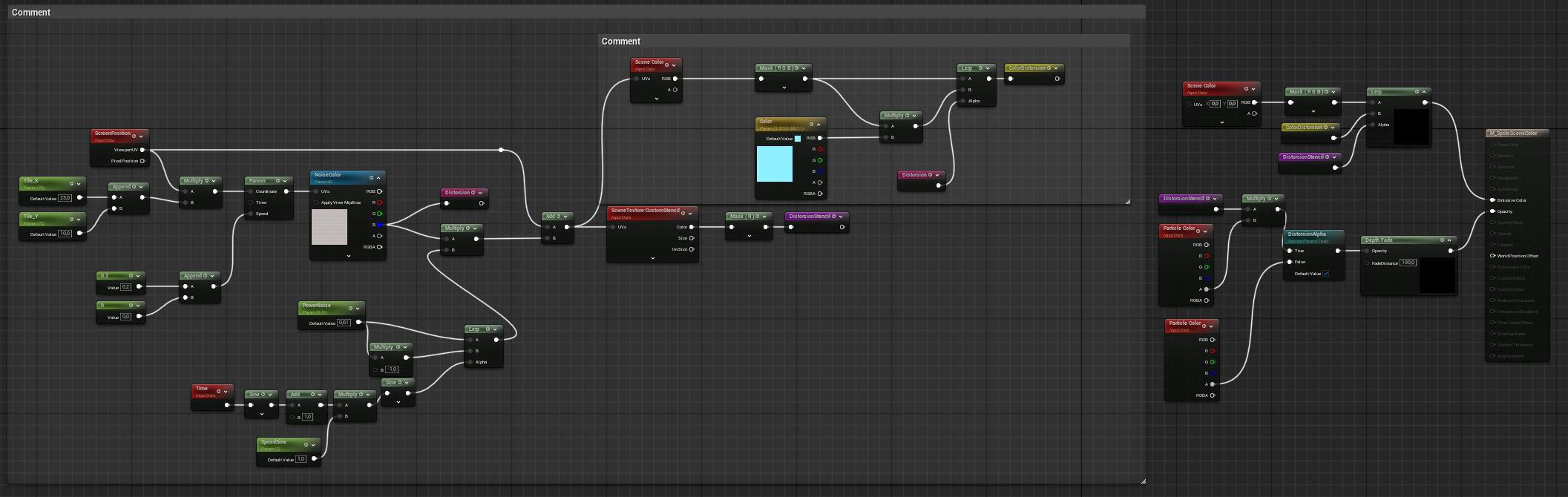
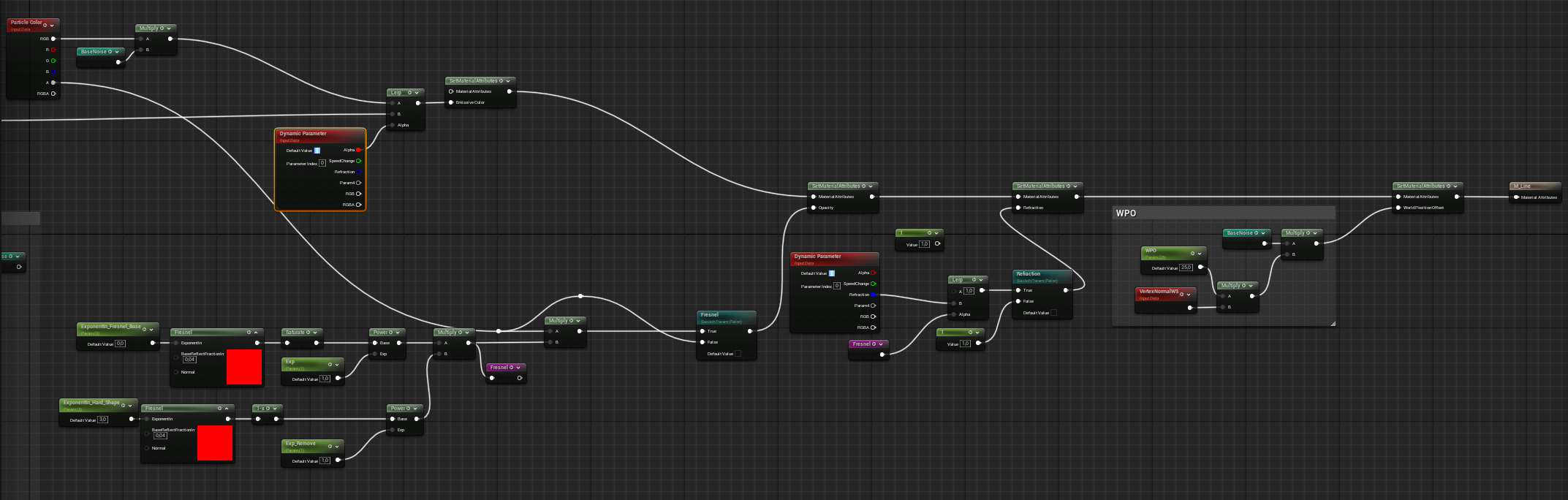
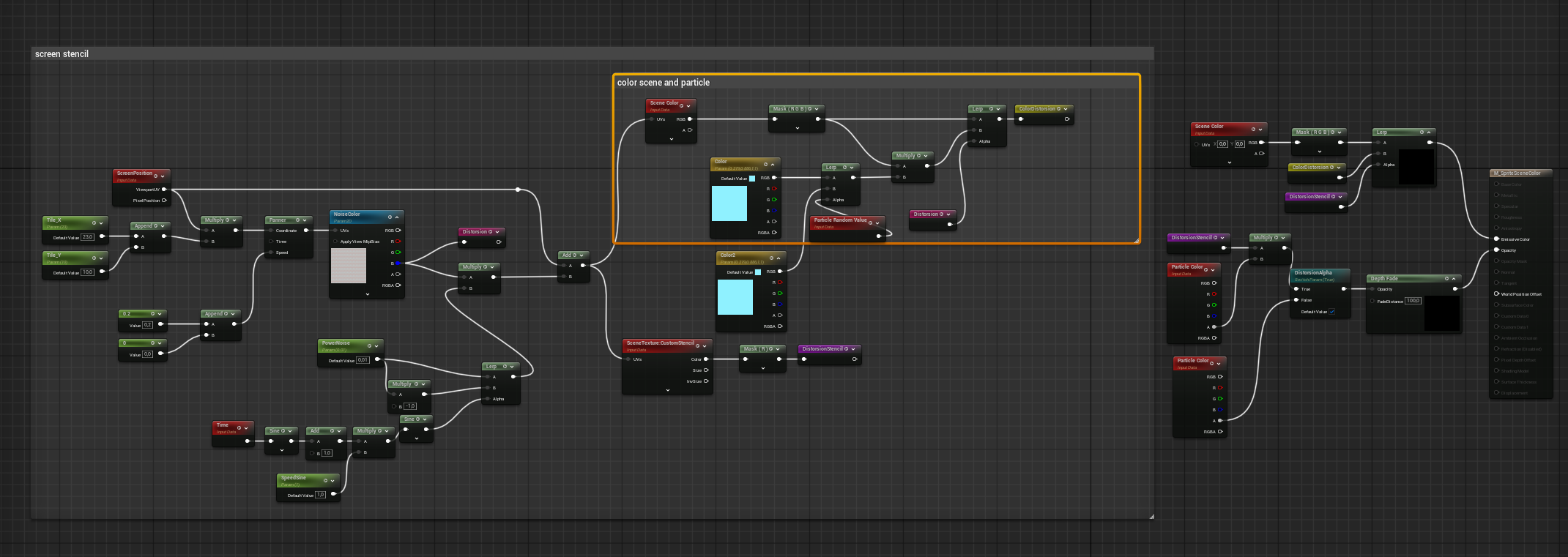
This material is applied to the particles, with the alpha channel driven by the stencil to achieve the desired feel. It heavily references the resources shared in the first post.
Next up is building out all the secondary elements, plus a cast or explosion to activate the glitch effect.
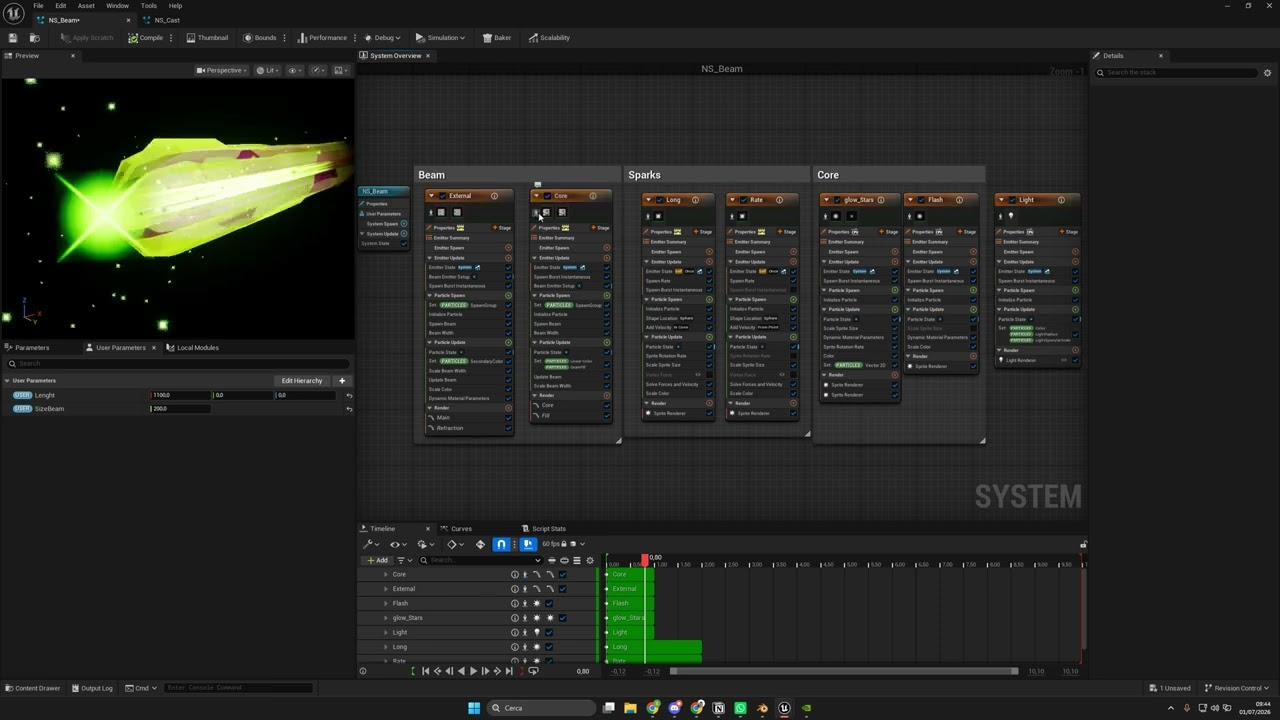
Update I added a charge and a beam effect as the “delivery mechanism” for spawning glitch particles on objects marked with the stencil buffer. The beam still needs some polish and more visual elements. The hit effect also needs work right now it only has the glitch particle, so I want to add more variety there. New update next week.
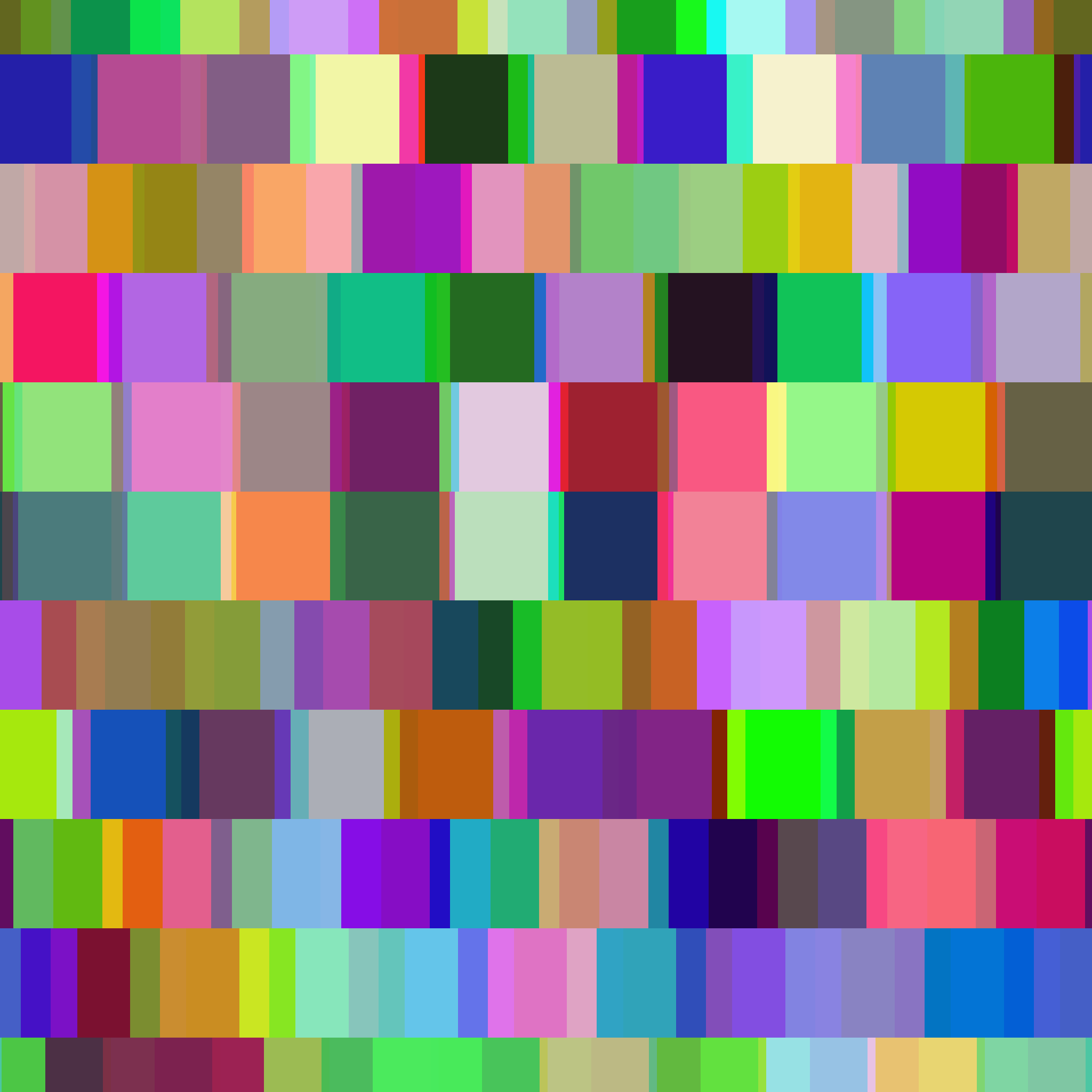
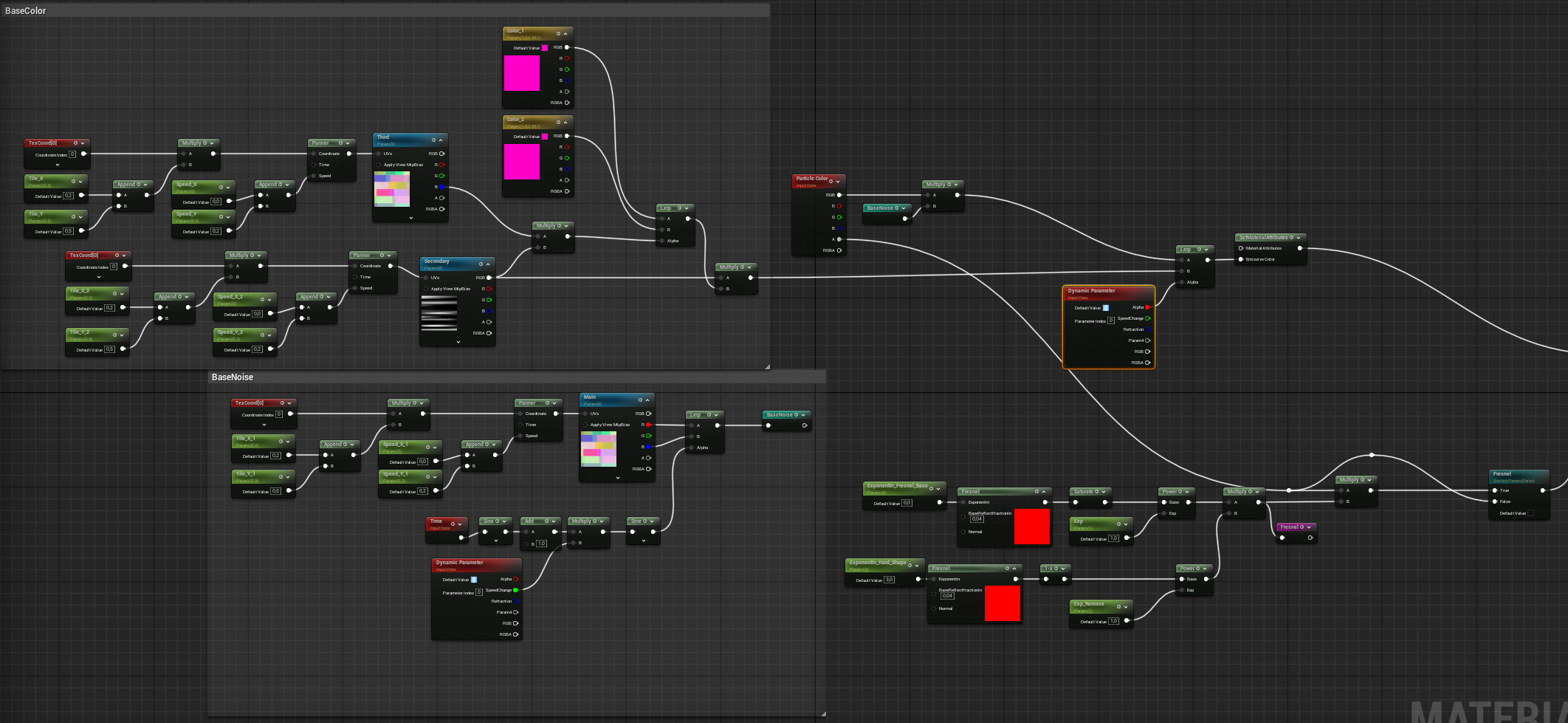
the cube noise i use in the material to blend between 2 channels to add more movement in noise, but you can see the material setup on the following image.
The real research behind this effect went into the hit effect,I studied how to use custom stencil for kill and retain the particle selectively,via a using this scratch pad in the kill particle node.

 .
.