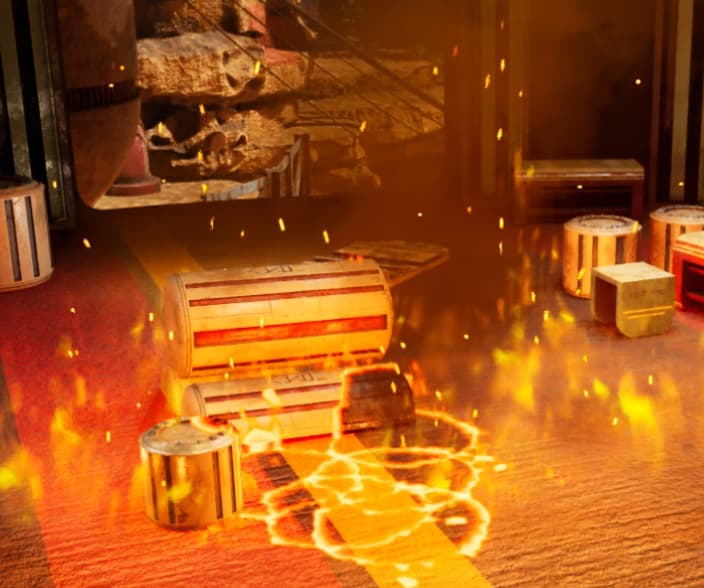
Hello, I am attempting to do something advanced, well, what I think is advanced, I’m trying to blend these decals in a Niagara system together, so when they come close togethert, they don’t overlap, they combine to create a bigger scortch mark without the emissive rings inside the other decals. Are there any tutorials out there that can help me? I hope I have explained myself well here
Hey!, im not a professional but I noticed no one has offered a sollution yet.
Perhaps a long shot but you could try to make it 2 layered, one for the inner part one for the burning outline. Then make it so the first layer (the darker inner layer) always renders on top of the 2. That way if they spawn on top of each other you will get only an outline on the edges if that makes sense.
Hope it works!
1 Like