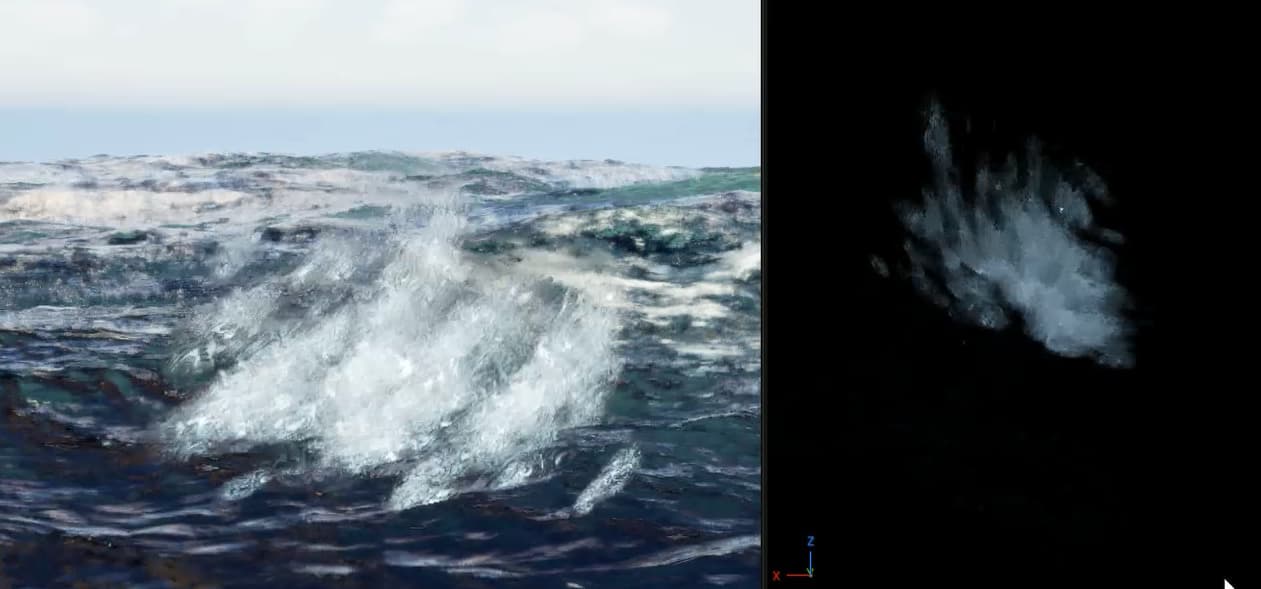
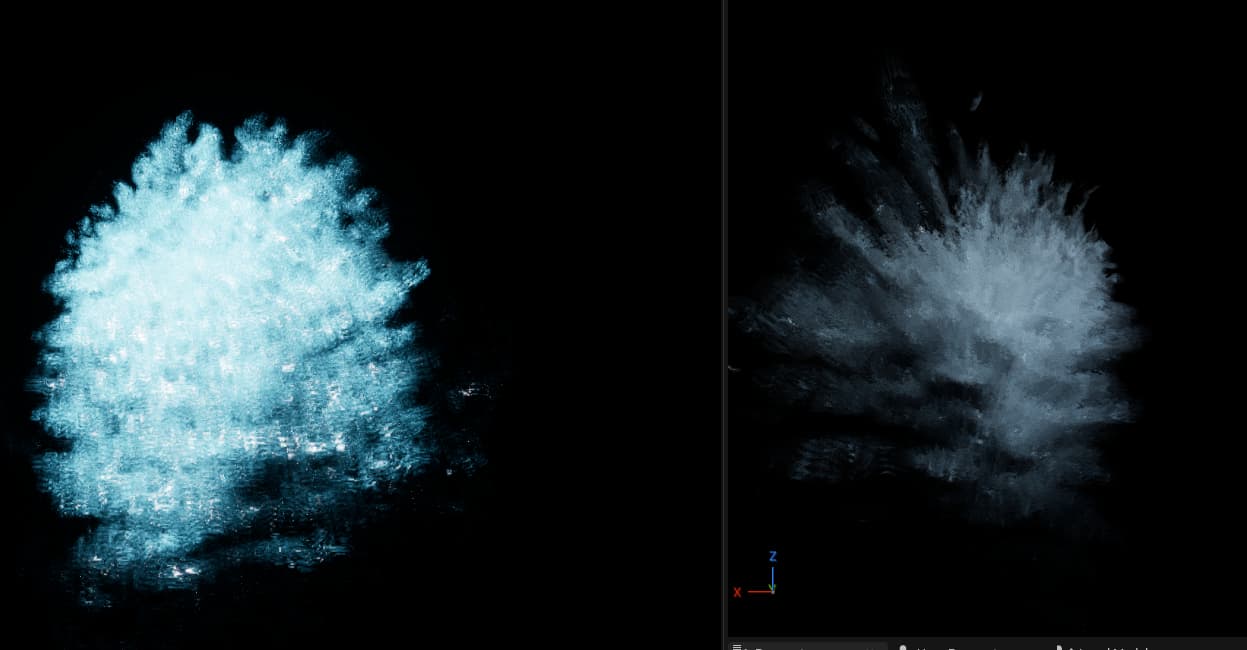
So I was making this Water effect in niagara, and in the viewport it looked amazing!
However in the game it looked off, what I found out was that I had the viewport in niagara set to show it without post processing.
With post processing it looks awfull, but without it looks amazing. Now I do need post processing in the game for other effects, so my question is: Is it possible to turn of post-processing for a single niagara vfx?
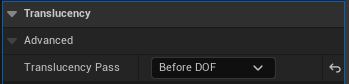
For anyone running into a simular problem, its not an exact sollution to disabling post processing per niagara vfx. But switching the material used from translucy after DOF to before DOF made it look a whole lot better!
But the answer is no, you cannot feasibly turn off post processing for Niagara.
If you’re on a more recent version of the engine, the translucency pass can also be done after motion blur. This is much further down the post process stack, so if depth of field or motion blur were the culprits that would help