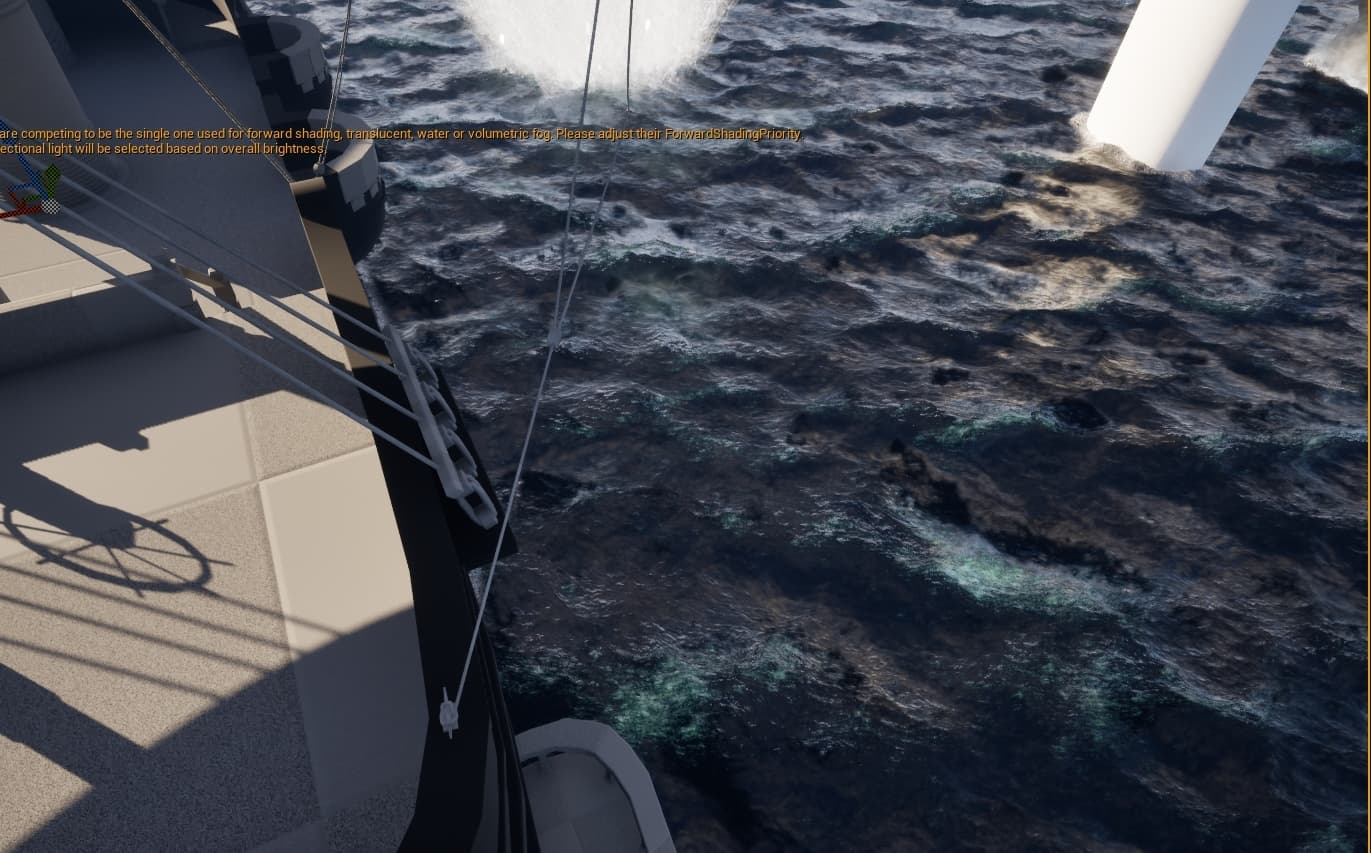
Is it possible to somehow show whats under a plane with an opaque material?
I want to see a creature under the sea, i want it to be like a dark shadow u can see moving if its fully submerged. However the sea is opaque so I can see through it, making the sea transparent makes the sea look uglu.
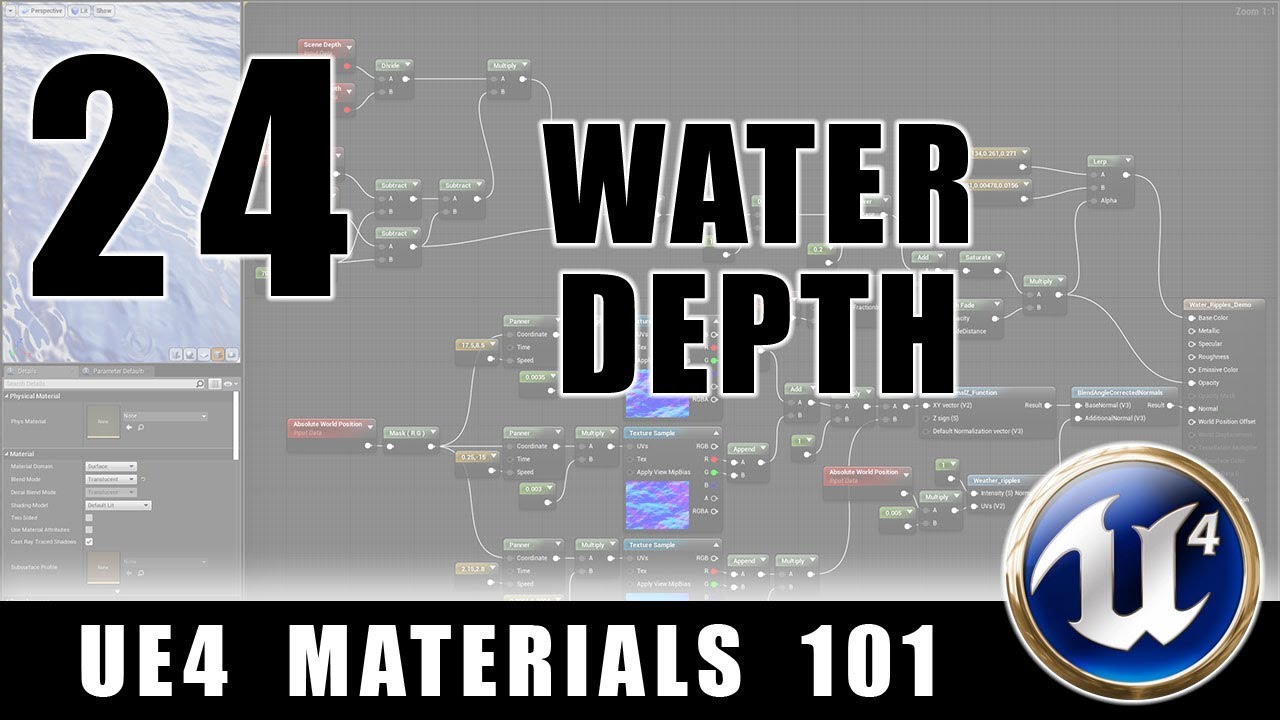
Heya, so for water opacity, you want to calculate the depth and viewing angle so that the farther in the z direction from the plane, the water becomes more opaque.
^this tutorial pretty much covers the concept. Hope it helps.
Its definitly intresting, and actually exactly what I was looking for. However I use a ton of decals in the water VFX within this project. Those don’t seem to work on translucent materials, when I look into it that seems to be a known limitation.
So I might have to drop the depth idea haha
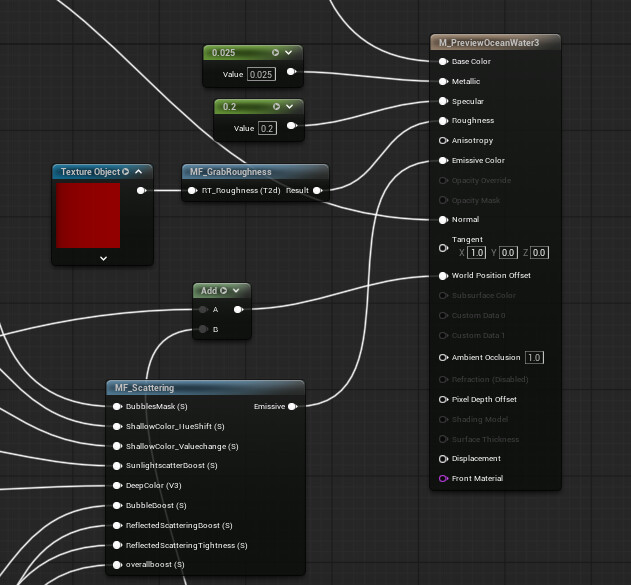
Have you consider setting the material as Single Layer Water? Not sure how decals work with it but it may be another option to try.
Here’s a tutorial that showcases single layer water
Thanks for the reaction!, I did give it a shot but that too didnt seem to render with decals. Apparently it has something to do with the order unreal engine handles layers. transparent will always render later then decal even if the decal itself is a transparent material aswell.
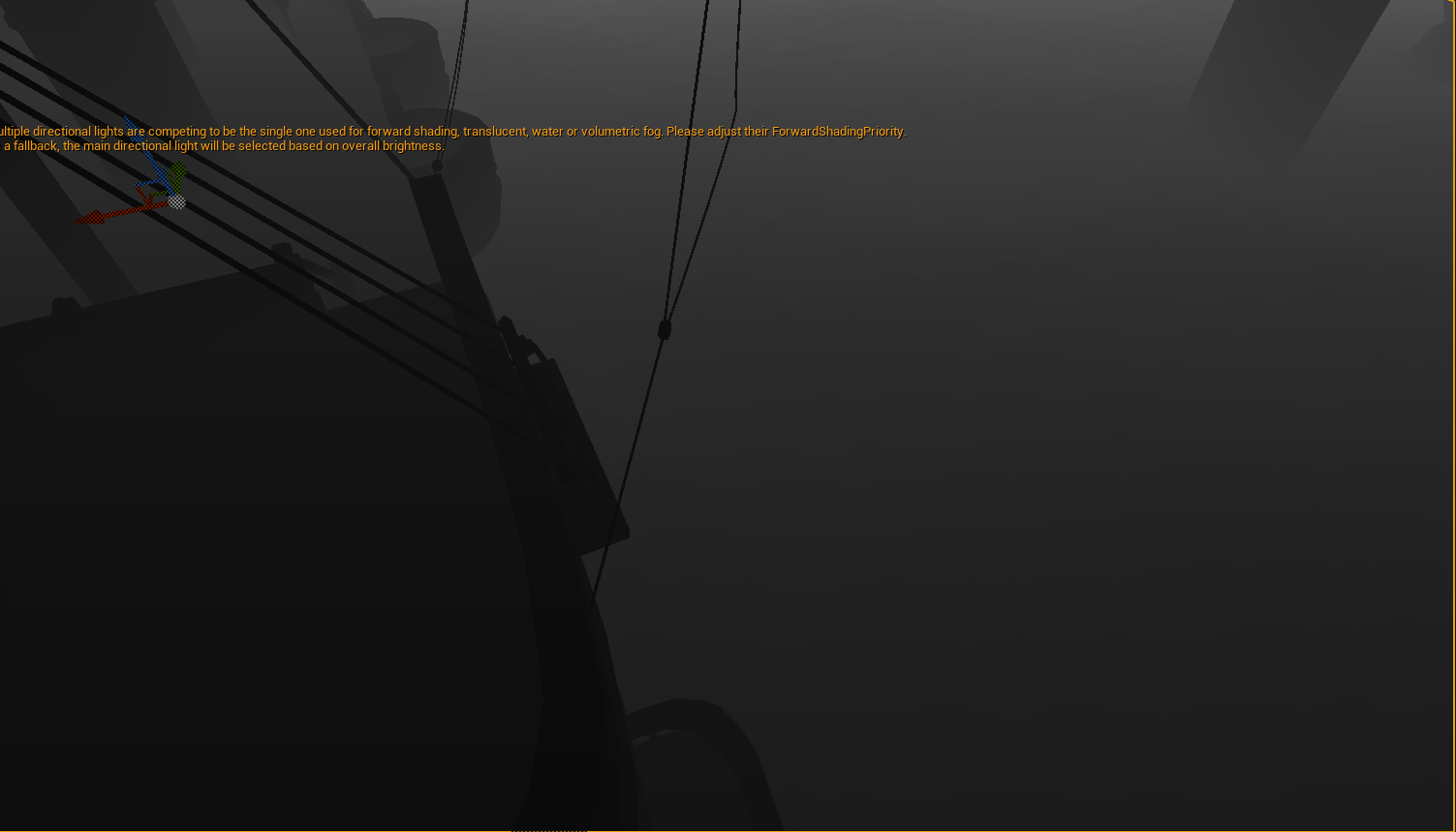
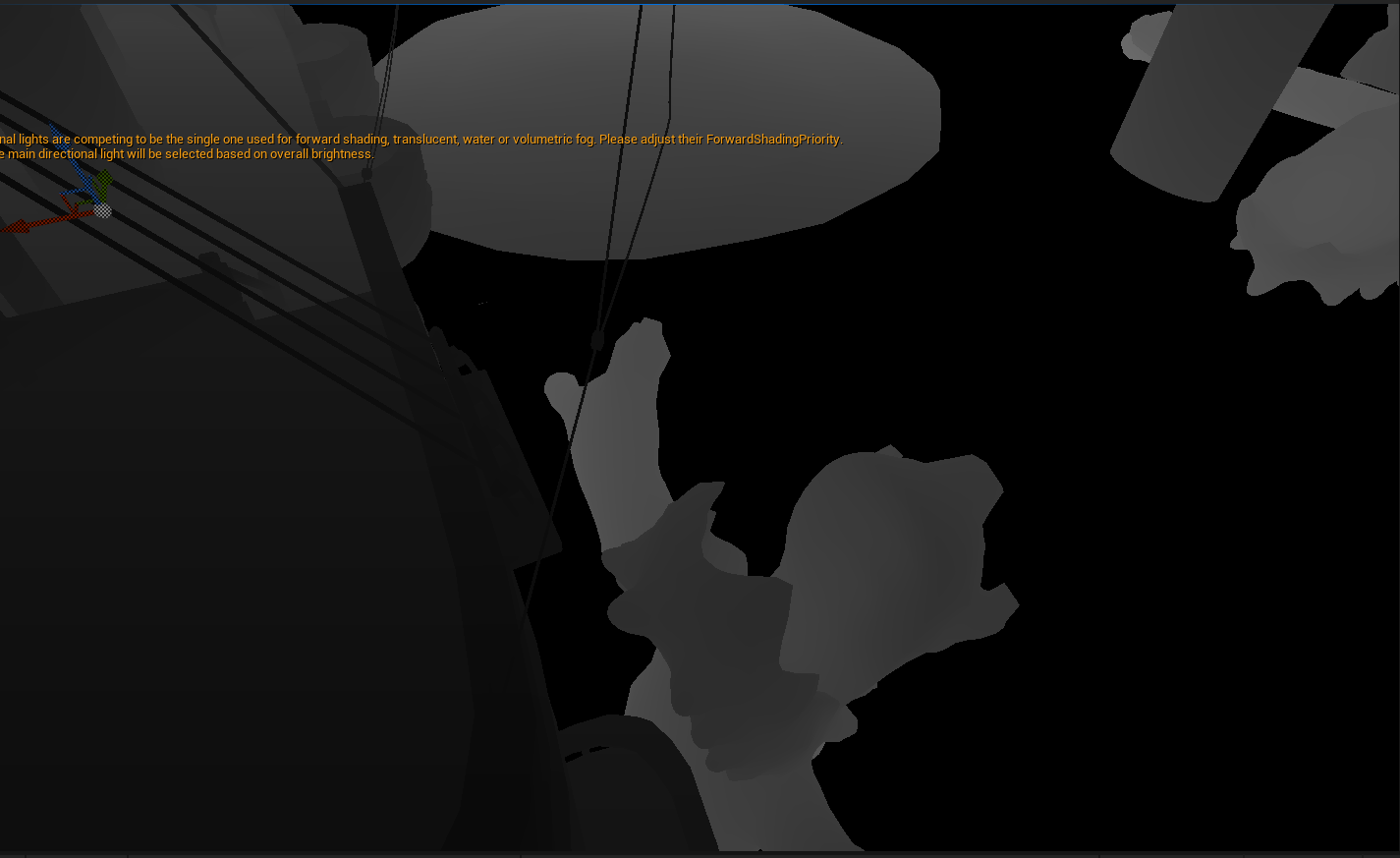
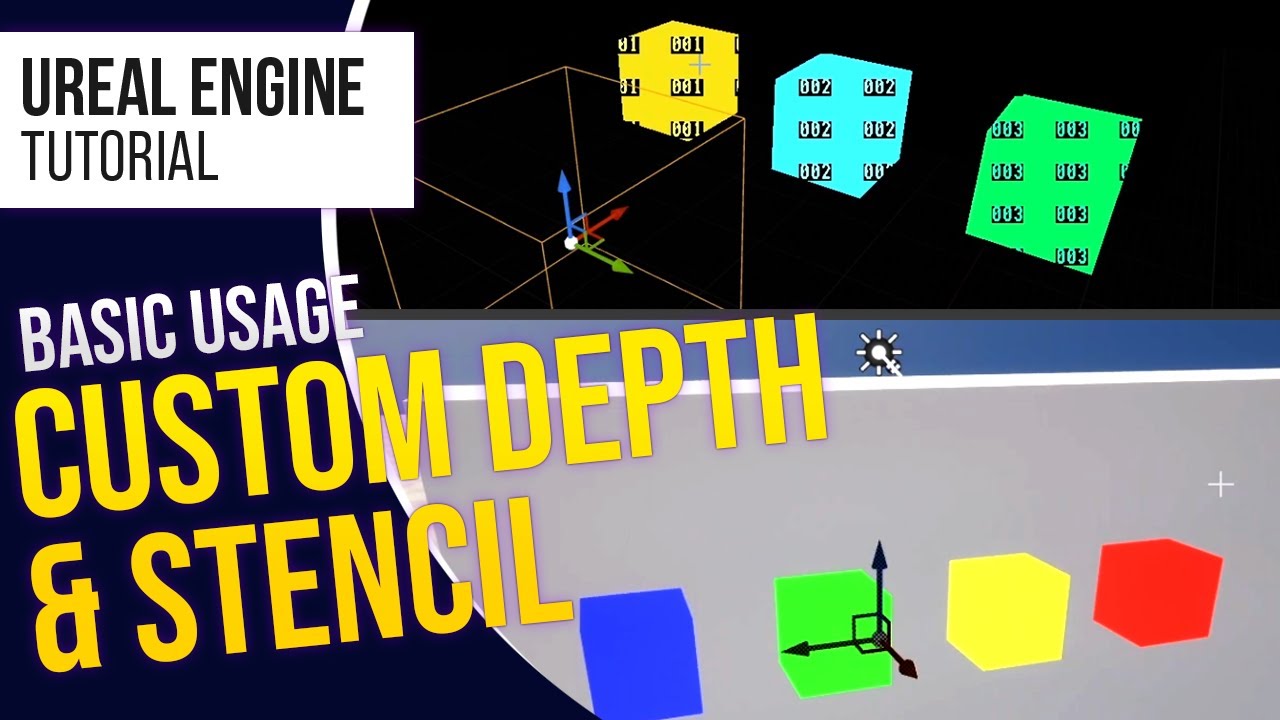
Well then the only thing I that comes to mind right now is using the stencil buffer and a post process material to render the object you want on top of everything including the ocean.
In this video it makes an object visible through walls but it should work with your object and ocean, the only issue is that you will need to find a way to fake the depth of the ocean on the object and to make it so that it only shows on top of the ocean and not other objects.