Hi everyone,
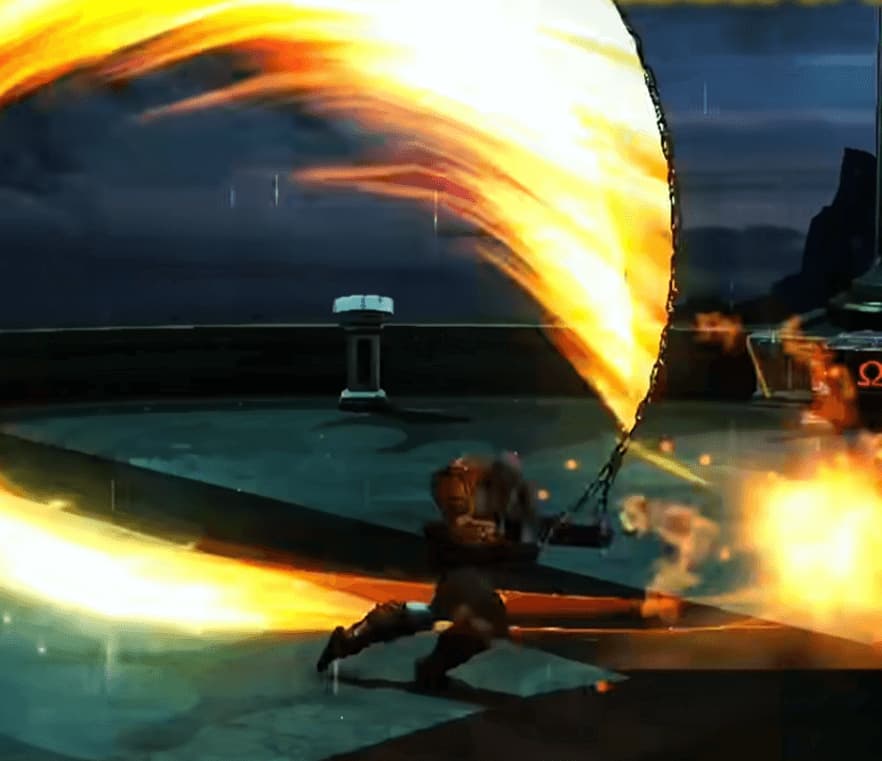
I’m working on a chain/whip-type weapon effect and want to attach a ribbon trail that follows the weapon’s bone chain (roughly 5–7 bones in a line).
The goal is to have the material’s V-axis curve naturally along the bones rather than stretching linearly — so it follows the arc/curvature of the weapon’s pose at any given frame.
Is there a way to drive this inside a Niagara system? For example:
- Sampling bone positions each frame and spawning ribbon particles along them
- Controlling the V coordinate per particle to reflect the actual curve length or bone arc
- Any Scratch Pad / custom HLSL approaches worth considering?
I’ve been using the Ribbon Renderer in Niagara and so far the V mapping feels like it’s just doing a straight linear stretch across the spline, not accounting for the curvature of the bone chain itself.
Any advice or examples would be really appreciated. Thanks!