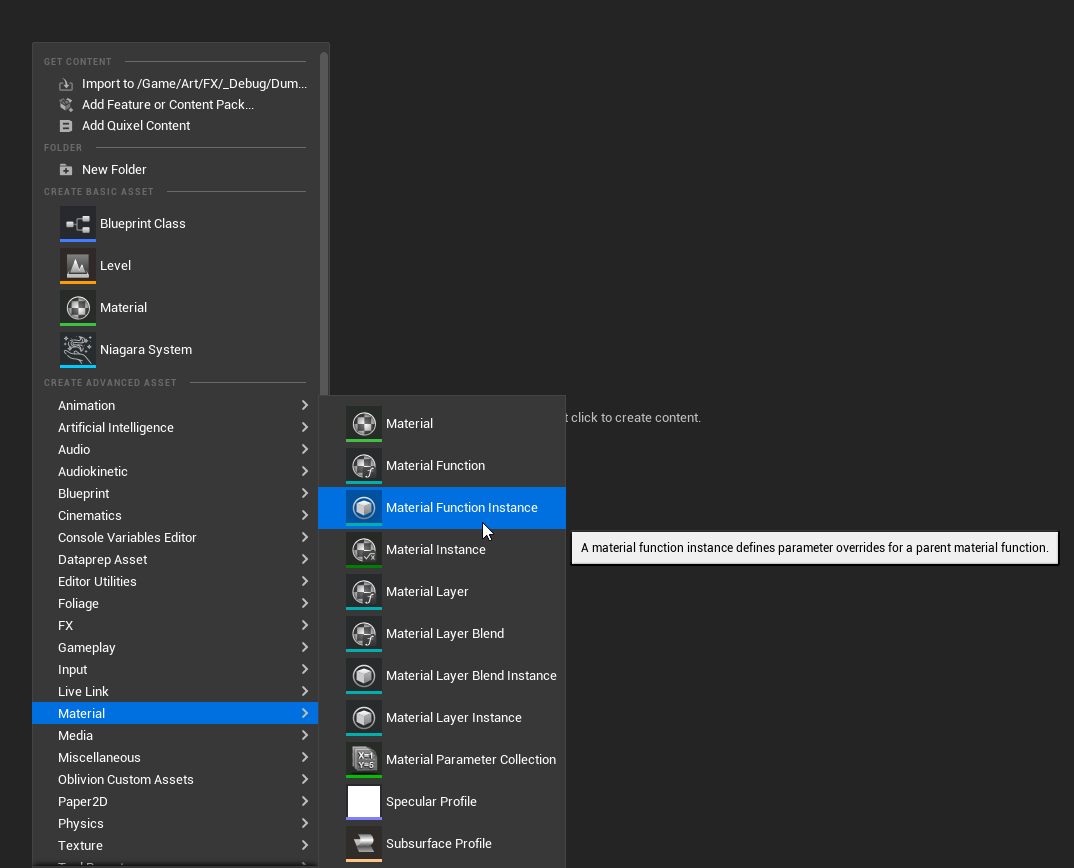
Hi there,
Does someone actually know what “Material function instances” are made for ? I found this and tried to find how they could be used, but I didn’t succeed to find any relevant usage of those. Same on unreal forums, I didn’t see anyone explaining what they are made for anywhere.
It’s almost the same as a material instance for your master materials. Suppose you’re creating a flat function “To do something” without scalar parameters which will be exposed in the material instances. In that case, you’re able to create an instance of the function with different variables. What’s the point of using it? Idk it’s better to expose scalar parameters and change everything within material instances. Maybe it’s something handy to prevent other people from messing with functions like timings etc.
I figured out the use of Material Function Instances (calling it MFI for short)
I made this account just to answer this question. It’s a nearly year old question but hopefully this will help others who also google’d the question to come up with nothing.
You treat an MFI like you would any material instance: Changes made to the MF will affect the MFI, but changes made in the MFI will not retroactively change the MF. MFI parameters will not show up in the material instance window like a normal material parameter. Double-click the MFI to access the exposed parameters.
Here I have a function that creates a gradient applied to a material. It simply creates a gradient and has a color parameter(Sorry I’m a new user so I can’t post multiple images or mulitple links in this)
I swap out the material function for an MFI, double click to open the MFI, make a change, and hit save.
As you can see, the changes I made in the MFI directly changes the final material.
Okay big deal so what?
So with only a material function, I cannot use that same function across the shader because any changes I make within that function will be applied to other places as well. What if I want a gradient for both my UV0 texture set and my UV2 detail texture set? MFIs let me use the same function while allowing for different parameters for each instance.
In the gallery example I used two separate MFIs to combine two gradients to demonstrate how they work.
I can use multiple MFIs within a shader and use different settings for each MFI.
The biggest downside is that MFIs are not exposed as parameters within the material instance window. So I can’t create multiple material instances, each with their own unique MFI parameter. MFIs are locked to the master shader graph and cannot be adjusted in an instanced environment.
But it definitely makes for a tidier shader graph.