Is it true that Tiling + Offset move texture coordinates, not textures. Textures are snapped to 0,0 corner and will move if the texture coordinate moves.
Are texture coordinates per individual plane or shared across a mesh.
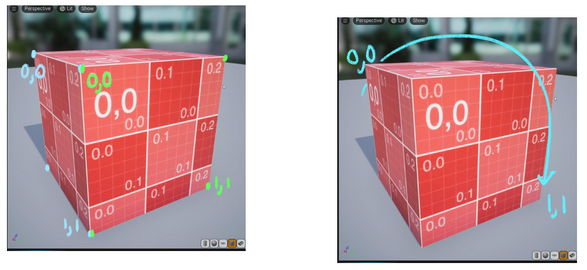
I found footage of a texture wrapping around a cube’s edge, but when I offset the texture coordinate, it does not wrap at all. I do not understand why the contradiction is present.
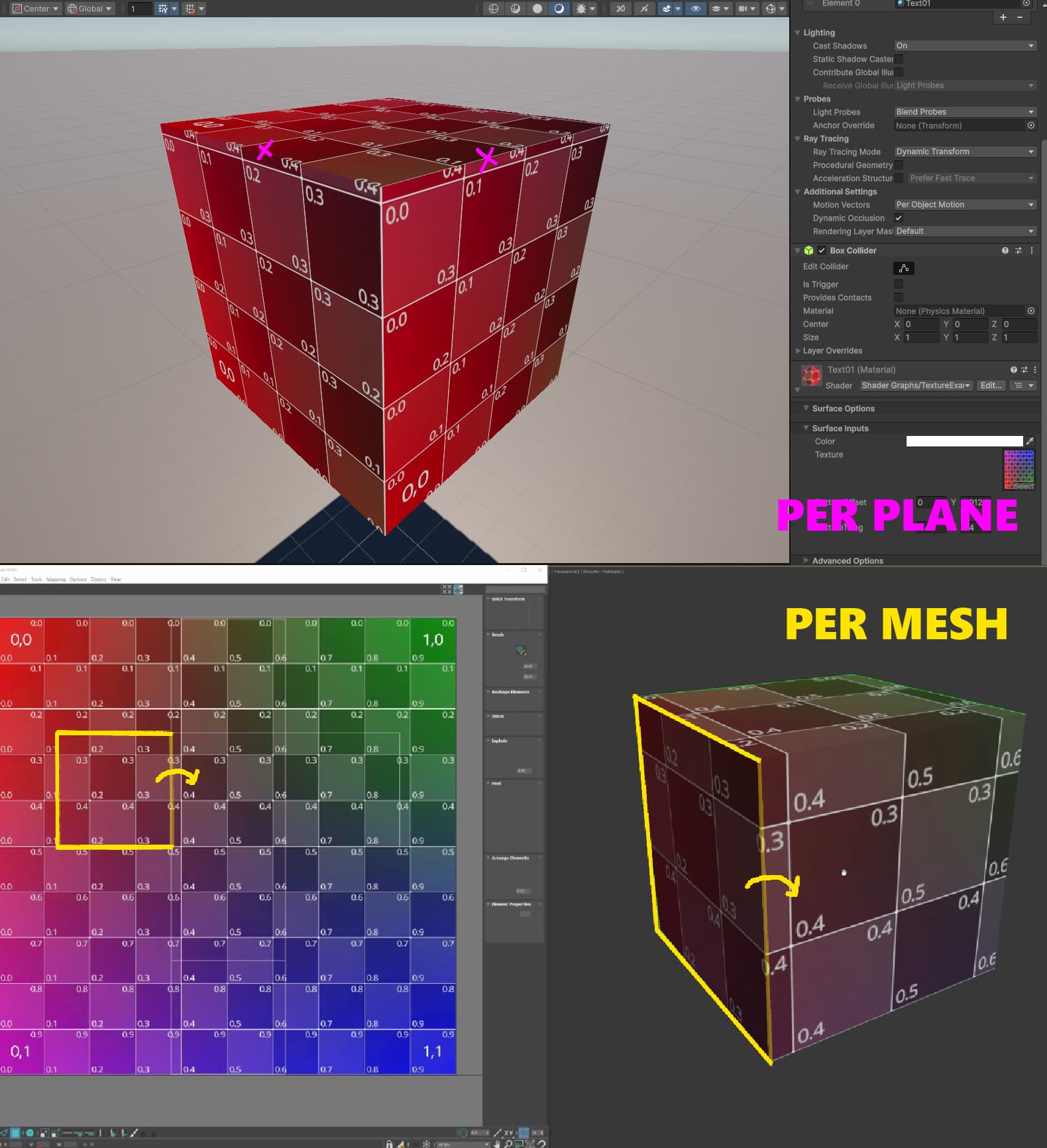
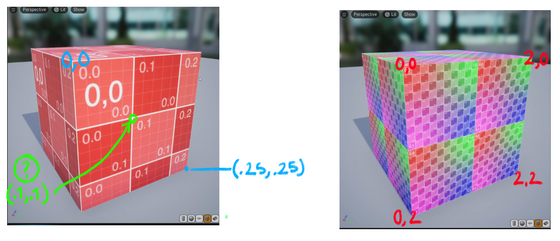
If tiling will scale texture coordinates, and assuming coordinates are per plane, does that mean the “far bottom right/ end texture coordinate” can be higher or lower than 1,1?
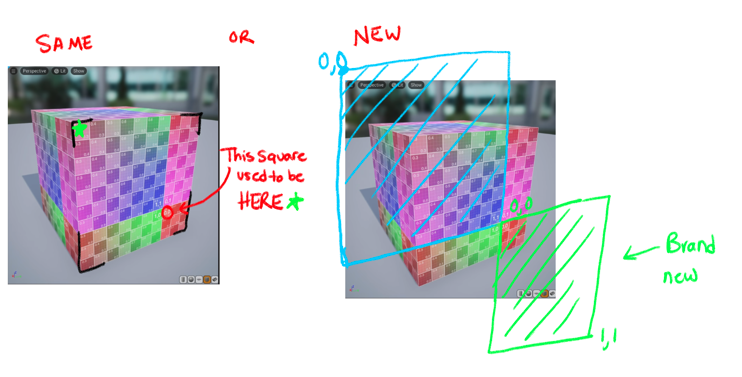
If offset will move texture coordinates, and assuming coordinates are per plane, if I offset up + left, is the 0,0 that appears on the bottom right the same 0,0 that originally was from the upper left, or is this a brand new 0,0?
Overall I want to understand UVs much better. I want to know what texture coordinates are, where they originate from, how many there are, and how they behave when they are scaled and moved around. All of this is a big gray area for me. I’ve spent a couple days trying to research UVs but the resources ive looked into dont seem to outright answer my questions.