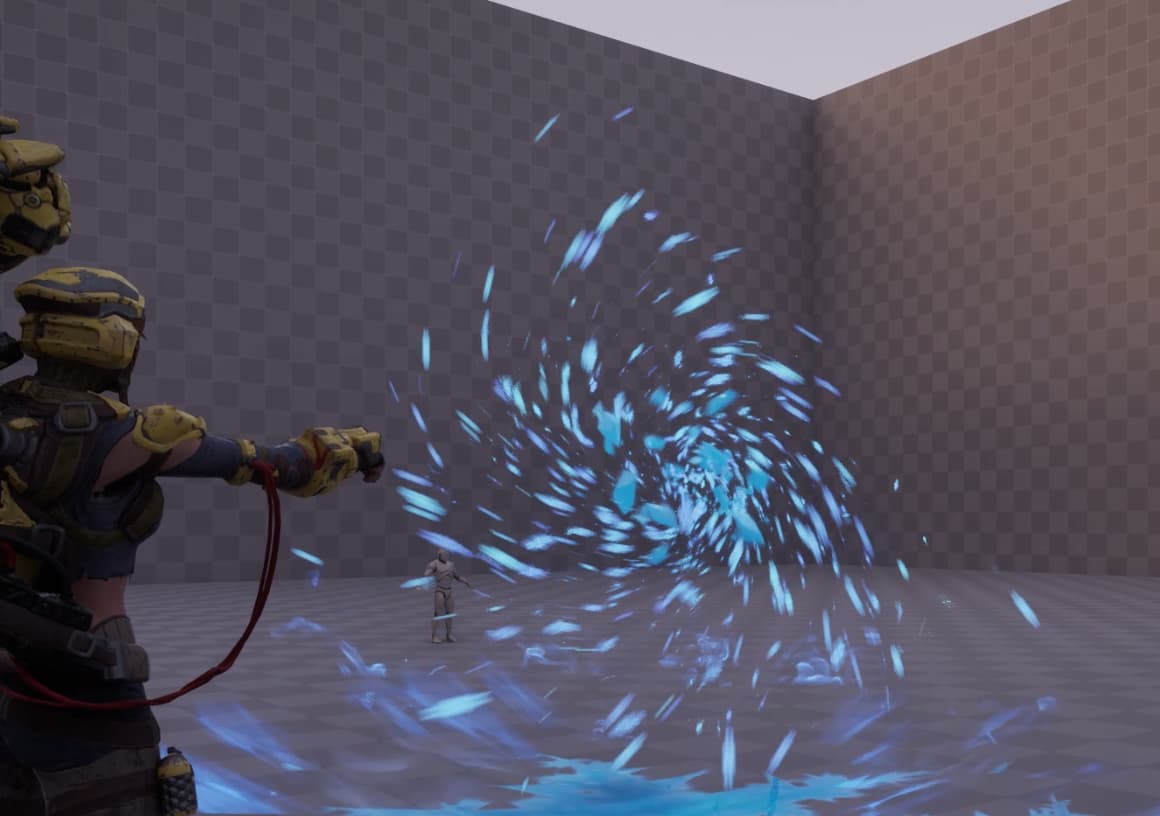
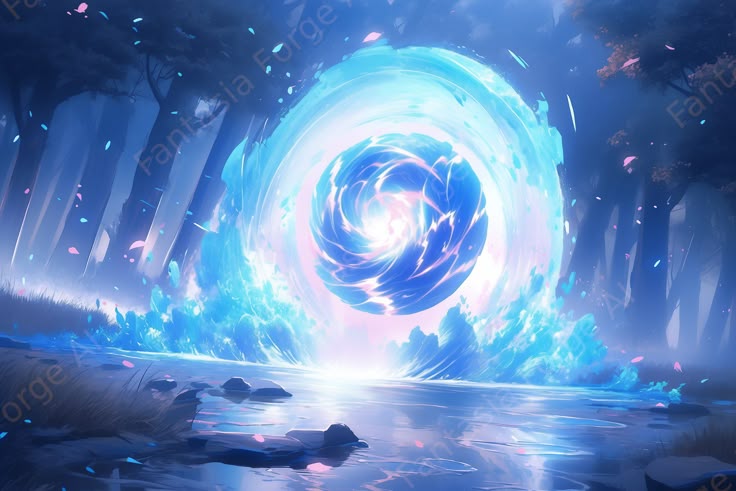
Hello everyone! I somehow came across a post a couple of months ago. I received a message from realtimevfx.com by email, a regular mailing list, I can often just take a look at what’s there, maybe there’s something interesting. This time I was interested in the picture that was in the post and I was eager to implement it when I had time.
I only glanced at the post of the person who did this, I realized that the guy is just at the beginning of his journey and unfortunately I won’t be able to find anything complicated here. So if he comes here I’ll be glad to share what I managed to do.
Now I have time and I’ve been working on this effect for a week and there is a pretty good result. I still want to implement something, so it may take another week or so. Some time ago I had a little practice around stylized smoke and I liked the result, it was far from ideal, so on this project I will try to make it even better.
Overall I’m not a master of stylization, but I really like to tinker with the shader, it reminds me of Houdini.
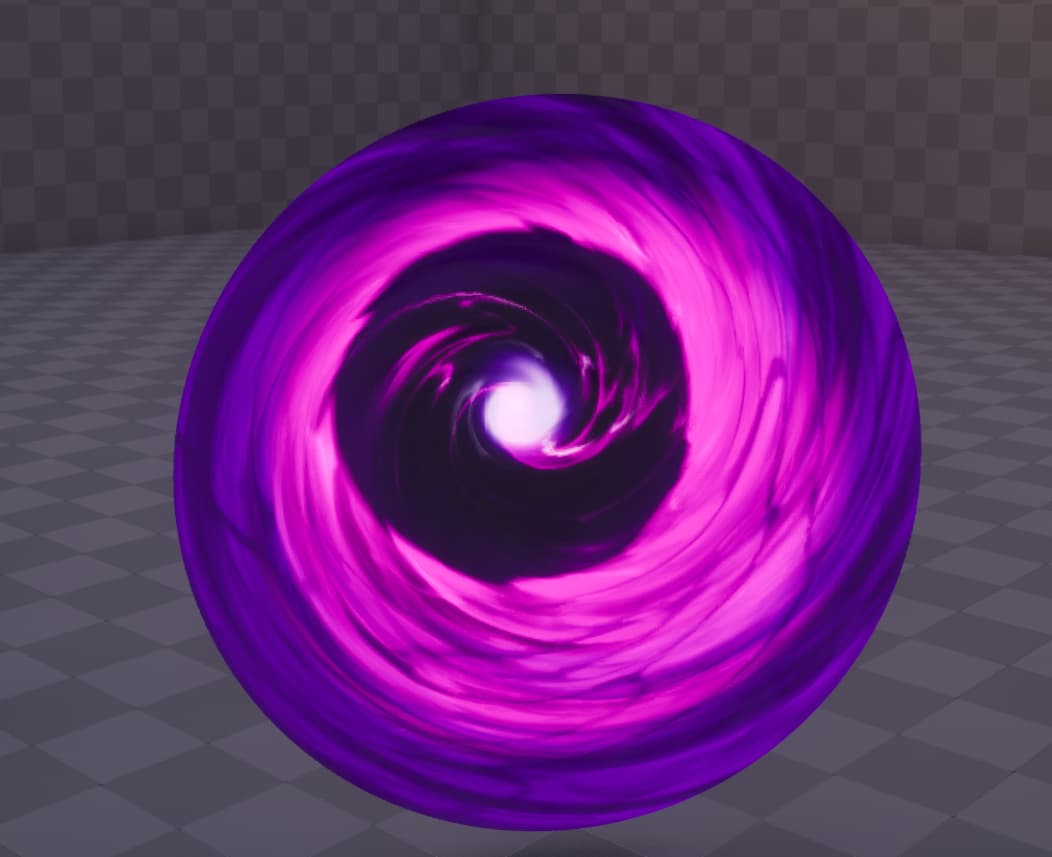
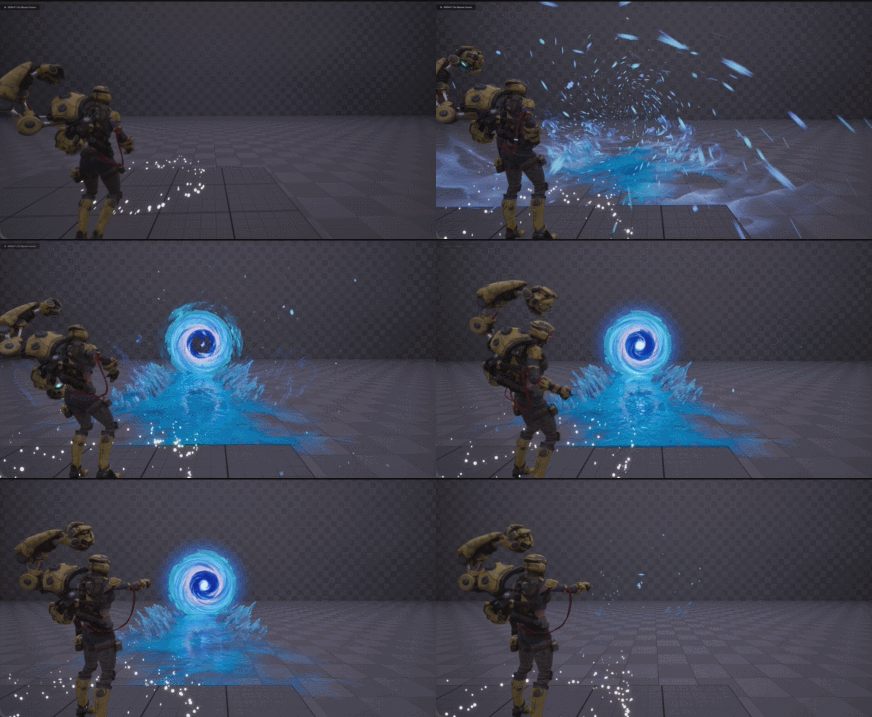
This is a cycle, still working on the portal appearance. I tried to make it more like the reference, but the reference is very flat.
For the current version, I didn’t make the noises myself, I needed to make a quick result and I just chose what suited me at the moment from the library, later I will return to this and update the result.
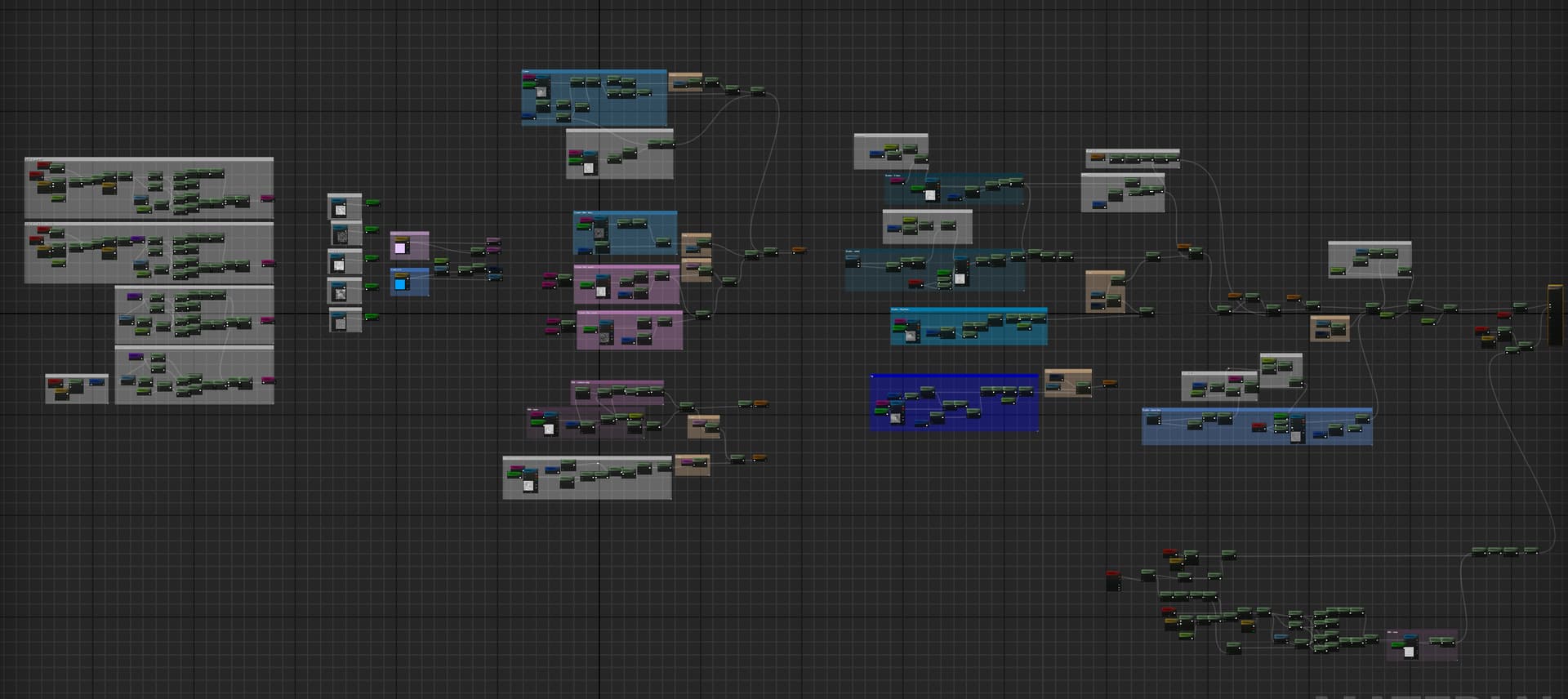
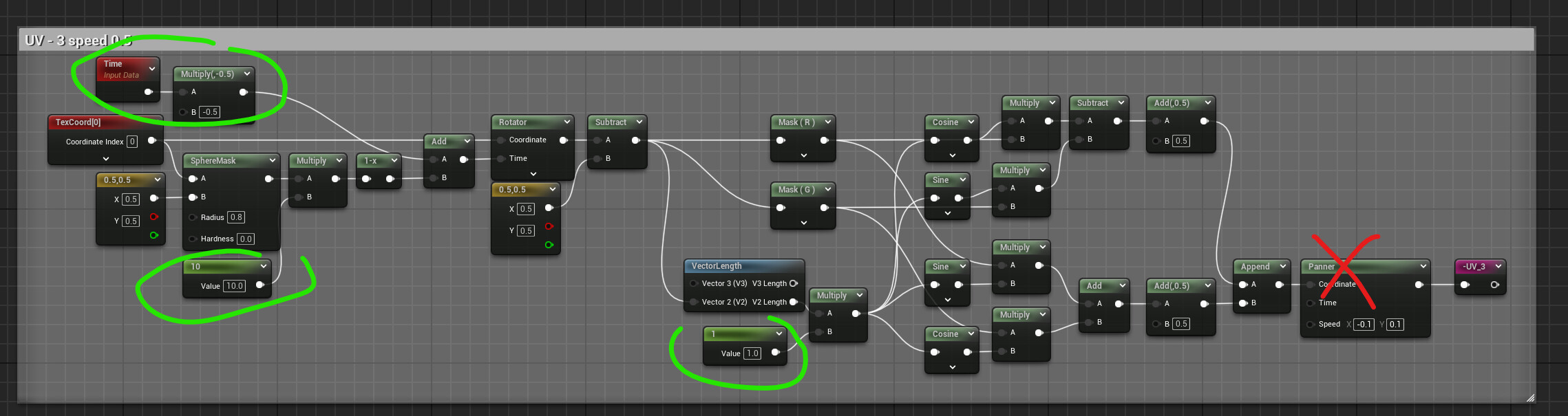
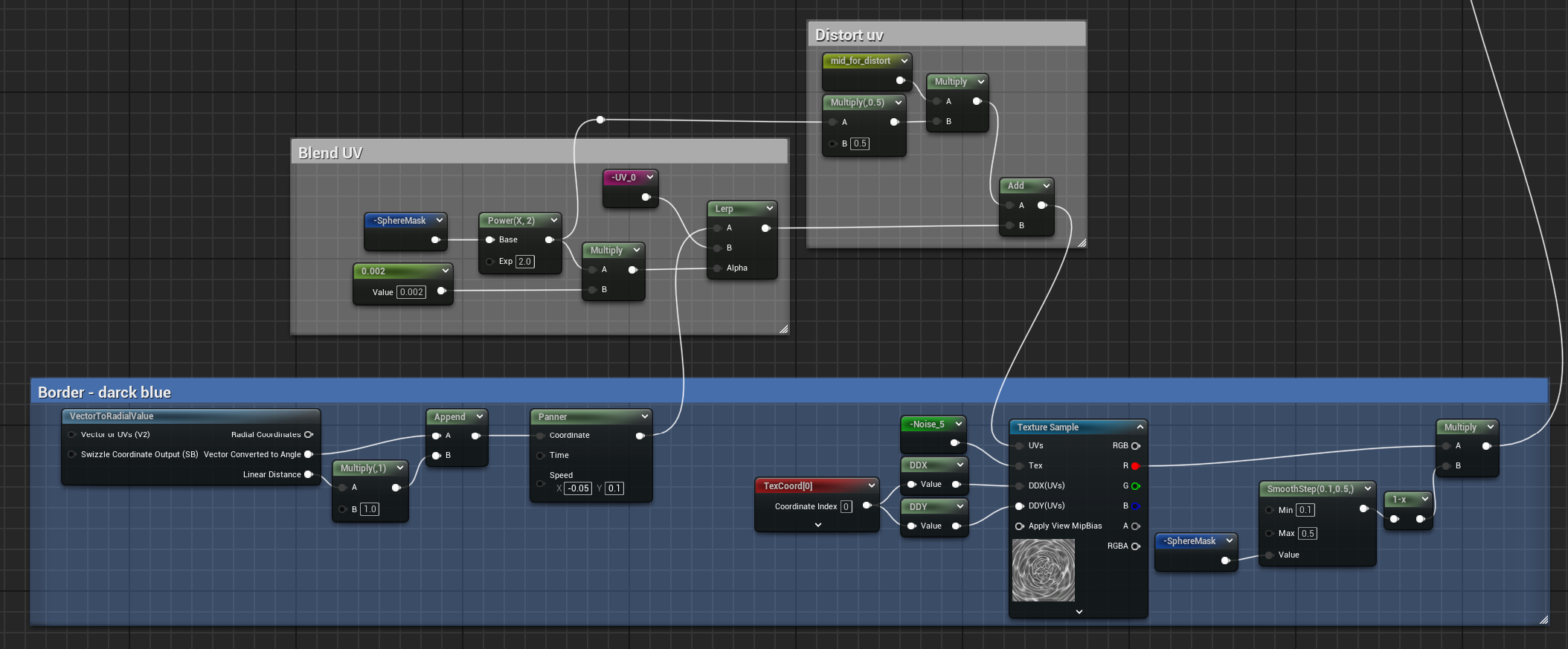
This is my network of material, with which I fiddled for two days. On the first day I just got the result I needed, and the second day I spent on organizing the parameters and properly aligning the colors, as well as optimizing and removing unnecessary things.
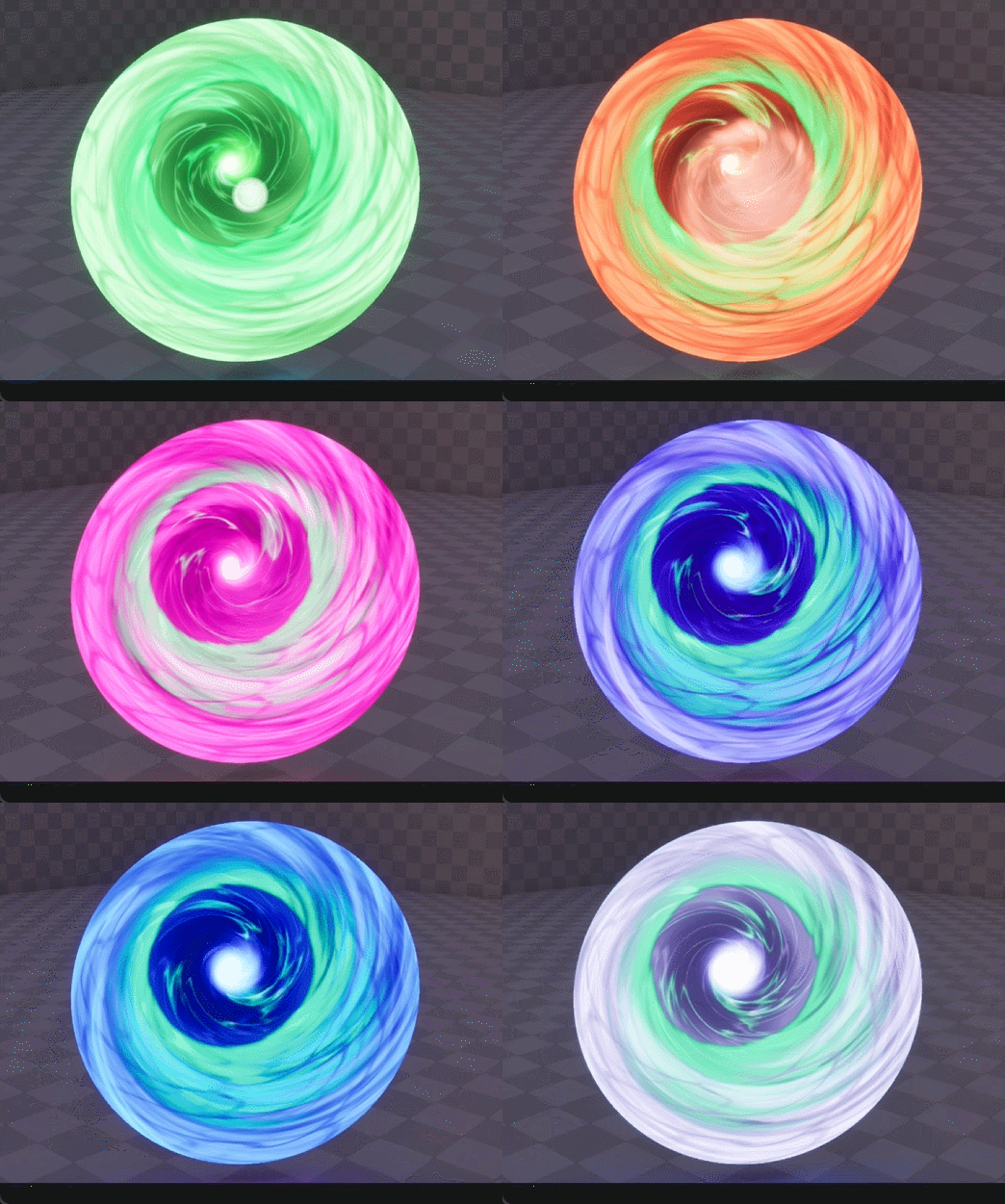
I managed to achieve the fact that it would be possible to change the color of the portal with just two colors, I am very happy about this, I do not really like gradients. When you use the tool, you do not really want to create anything additional for it, you just want to tweak the parameters.
Also for this twisting of the texture, I preferred the UV option with Sine Cosine, I like the way it looks more.
WOW !! I really like how you create the center of the portal and how it goes from going slowly to increasing its speed as it goes towards the center.
Idk if you are going to continue the portal, but if you do i really want to see how you can improve it.
Thanks man, yes I’m still continuing. I already showed it to my friend and he didn’t really like the center . He said that it merges too much with the edges of the portal, so I might try to improve something and move away from the concept a bit.
The problem is that when it’s very bright like in the concept, it seems to me that you don’t really want to enter it, there’s no magic. And when it’s dark and there’s a contrast between the edges and the center, then it’s different from the concept. In general, I’ll try to come up with something today.
It’s time to make it a little dramatic. I have a few things I’d like to share as the process goes along, but overall I think a few more days and I’ll have the effect finished.
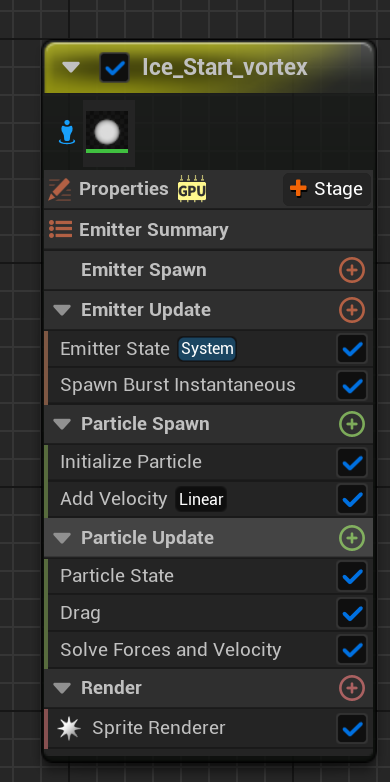
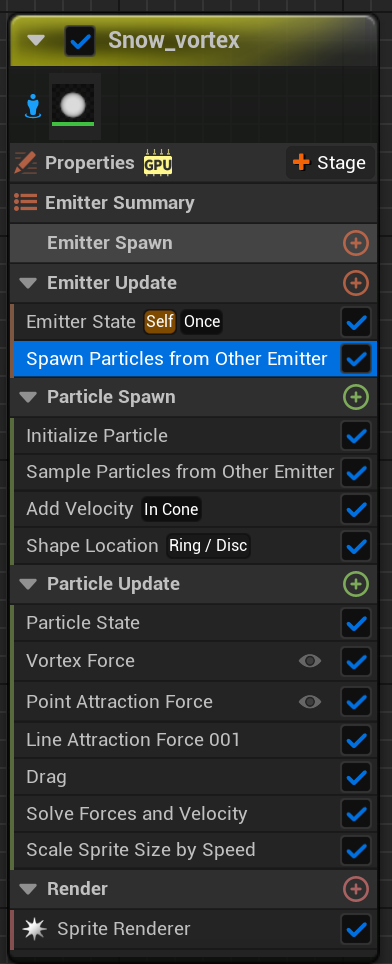
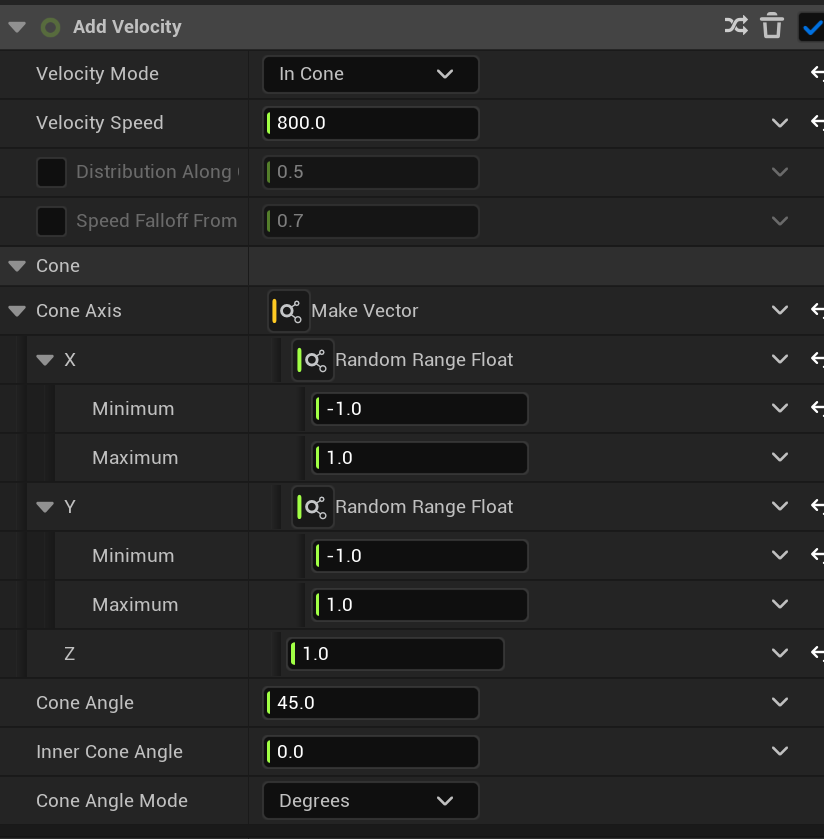
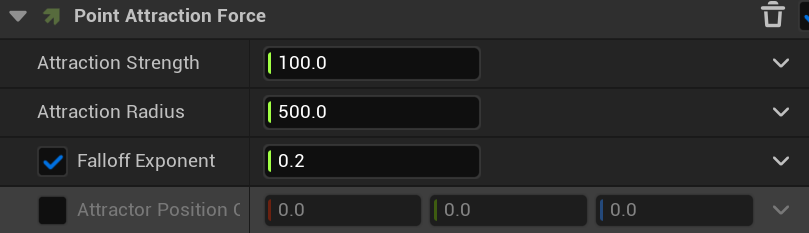
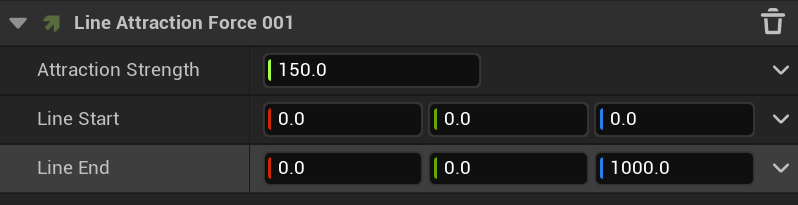
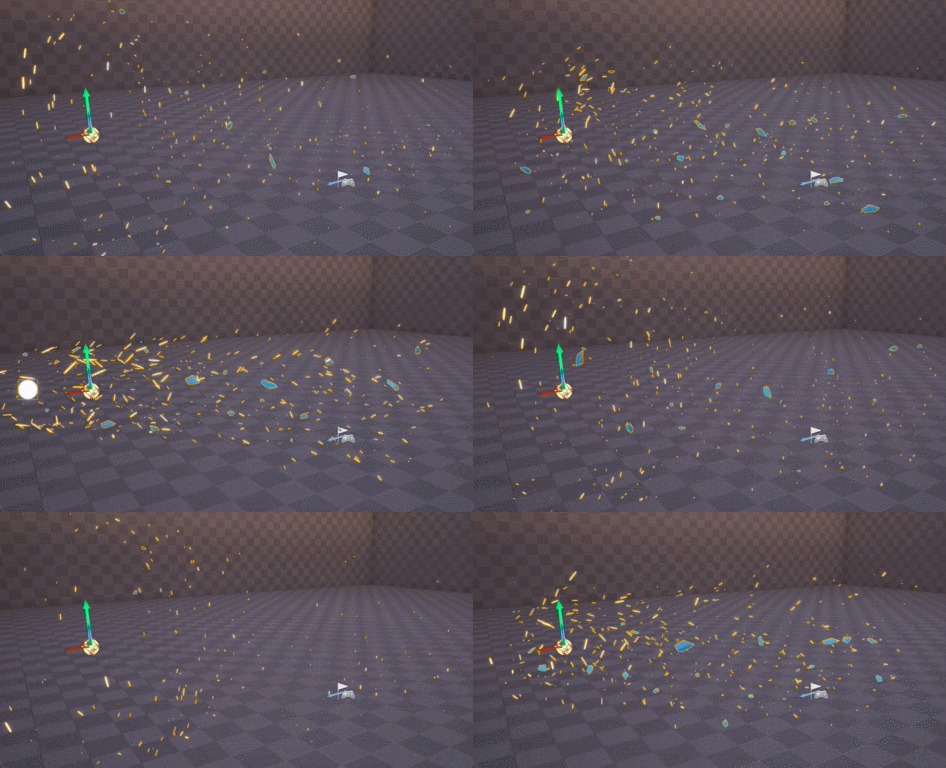
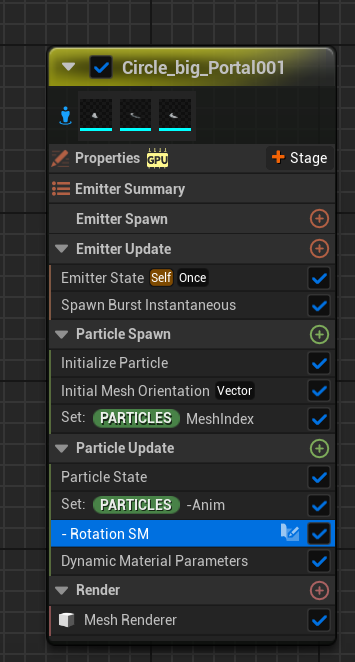
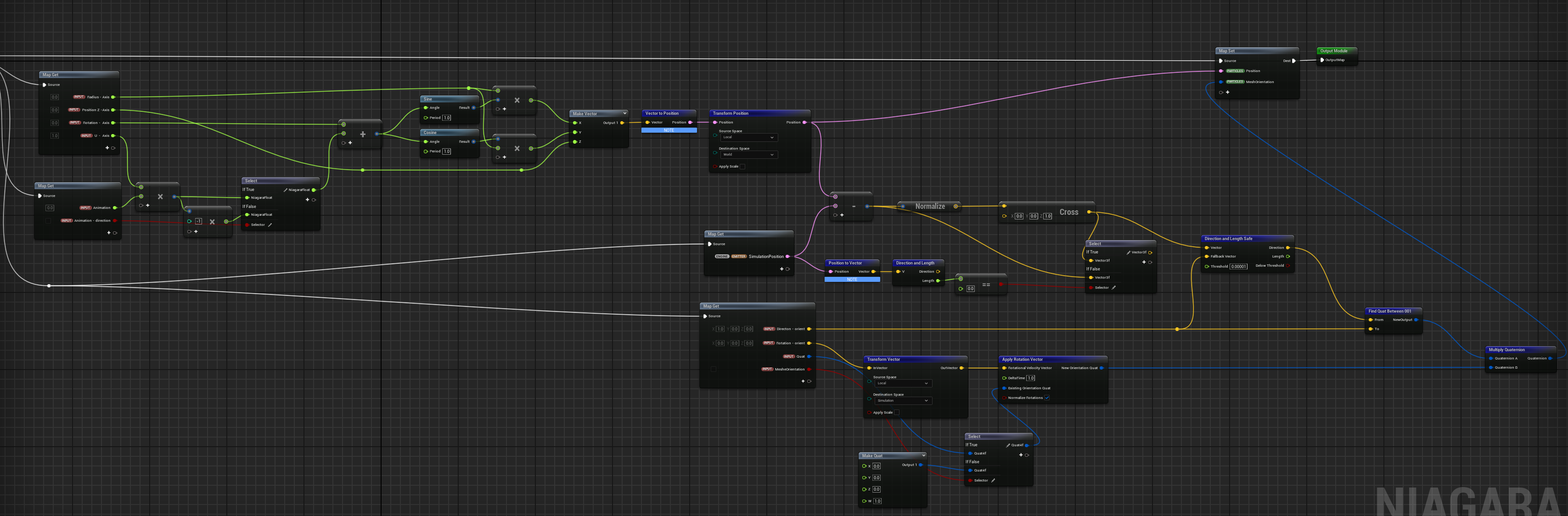
I’m a quiet tired of the uncontrolled behavior of vortex. I don’t know if there is an option where you combine several standard forces that Niagara provides you with from under the box, but I haven’t found it. I had to make my own module, it’s not complicated, everything is quite simple.
You have two ways to do this, the first option is more strict, which I used for the portal rings. This is not my setup, I modified it for myself. I just do not use sine and cosine for my tasks, it is really very rare when the task requires so much twisting
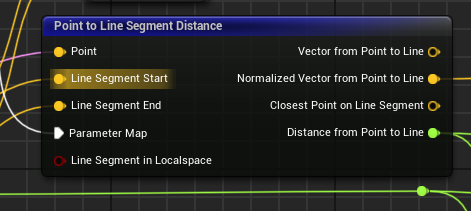
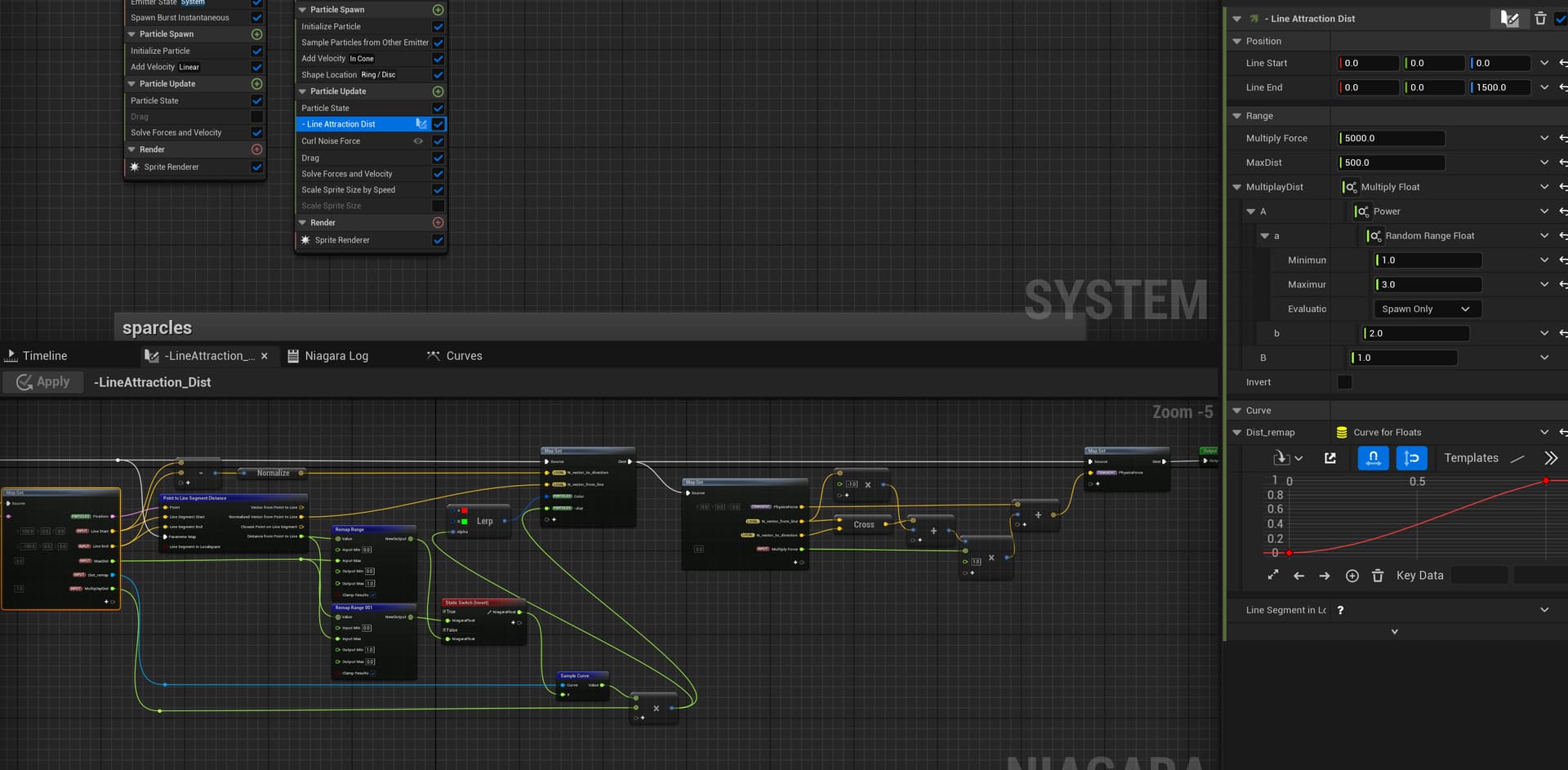
For the second option I used the standard LineAttraction module and updated it for myself, this gave me much more control over the behavior of the particles, now I will try to bring it to the final form.
Finally I did it. I had to redo some elements from scratch, especially animation and transformation. As soon as I divided Niagara into several files for convenience in blueprint, it immediately became clear that not everything would fit. In the end I had to add animation of disappearance, this is how it looks finished.
Hey @UnitFX first thing I really love your VFX, really impressive, both in terms of visual and motions, congratz!
One question on the small pieces of ice, did you apply a special shader/texture to make this “thin ice” look? It feels like there is light getting inside or something. Thanks!



 !! I really like how you create the center of the portal and how it goes from going slowly to increasing its speed as it goes towards the center.
 . He said that it merges too much with the edges of the portal, so I might try to improve something and move away from the concept a bit.