My vfx have that orange color across half of the curve when i look at specific angle. I use clamp UV for my slash vfx and also check that there’s no pixel around border of the texture. Does anyone know what is the issues?
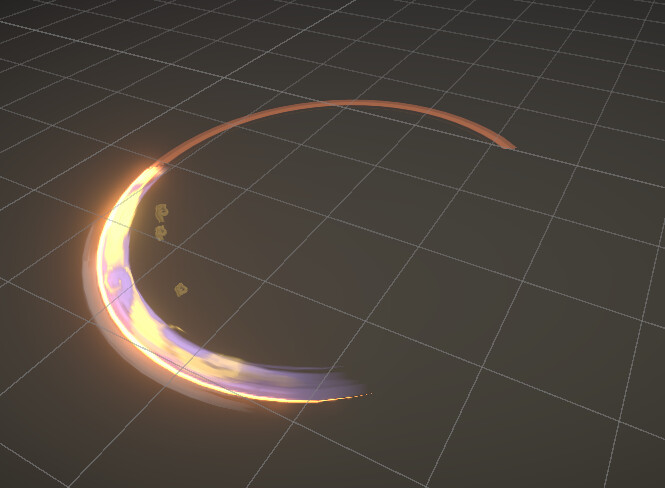
What a naughty slash!
Has the orange part a separated layer or it is everything I see on one?
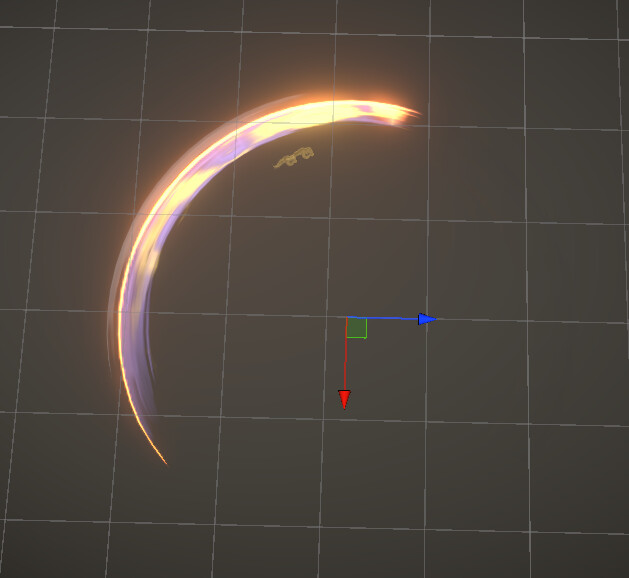
There’s no others layer, it’s just a texture goes across UV. I think the orange was just the color from the edge, but i made sure that there’s no pixel around the border and it’s only appear when look at some angle and distance. This image below is when i look at from top angle and close distance
I believe that weird coloring happens when you use Panner/Rotator node into the clamped texture sample. Try removing movement or wrapping the texture.
Edit: My bad, did not notice this was in Unity. The answer was for UE.
I used the similar node as Panner but that’s the key to make my slash so i think removing that doesnt sound like a good solution.
If you are using ‘soulercoasters’ for the slashes, I suggest trying to pan/scroll the very opacity of texture (for example linear gradient mask along the length of the mesh), and using wrapped textures. This allows You to adjust panning/scrolling speed independently from texture (which could in turn then be panned/distorted/modified separately).
Edit: If you use a single texture for this, try masking the part of it that produces a line, that could work too.
I used a texture with black and white value, pan it along the UV and use that for alpha(opacity) channel. Will it be different if i use alpha instead? I just started learning vfx and don’t understand what wrapped textures mean btw.
In my experience black and white textures output the same thing from either of the channels be it alpha or color, but it really depends on compression of image and if alpha is present there.
I would try following this tutorial step by step, and by the end You will have quite a good understanding, how to work with soulercoasters (mesh’es that are often used for slashes and other defined path traversal effects). This guy covers everything from blender mesh building, to texture making to setting it up in shadergraph. The video is quite lengthy but worth a watch.
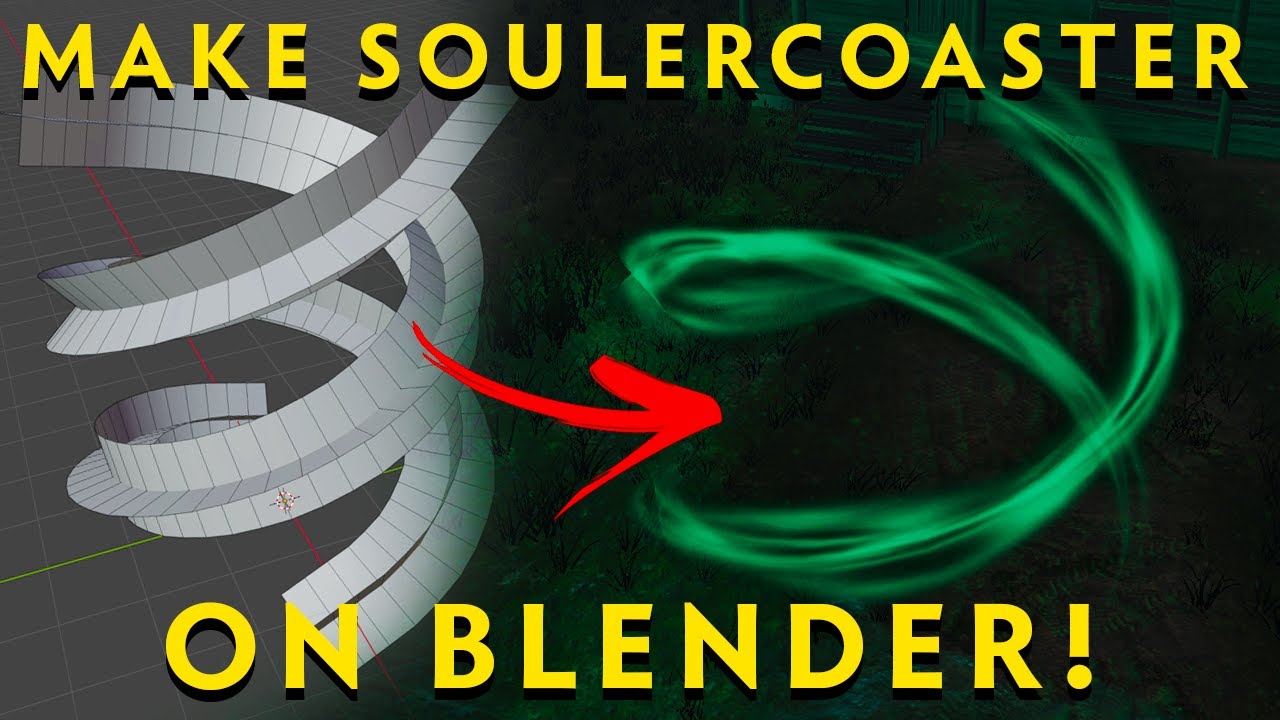
I’m sure i did the same ways with the video. And i think the real problem is the orange part only appears at certain angle and distance, so maybe it’s because of the project setting more than the technique.
If it is distance/position related, try going through your shader - does it use anything that takes in camera position or object’s position in world? Also worth checking if translucency sort order is correct. Other than that I am out of ideas as I am not really familiar with unity.