I provided some infos already here but I think this topic is too important (and niagara arrays too annoying) to burry it into a different thread.
TL;DR
You think by adding an attribute like Particles.Array[], each particle gets its own unique array? Wrong!
-
Arrays are shared data!
Emitter.Array[]is shared per EmitterParticles.Array[]is shared per System (!)
-
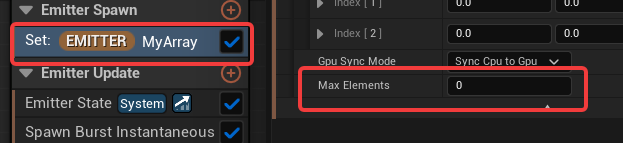
Arrays need to be set (not enough to just defined them in
Parameters > Emitter Attributes.- The add/set behavior changes depending if
Max Elementsare defined or not!
- The add/set behavior changes depending if
-
Adding/Setting Array Data via For-Loop in a Scratch Pad only works:
 for GPU Emitters
- In
Particle Update&Max Elements > 0: Loop is executed x times per particle & per tick (!)
-
Fail Behavior when Adding/Setting Data via For-Loop in

Emitter Spawn: Loop is executed only once-
Emitter Update: Loop is executed only once per tick -
Particle Spawn&Max Elements > 0: Loop is executed only once per particle (!) -
Particle Spawn&Max Elements == 0: Loop is not executed -
Particle Update&Max Elements == 0: Loop is not executed
AI “Proof”
I’ve uploaded these files from the Unreal Engine Source Code to Google AI und asked Do particles get their own unique array ?
No, individual particles do not get their own unique arrays.
Instead, there is one single array per Niagara System Instance (or Emitter Instance). All particles within that context share and point to this exact same array.
NiagaraDataInterfaceArrayNiagaraID.h
NiagaraDataInterfaceArrayFunctionLibrary.h
NiagaraDataInterfaceArrayImpl.h
NiagaraDataInterfaceArray.h
How to Debug Niagara Arrays ?
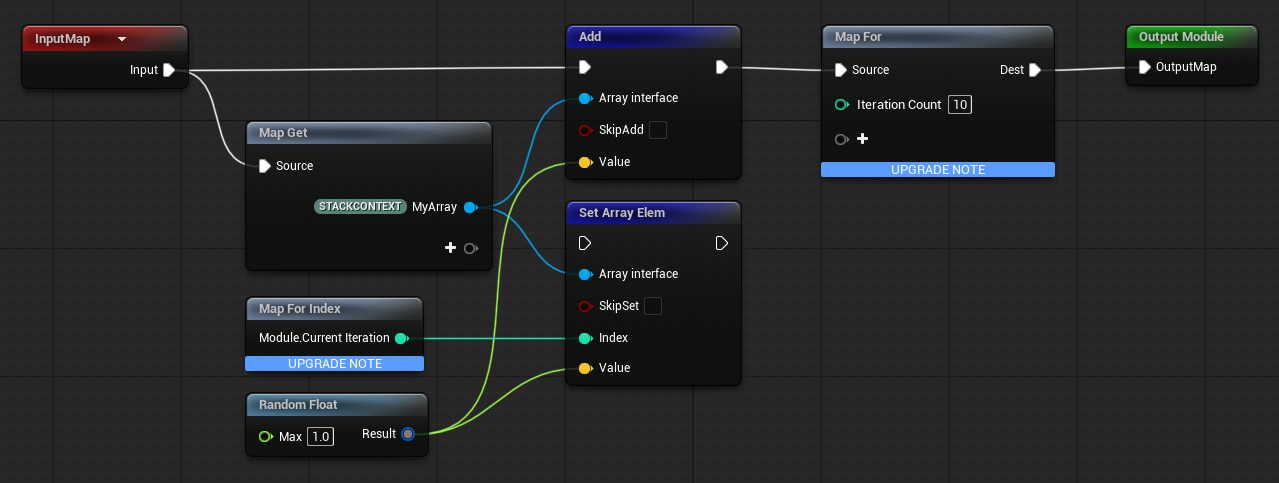
There are two functions for getting data into your array.
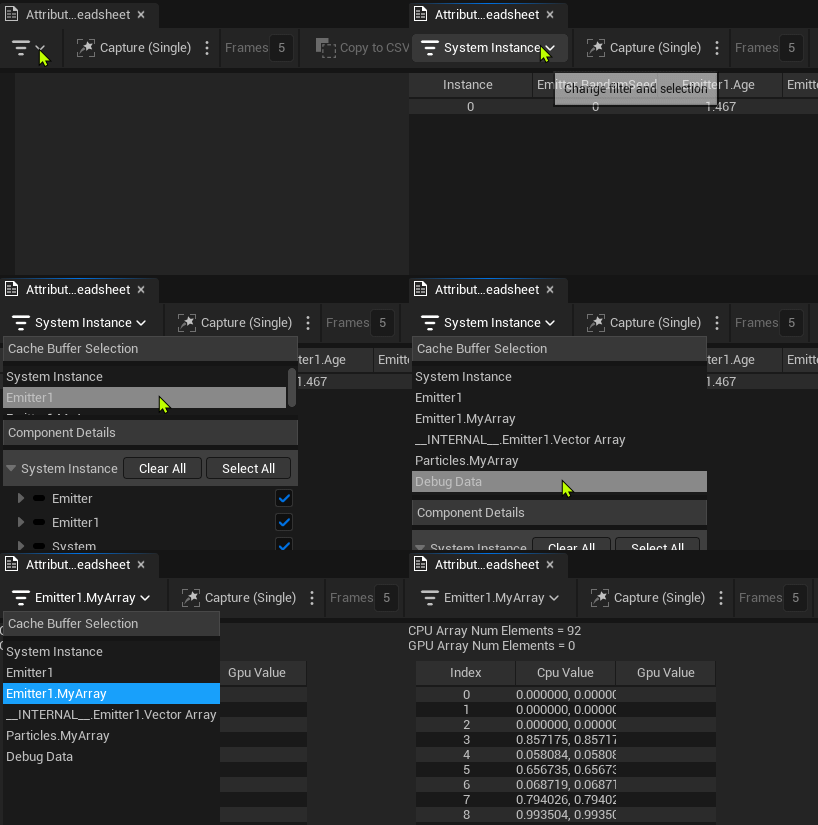
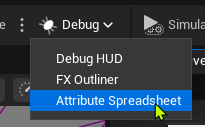
- Open Attribute Spread Sheet
- Click
Capture, Select your Array
How to Add/Set Data via Scratch Pad
There are two functions to get data into your array:
Live Examples
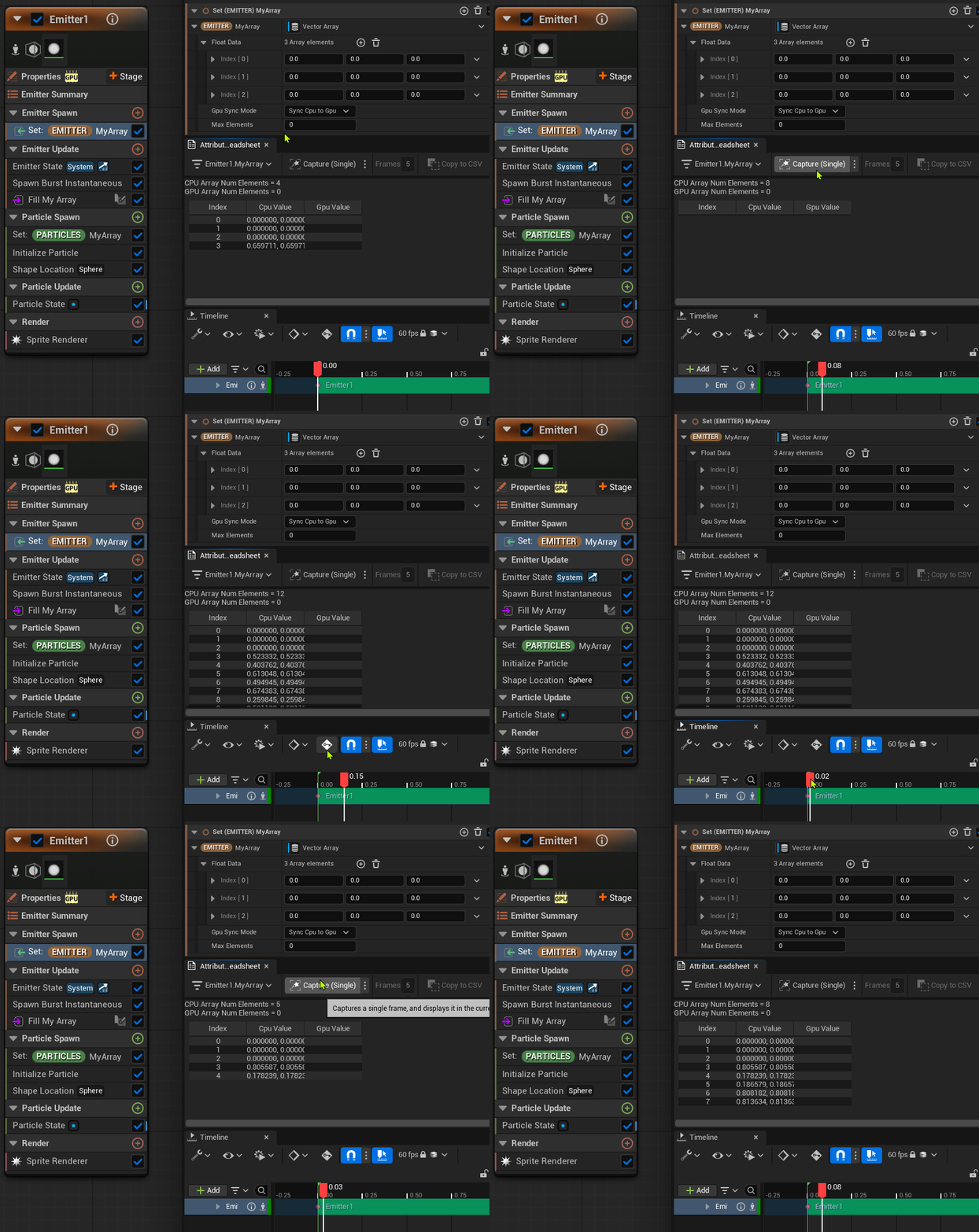
Setup # 1
- GPU Emitter, spawning 3 Particles
- 3 Array Elements manually added
[0.0 ,0.0, 0.0]as test - Max Elements: 0
Fill My Arraywrites toEmitter.MyArray[]inEmitter UpdateusingAdd()
Result
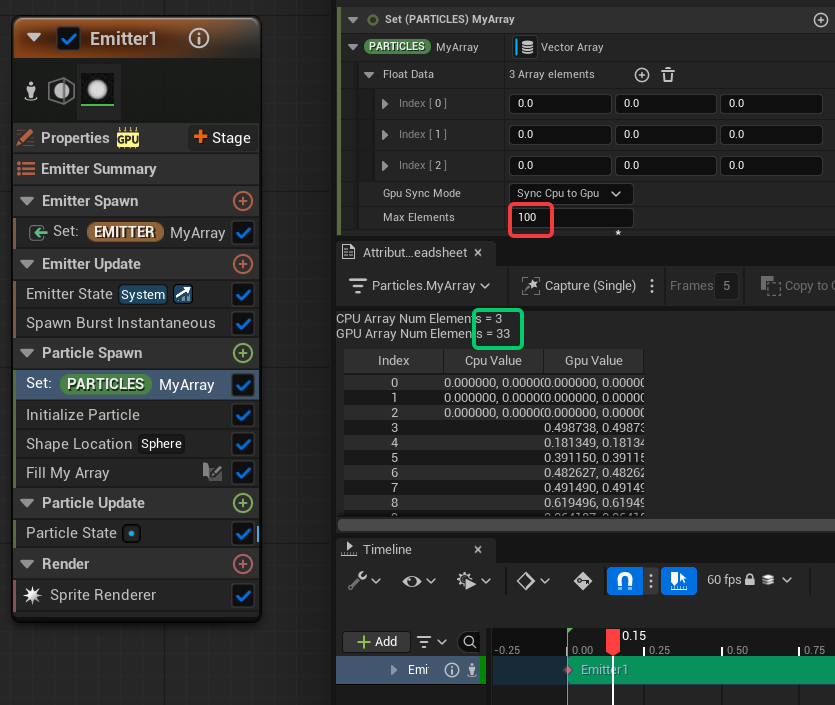
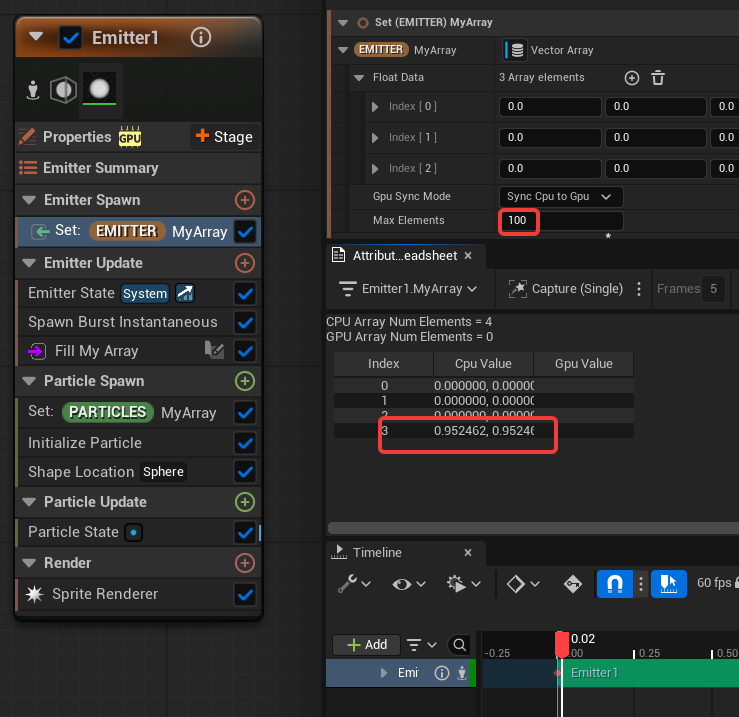
Only 1 array element is added per tick (instead of 10, like the for-loop demands)
Even with max elements at 100 it does not change anything.
Setup # 2
- GPU Emitter, spawning 3 Particles
- 3 Array Elements manually added
[0.0 ,0.0, 0.0]as test - Max Elements: 0
Fill My Arraywrites toParticles.MyArray[]inParticle SpawnusingAdd()
Result
Nothing is added to the array
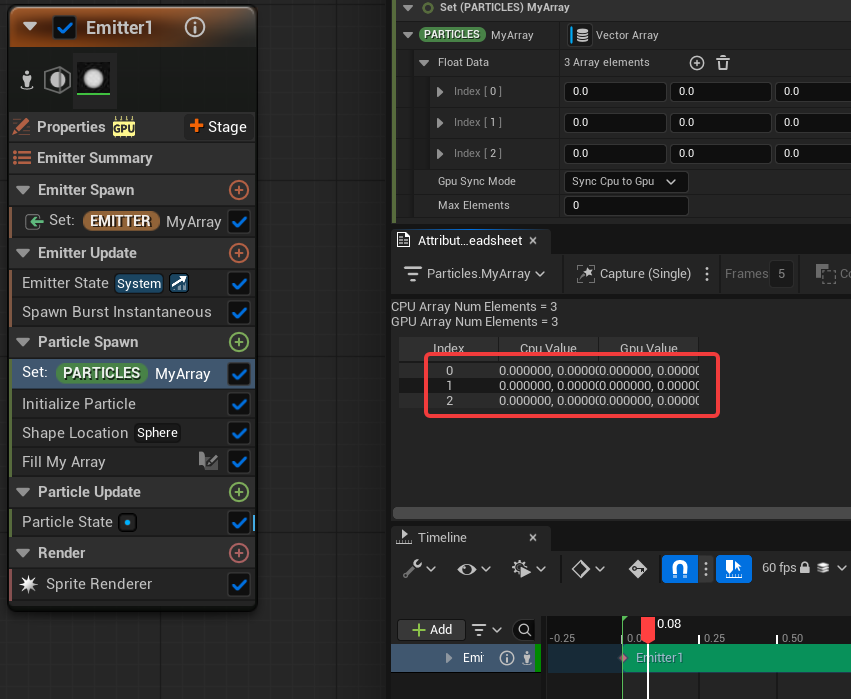
Setting Max Elements to 100 makes it work. Now we get 10 data entries per particle.