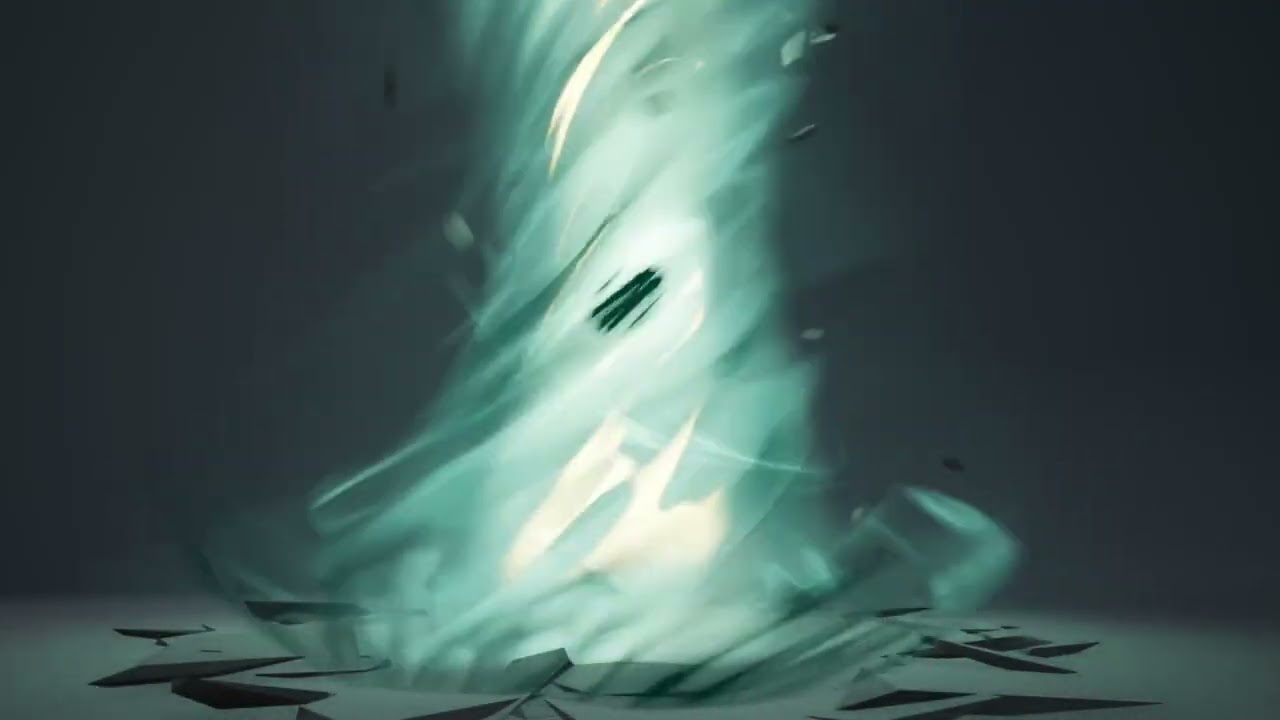
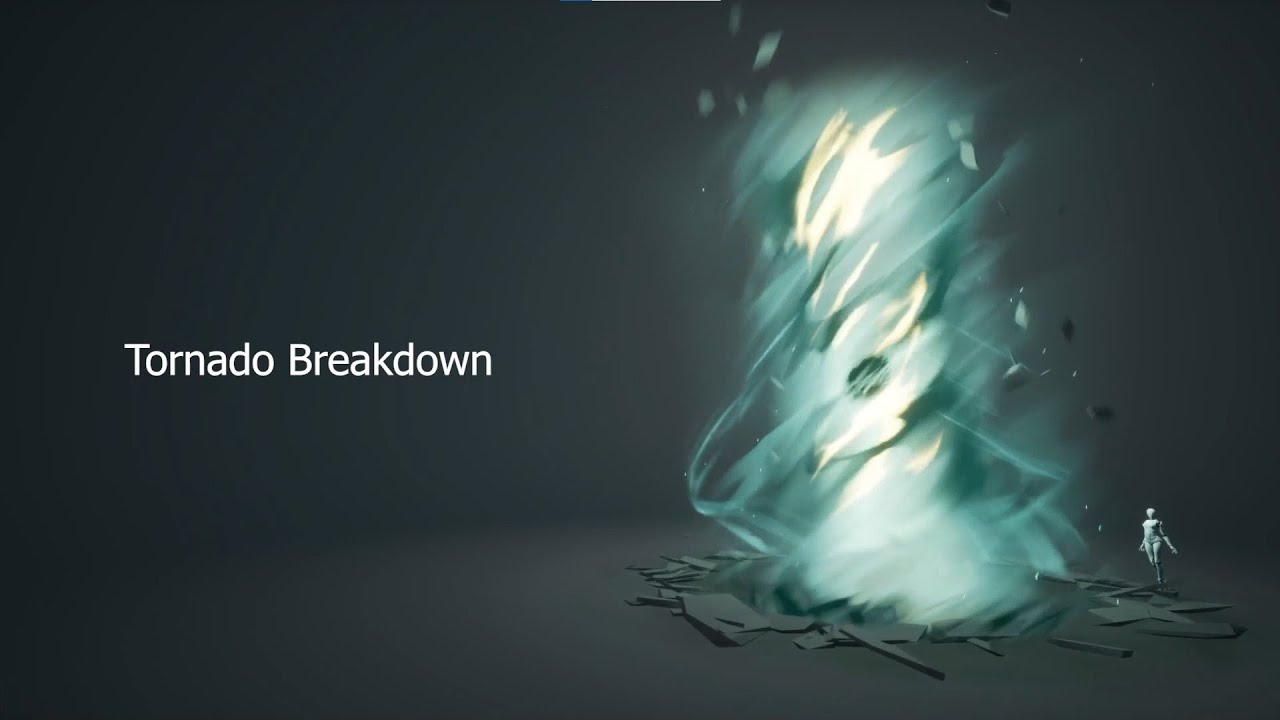
I’m sooo glad to see the monthly challenges back, I couldn’t miss this! Huge thanks to @Manus for taking the lead on this
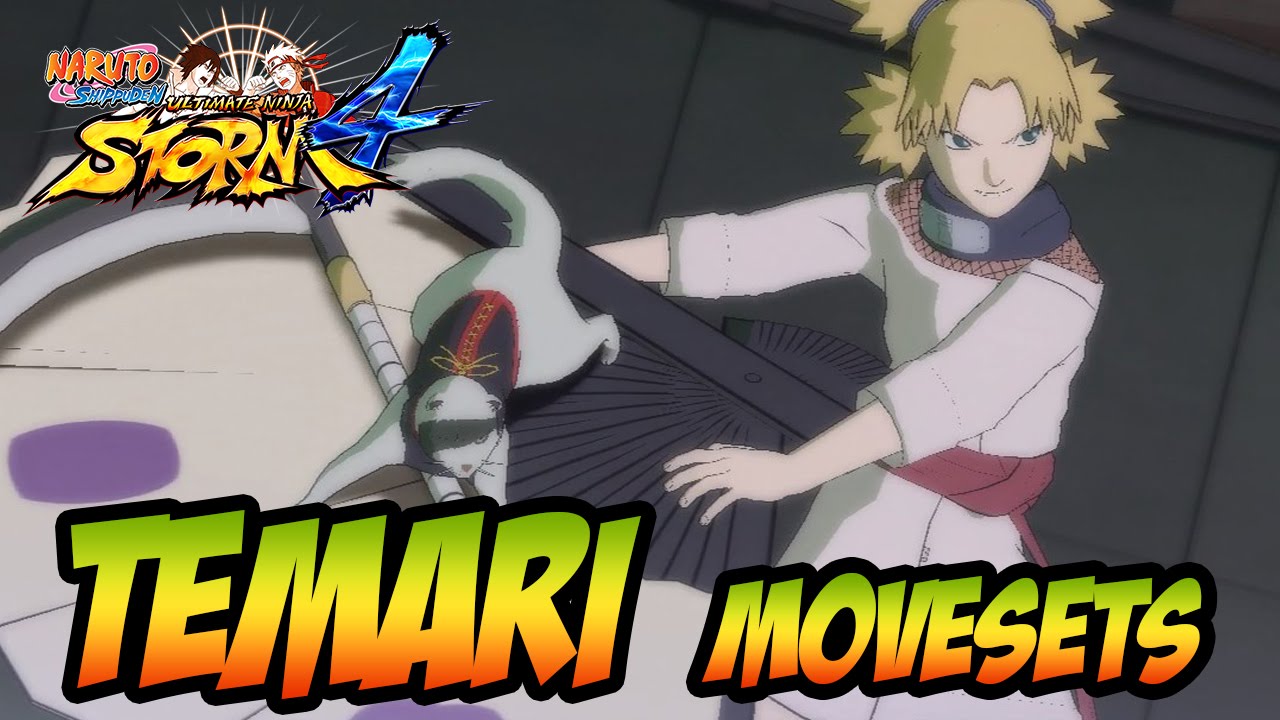
For this challenge, I thought about doing a classic tornado thing but I want to add a nice twist: Cut the tornado in half! Got this idea from one of my favorite games of my childhood Naruto Ultimate Ninja Storm :
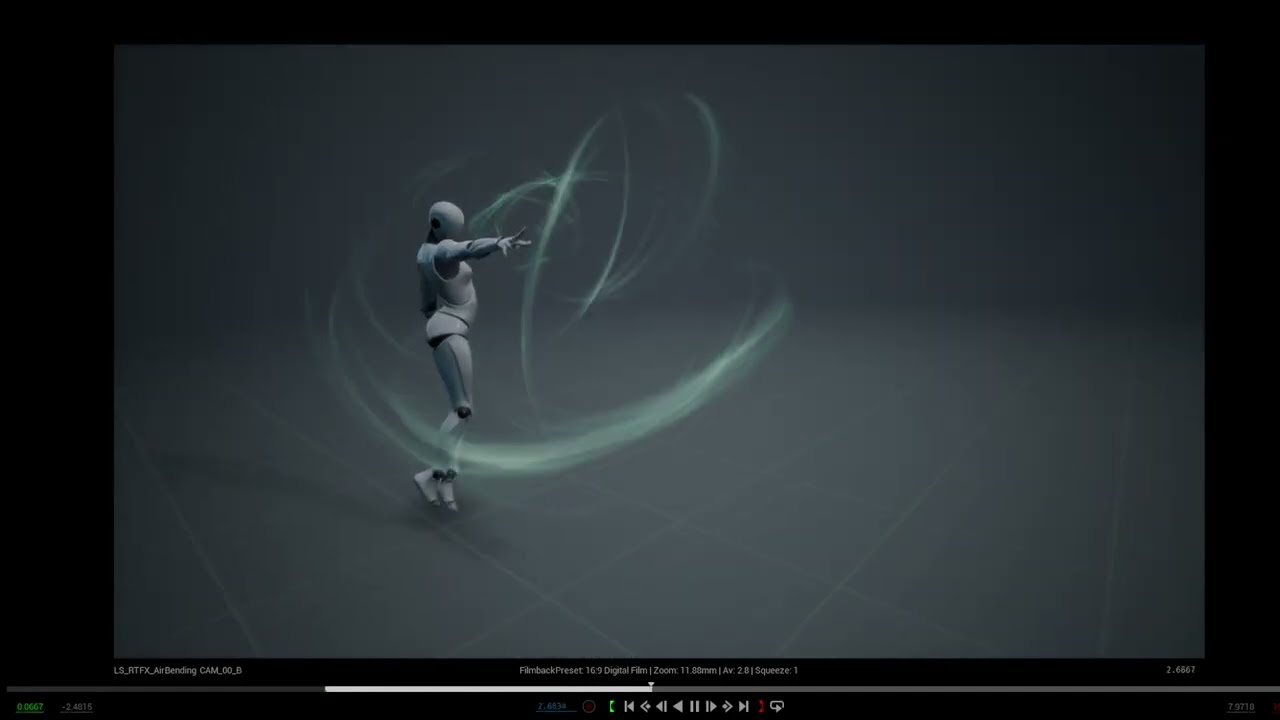
I really want to try a more “cinematic” approach for this one as I love working with sequencer. I started by cutting/merging various animations all coming from this awesome pack
It’s still really early, I’m not even sure if I will be able to finish this in time because there are a lot of steps and not so much remaining time. I will do my best and even if I can’t manage to finish this in time, I will definitely finish it anyway later because I’m having so much fun on this! For the moment, I only made the anticipation and a blocking for the tornado:
I appreciate that Planning to host some next sketches too with help of Niels and Valeriia!
Also really happy to see you back on another challenge, I love your work
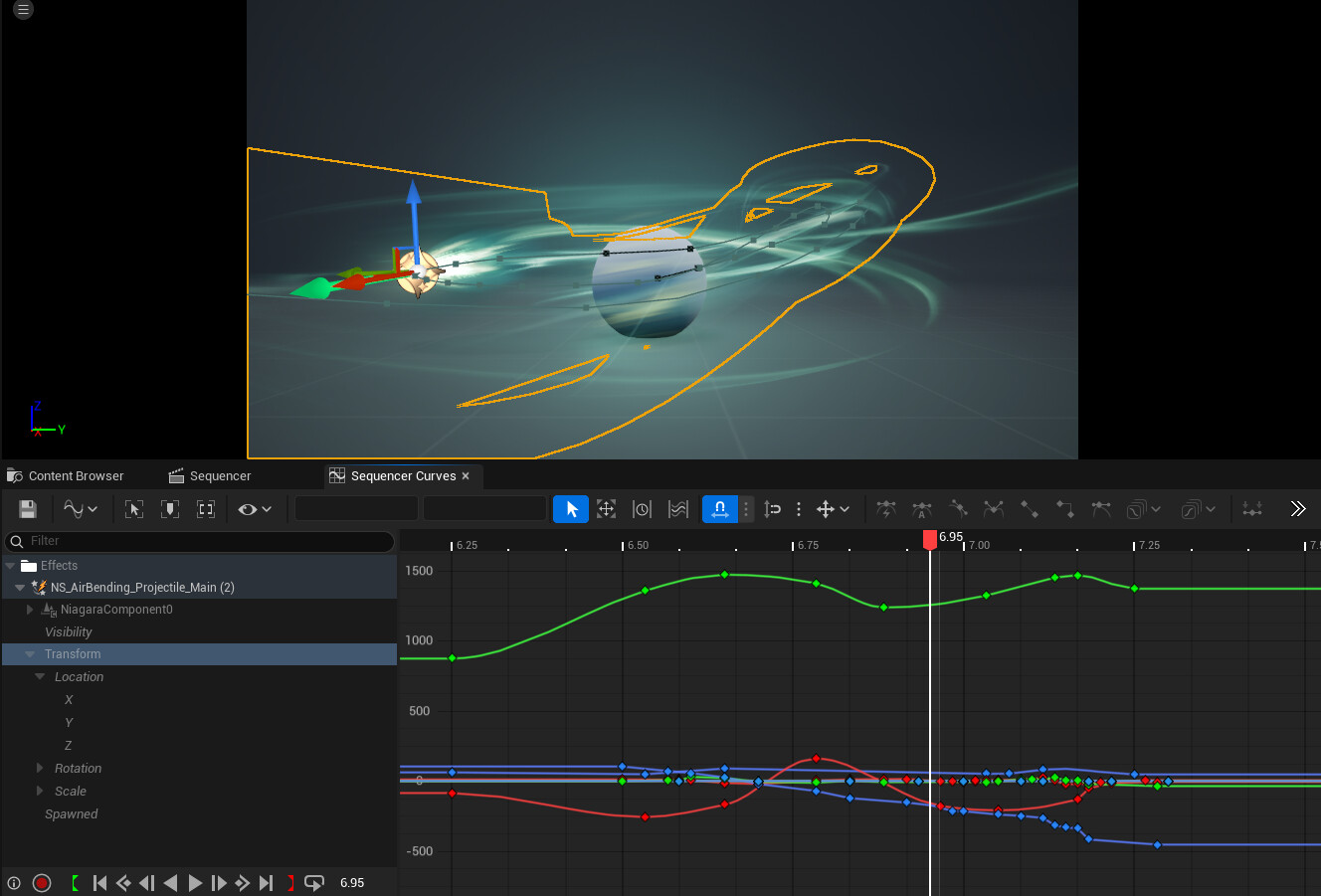
Actually the path of the projectile was painful to create because I animated it by hand in the sequencer, I definitely should have created a spline and make the niagara system follow. It would have been so much easier
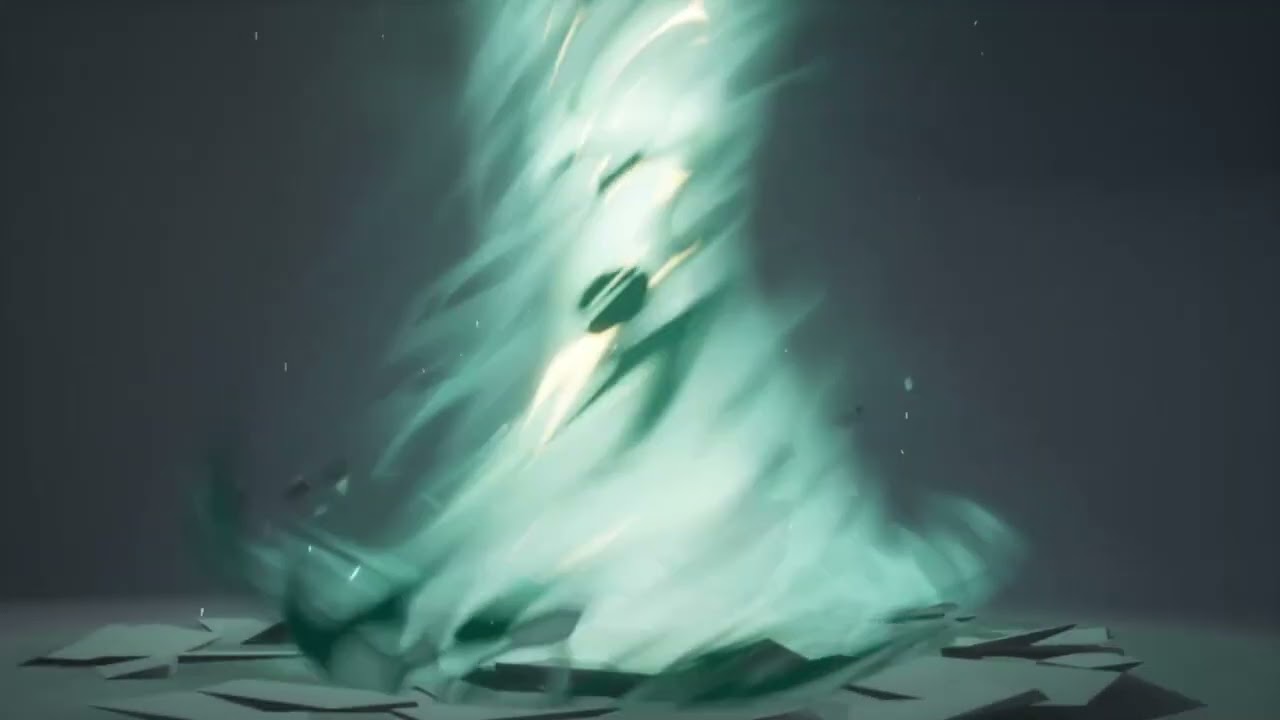
Hi everyone ! Unfortunately, I had to face the reality that I couldn’t slice my tornado and polish every part of the effect in time so I had to make a choice and decided to polish. I knew that if I made the slicing part, I would have rushed and not be happy about it in the end.
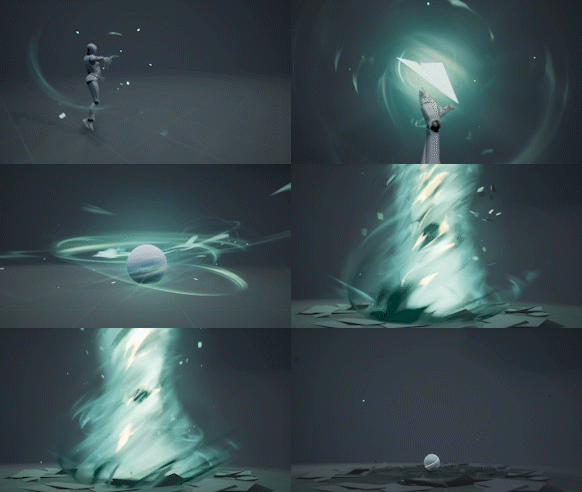
I still had a nice and fun idea when polishing, I added some paper planes to fit with the “Air” theme and I made a short animation on Blender to fold the paper. I’m a newbie in Blender animation so I struggle a bit on this but that was a fun occasion to learn.
Here is the result :
That was a cool project, thanks again @Manus for organizing this
Really looking forward to this! I’m especially curious about how you created the paper-plane folding animation — the workflow behind that looked super interesting.
Also, the tornado VFX at the end was amazing. If possible, I’d love to see the textures and meshes used for the tornado, and also understand the workflow behind how the ground-breaking effect was made.
Thanks in advance — your work is truly inspiring!
My animation is quite terrible, there are some artefacts on the topology but it’s not a big deal as I already knew that the animation would be really quick and when it’s finished, I made a flash and replaced it by a clean static mesh so it was good enough for me.

 Planning to host some next sketches too with help of Niels and Valeriia!