Sort of but, there is 2 textures. (You can use the same one, depending on your shader, but you’ll need to sample it twice)
The first texture is the Alpha for the smoke (in alpha channel) and the Normal Map for lightning purposes.
It looks like this:
RG = Normal (really its just Filter > Render > clouds in photoshop, repeat for both channel) , B = Alpha of the smoke. (this one is 512x512 so you can see more whats going on), but you can half size that easily since your distorted uv will generate some pixel level details… )
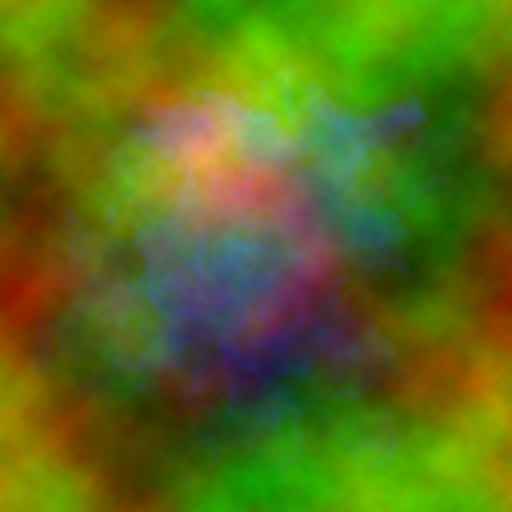
The 2nd texture is just a small noise texture (like a 64x64 with 3 channel RGB of Filter > Render > cloud like the first texture. I reuse that noise a lot in many setup for distorting UVs.
So what you do in the shader is you first sample the noise, with its uv scrolling in some way. Then you convert the RGB output of that texture into -1 to 1 space (take the RGB and multiply by 2, then substract 1). From there you add a multiplier to that to scale the distrotion and you just add that vector (dropping the Blue channel) to the UV to sample the first texture.