Hey all, this is my first post here as a memeber, I’ve been lurking for a long time. I’ve been in the games industry for a really long time and as an artist have served as environment artist, VFX artist, UI artist, generalist, Principal artist, Art manager, Art Director, etc., across AAA to indie to mobile and VR.
My most recent gig was a small indie studio that ran out of funding before we could go into early access and though I technically served as art director, there were only two artists including me on the core team and our vendors. But, one of the several areas I took complete ownership of was our VFX. It’s very possible that none of the stuff I’m sharing is new to this community or maybe not even interesting, but I thought it was a pretty successful strategy for our game.
The bulk of the work was focused on our combat effects and we had a need for potentially thousands of unique variants of projectiles, AOE’s, buffs and debuffs, impacts, etc. So I came up with a modular approach in UE5 (5.3 is where we ended for reference) that would allow for rapid scaling and content variation without the time and monetary cost of a traditional workflow. So, using AOE’s as an example category, I broke down what an AOE typically needed to be in our game into X-number of component types. Within each component type, I authored multiple Niagara system variations with each variation sharing a set of user parameters that would hook into data tables later. These params would typically control things like linear color, scale, duration, etc., as well as sometime some specific params associated with what that particular component type needed to do (for instance an initiation flash\burst might have params that a ground eruption wouldn’t and vice versa). Once this “library” of Niagara systems was created and they were hooked into data tables to describe and control their component type designation, the assembly of a full effect would then happen soley in the tables, with params being adjusted there.
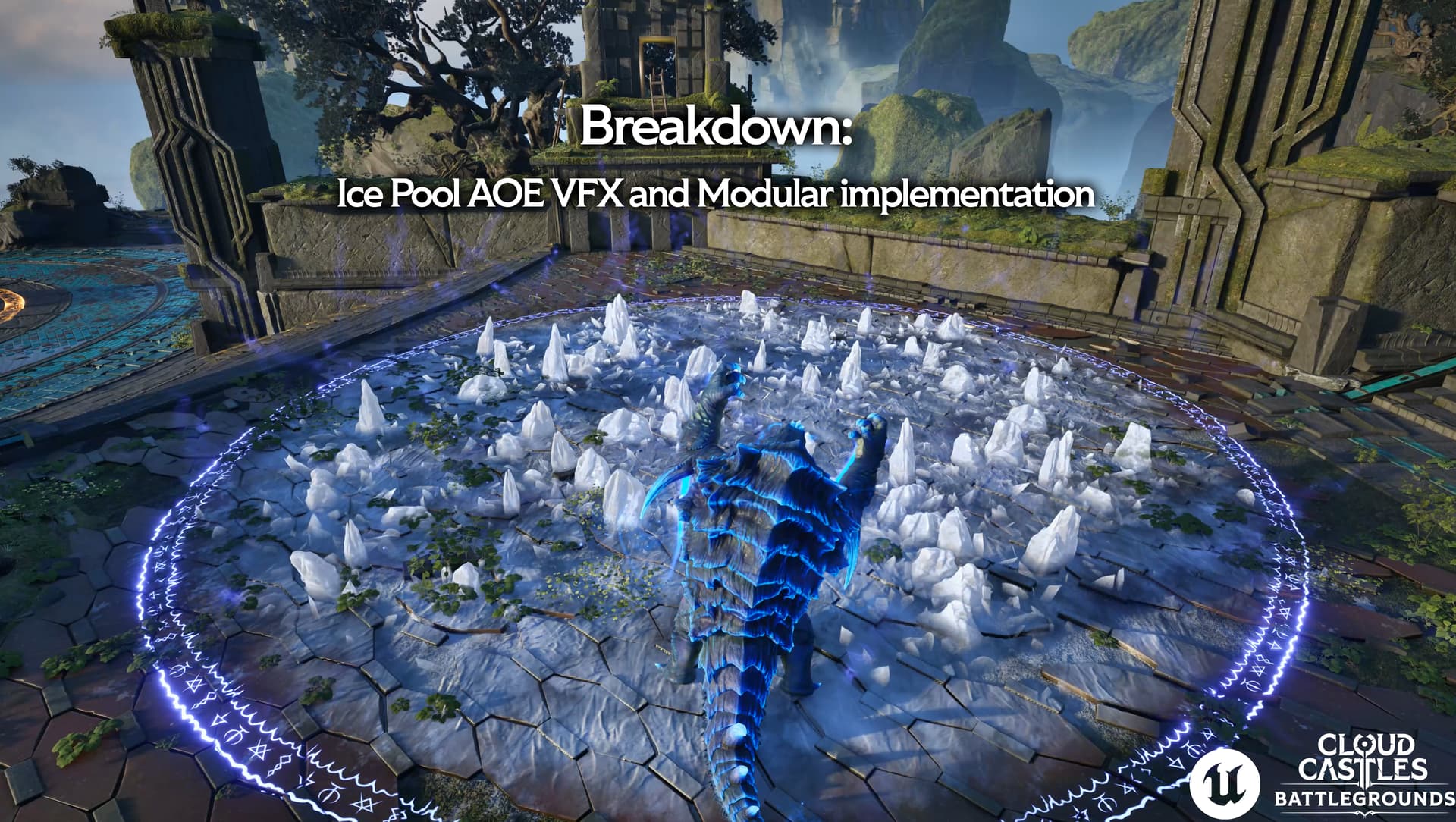
In my Artstation I made some slides to do a breakdown of one of these assemblies and some of its individual components and some of the material and Niagara work I did as well. I picked this “Ice Pool” to showcase because it used some of the more complicated Niagara systems and material graphs I had to create. Since I’m a new user here, I can only imbed a single item so if you want to go to my Art Station to see the full breakdown of how I did our modular projectiles system as well as seeing it all in action in game play and screen captures of each assembly, please do!
It’s really dope you are tackling modularity early on! Will set you up for future success nicely!
Have you ever checked NiagaraDataInterfaces? It’s what allows Niagara to read out other classes in UE like splines etc. My approach to modularity was providing all the ability VFX only one Object user parameter to the source ability, and then creating a NiagaraDataInterface in C++ that reads out all the required data from that ability.
This way there is not a bulk of user parameters and I have more power inside of Niagara on how to respond to the incoming info.
I’ve edited my original response because I confused data interfaces with data channels
Roppo thanks for this reply and question! I used Data Interface modules all over the place in my Niagara systems’ emitters but I think the difference is that we were trying to push our data to the systems via tables, and if I’m understanding you, you’re talking about your Niagara systems pulling data in via the C++ code you mentioned.
I don’t know if this would make any difference to my approach with this system, but our needs were focused mainly on two things: time and manpower.
1: Re-use of simple components so that the number of Niagara systems I had to author was fairly low, but would lead to 100’s of potentially unique combinations
2: Anybody on the team could, via the table entries, assemble whatever effect they needed instead of one person (me) creating traditionally bespoke niagara systems for every effect.
The exposed user params were a way for me to allow a non-vfx or non-artist team member to adjust certain visual and gameplay attributes via a guard-railed set-up that started inside the materials and ended in the Niagara systems. So, for example, I could keep the relative timing of an expanding magic ring un-alterable by using a curve inside Niagara to control the motion, but I could add a multiply float and expose it as a user param “Scale” for the end user to adjust.
So I wonder if a hybrid approach where gameplay-specific attributes are controlled with your methodology, and visual variations are controlled with exposed user params? I dunno but it’s a really fun implementation and planning challenge and you’ve given me some new ideas.
My idea works well for pipelines where VFX artists make assets that has to work with dynamic data outside of Niagara. Basically set up the asset once, and then dynamically it always shows the current data from the source. I have a demo project I could send over with the data interface set up?
So I guess my method works within other systems/pipelines, you have moreso made your own pipeline.
EDIT:
I uploaded the project here:
It is a C++ project so you have to recompile it. There is a README as well. It’s not written really clearly for non C++ readers… but let me know if you want more info! Can also ping on Discord: Robbie076
well, really, your method is more of the industry standard, espcially when the project is using something like GAS.
If developement doesn’t require non-VFX team members to create variants of effects that have art-directable attributes, then your system is probably all you need.
But if you’re trying to force-multiply through visual modularity variences, then that’s where something like what I did or even a hybrid approach comes in probably.