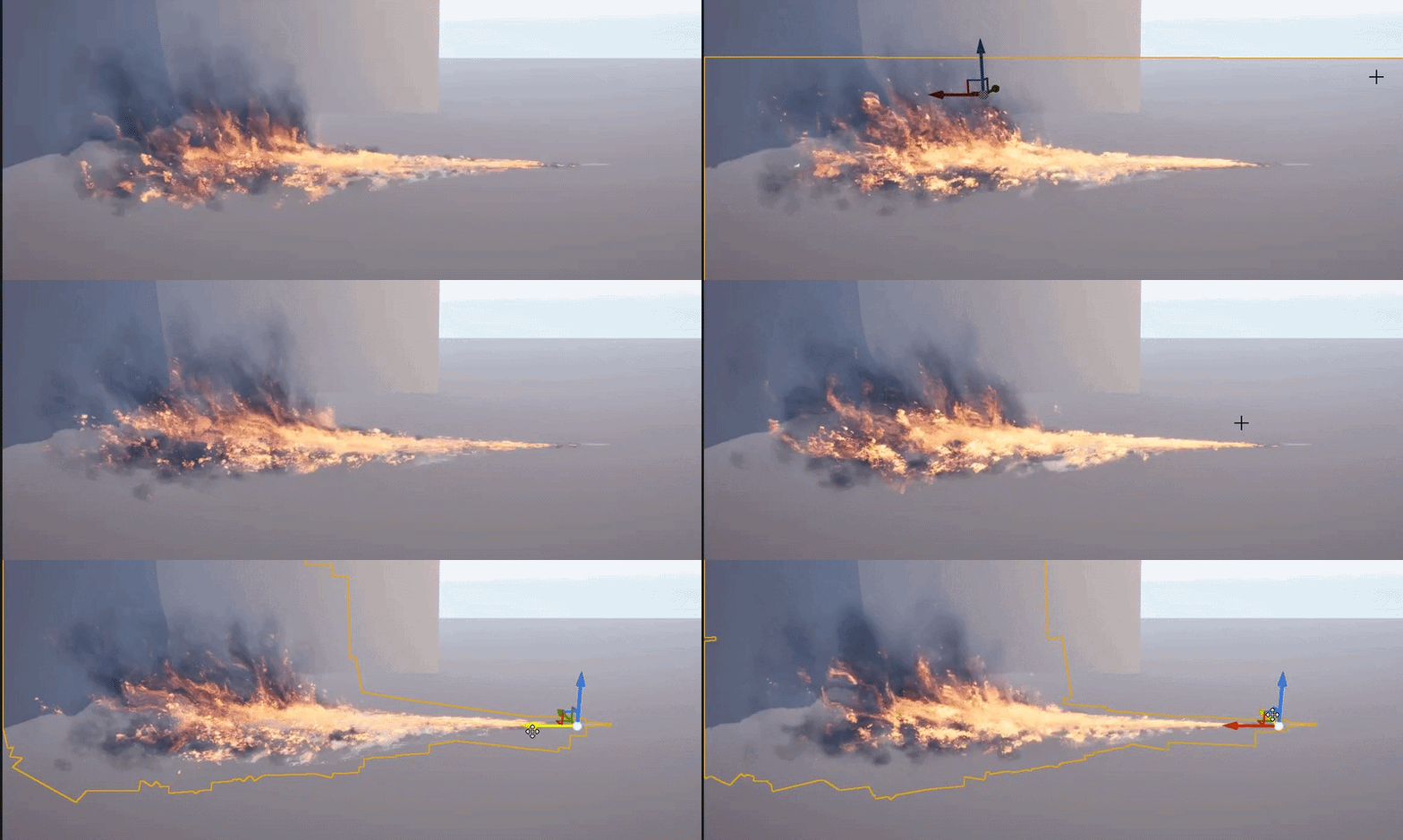
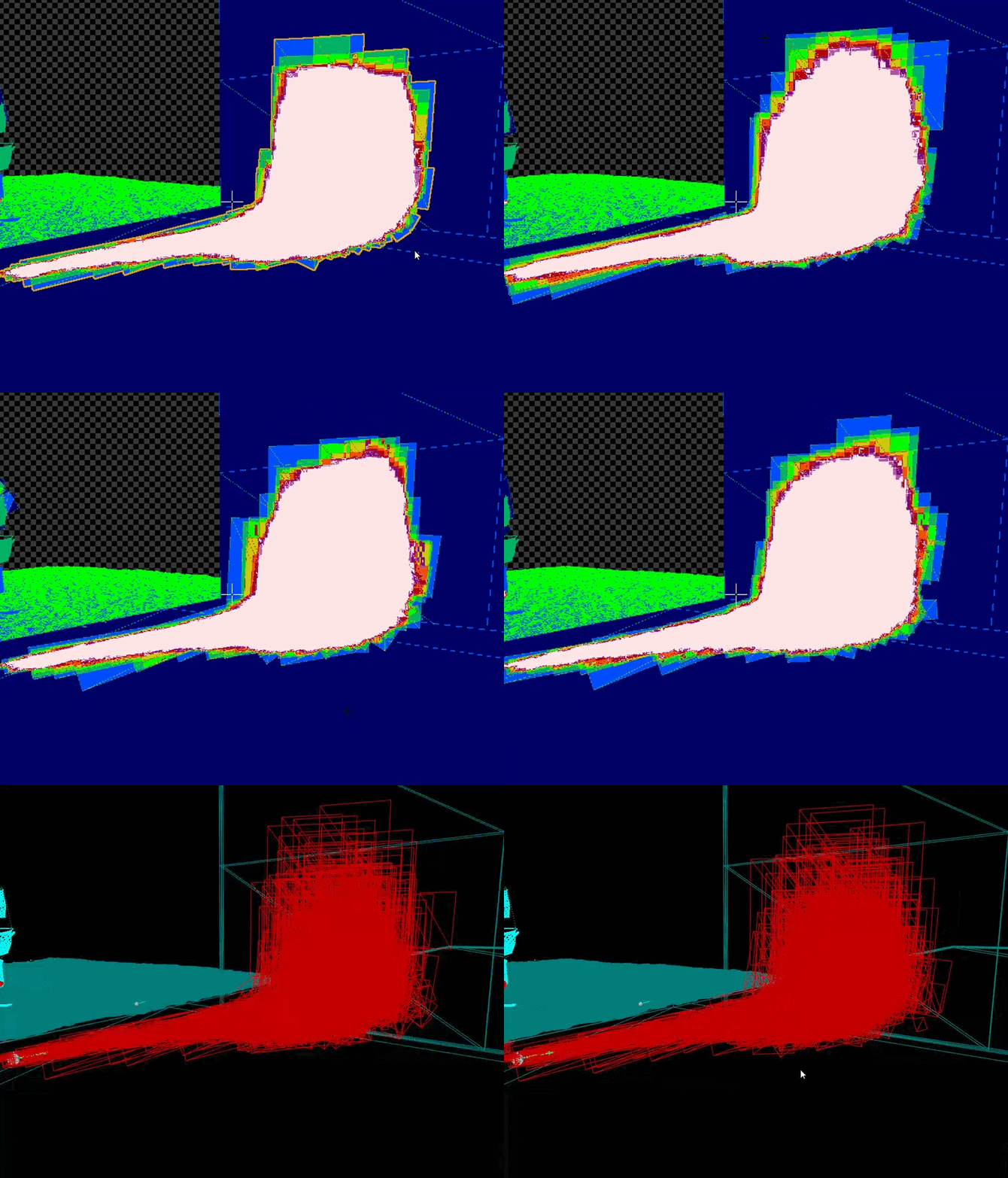
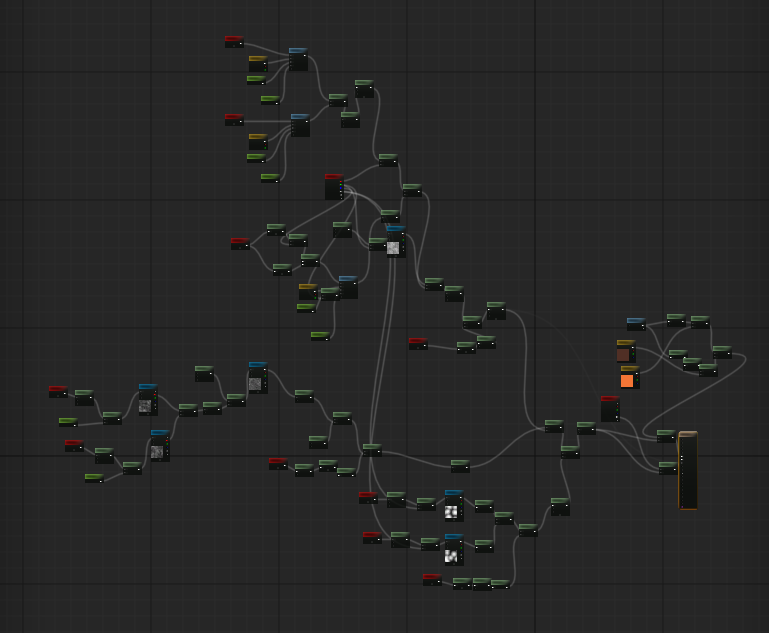
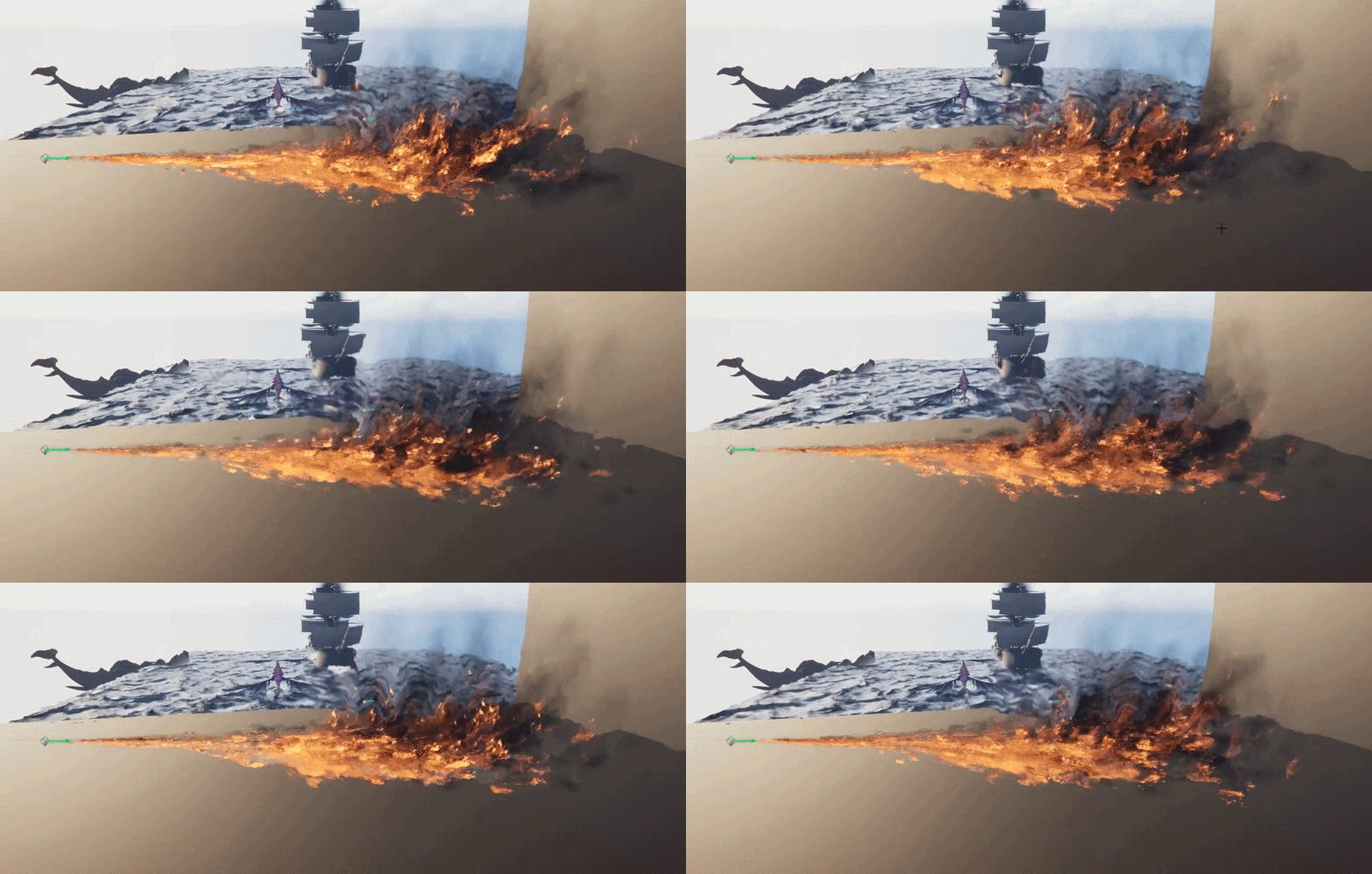
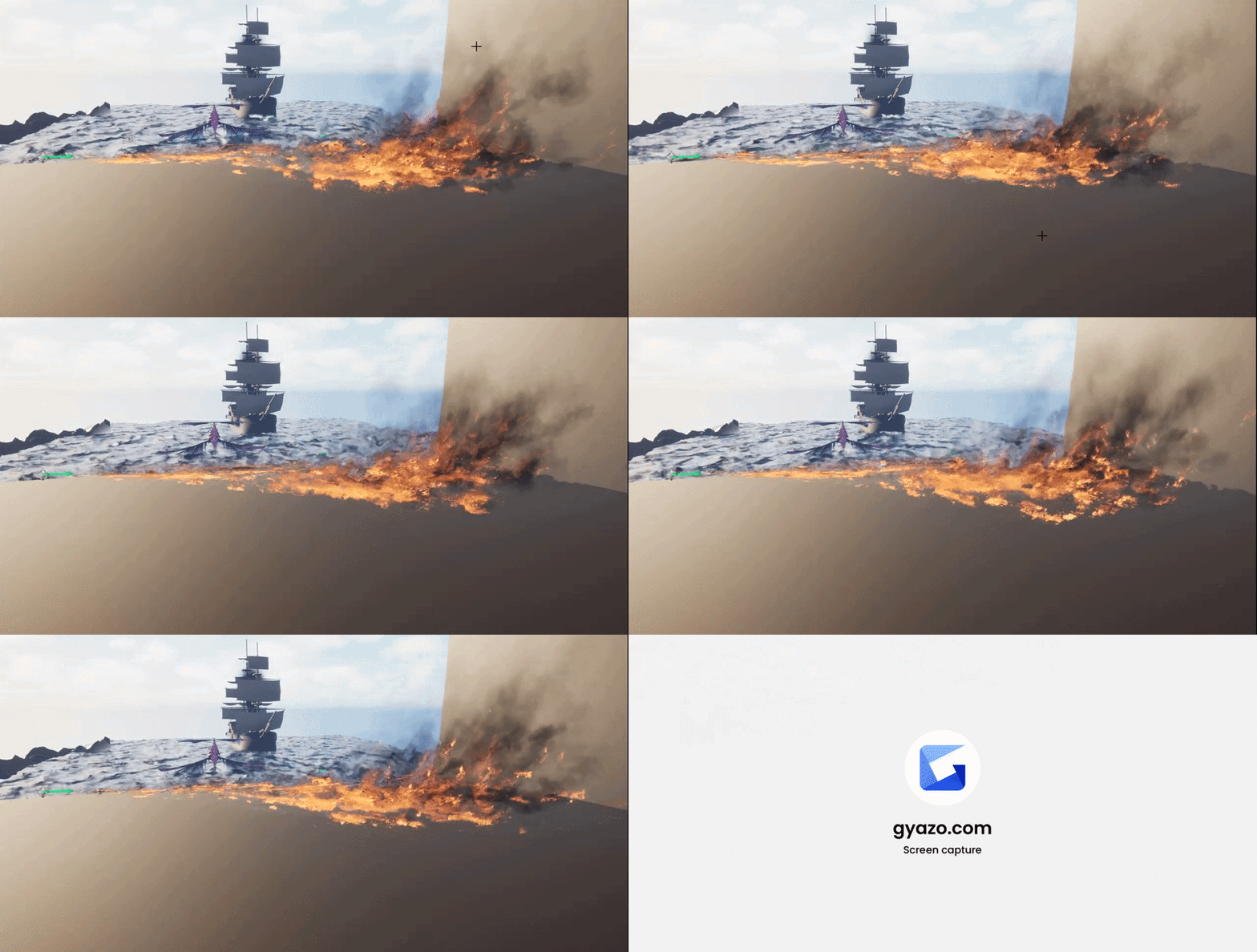
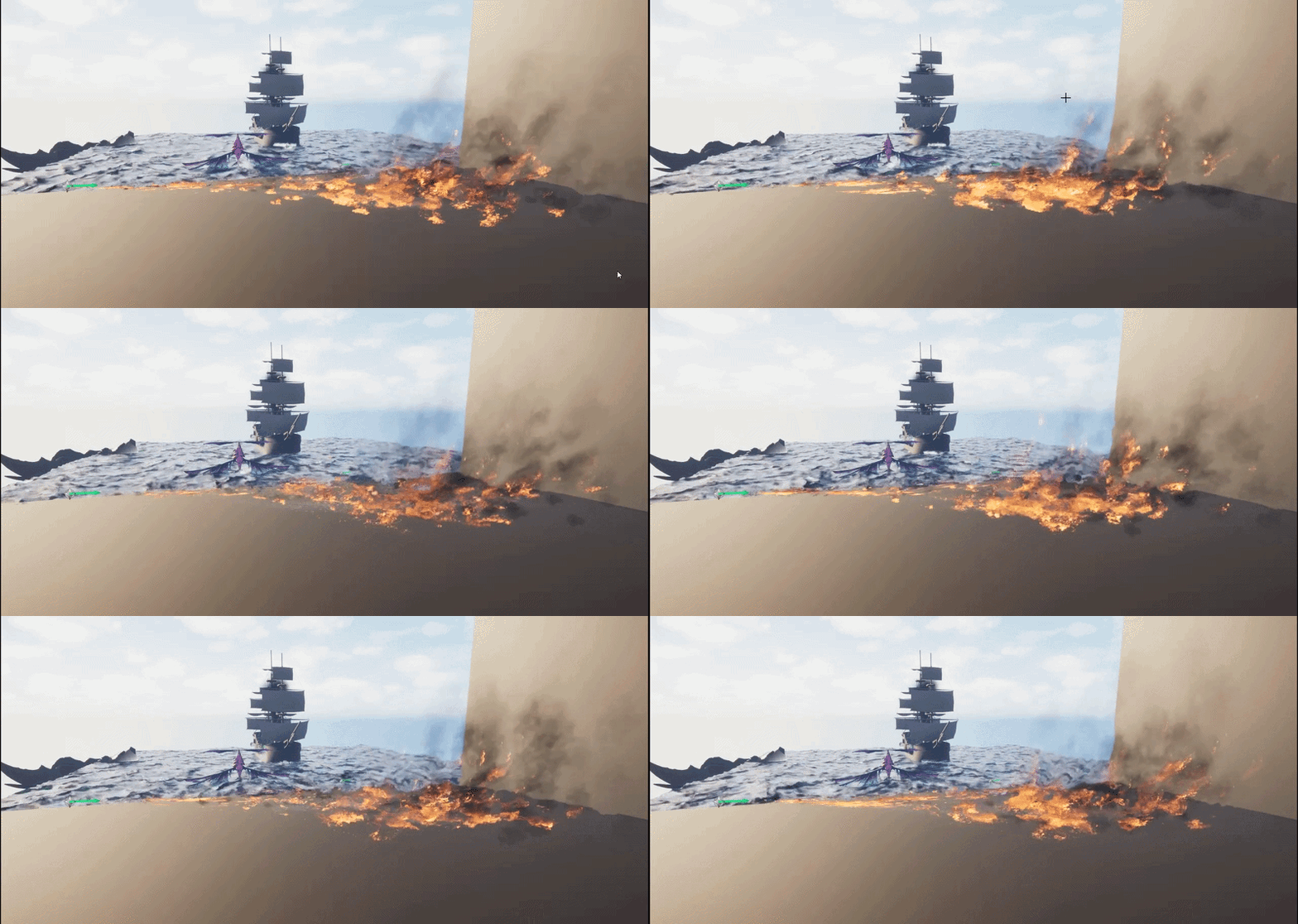
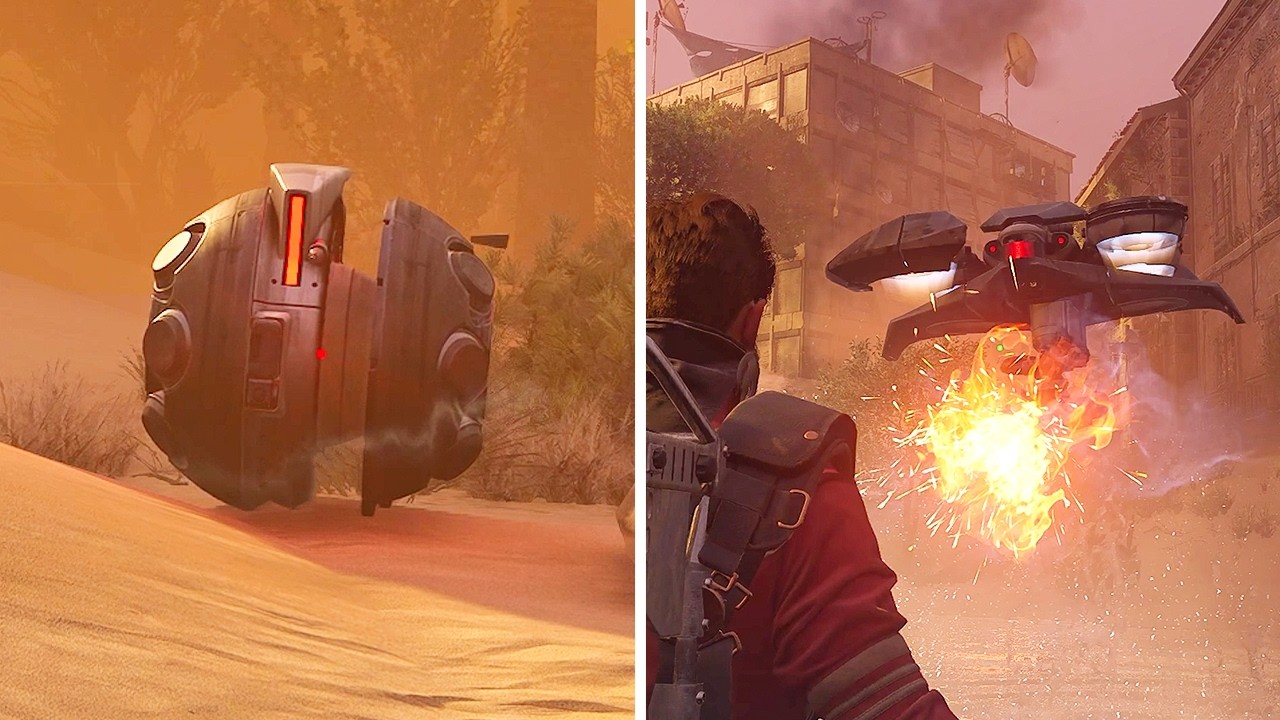
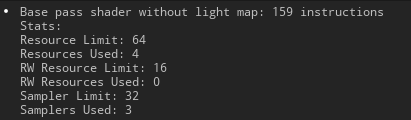
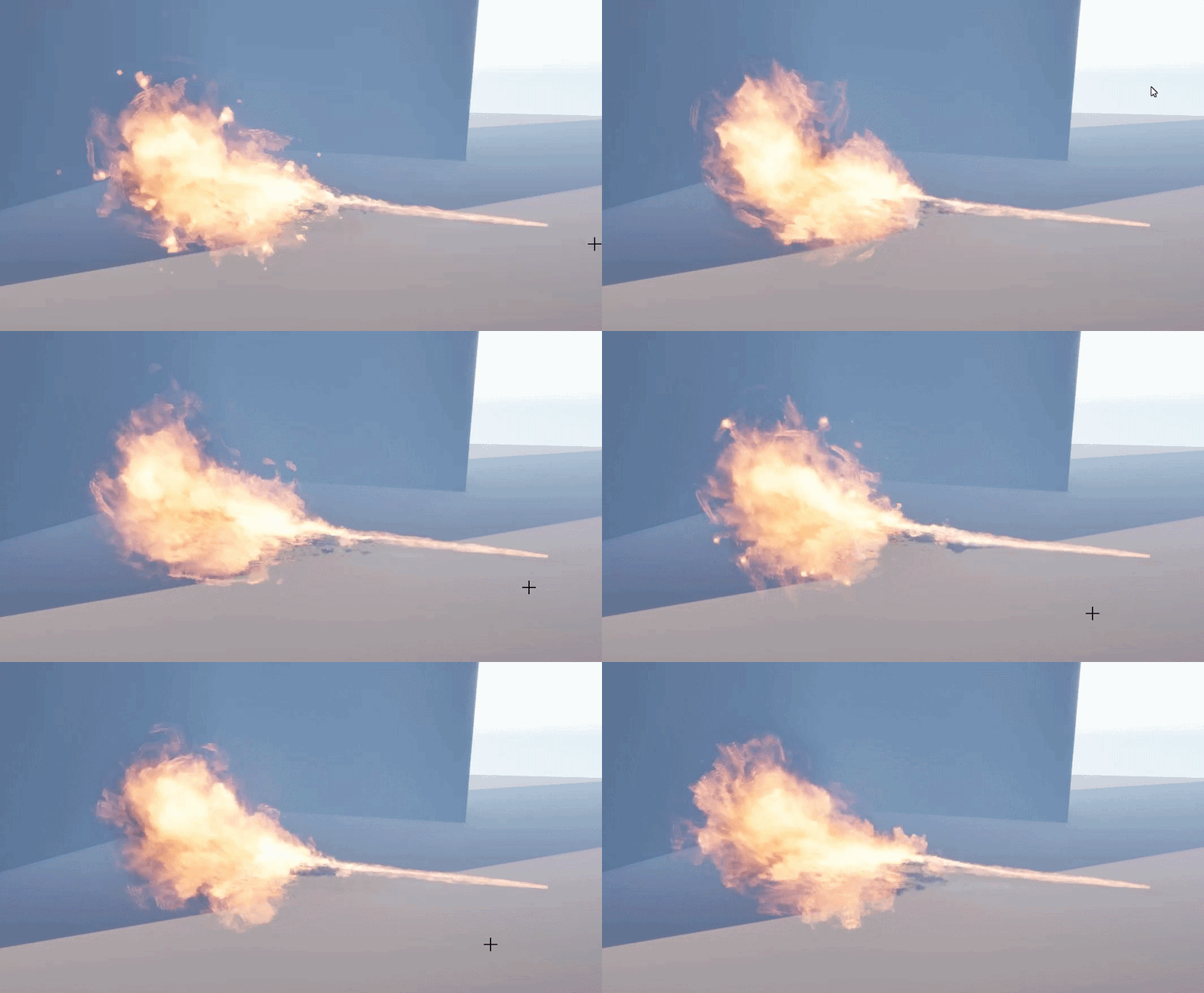
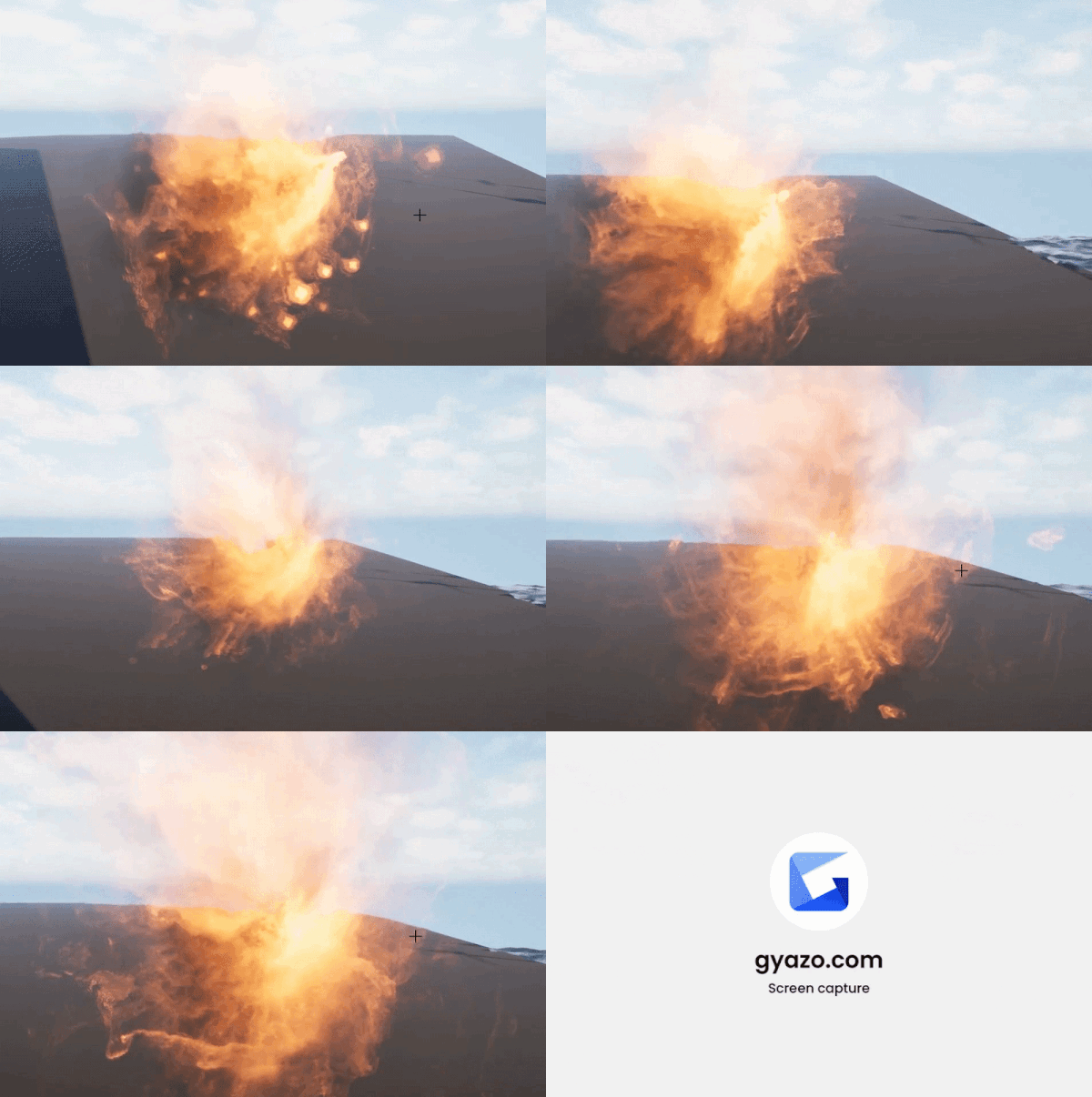
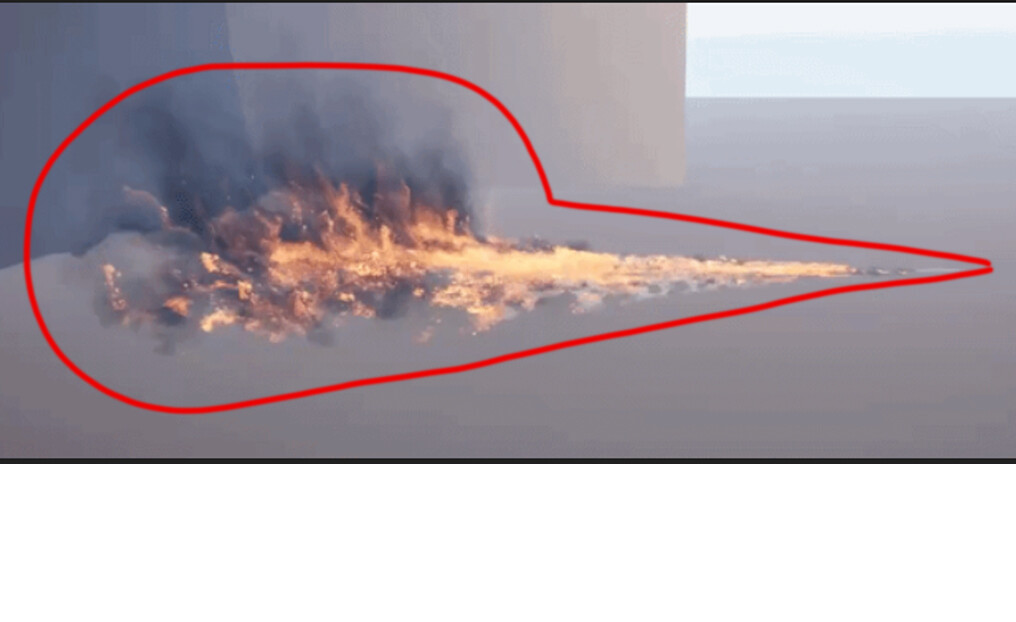
The shader instruction count should be in the range of roughly 150–170 instructions. Moving toward that target is a good direction because fire generally does not require a complex shader.
The shader should be additive and unlit only. As soon as you switch to translucent blending, the instruction count typically jumps above 200 instructions. I do not have Unreal Engine available right now to verify the exact numbers, but if I remember correctly, a basic additive shader starts at around 135 instructions.
Fire usually looks better when it is built from multiple sprites, so keeping the shader lightweight allows you to use more particles. I would only use a translucent material with a more complex shader if I needed a single sprite to handle fire, smoke, and refraction simultaneously, while using only a few sprites overall—perhaps between one and four.
If you are rendering 1,600 sprites, I would consider that excessive. In most cases, you can achieve a convincing fire effect with approximately 25–50 sprites. If you build it using older CPU-based techniques, you can often get away with as few as 15 sprites.
The appropriate particle count depends heavily on the context. For example, if there is only one monster and one player in the level, the CPU load from AI and gameplay systems is relatively low, leaving more performance budget for particles. The effect may also be acceptable if it occupies less than roughly 35% of the screen, if there are no other overlapping particle systems, and if the player is not generating many additional effects at the same time. There are probably several other conditions under which a higher particle count could be justified. In any case, you should use GPU particles and a tightly controlled bounding box.
Even so, that number of particles is likely to have a significant performance impact. Even on the GPU, it could potentially reduce frame rate from around 120 FPS to somewhere between 40 and 60 FPS.
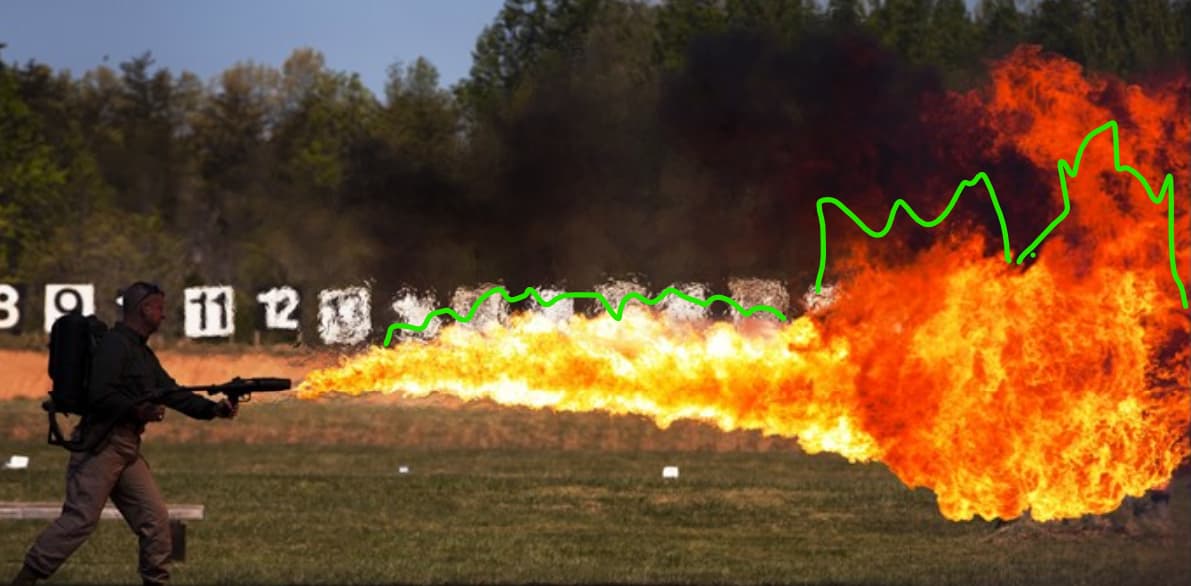
I would recommend several alternative approaches, although the best solution depends on how dynamic the flame needs to be and whether it will be viewed only from the side or also directly facing the player.
One option is to use a ribbon for the main body of the flame. Another is to use approximately five particles to represent the flame from the side and add a second particle facing the camera for each of those, creating a cross-shaped arrangement. This setup can be optimized further using a dot-product-based approach for orientation and visibility control.
Once you reduce the effect to only five primary particles, you can afford to make the shader somewhat more complex.
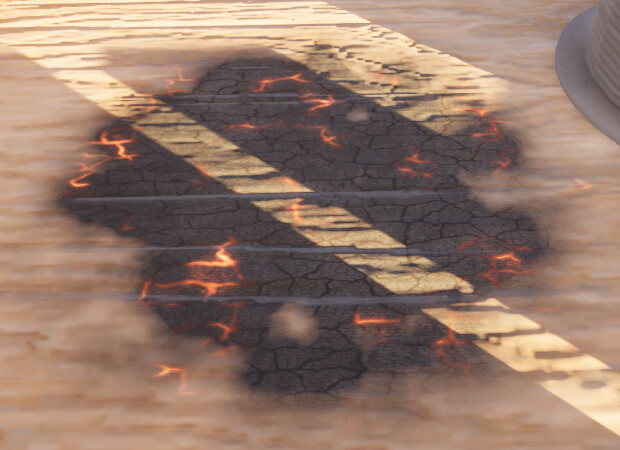
For collision-driven effects, it is more difficult to avoid higher particle counts, but I would still recommend prioritizing optimization wherever possible.
references