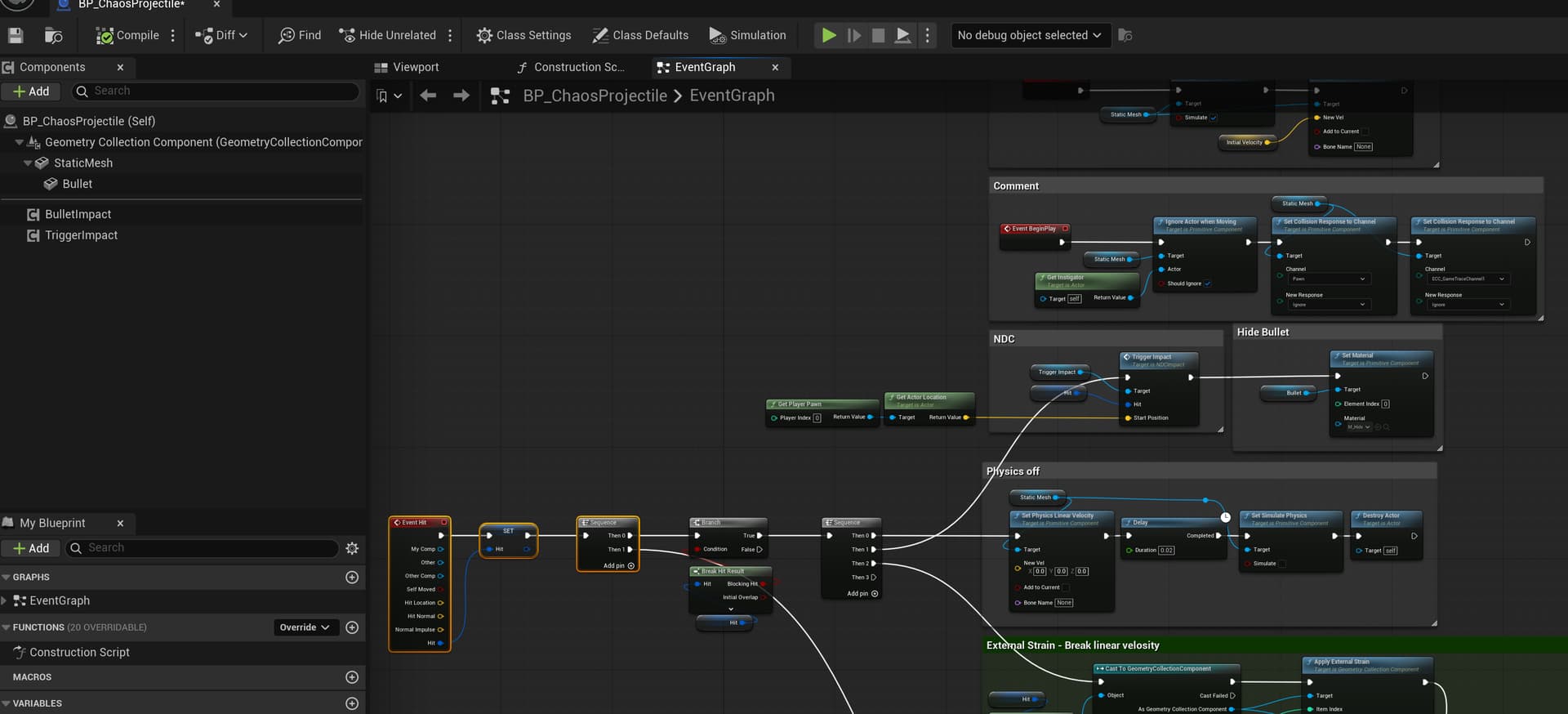
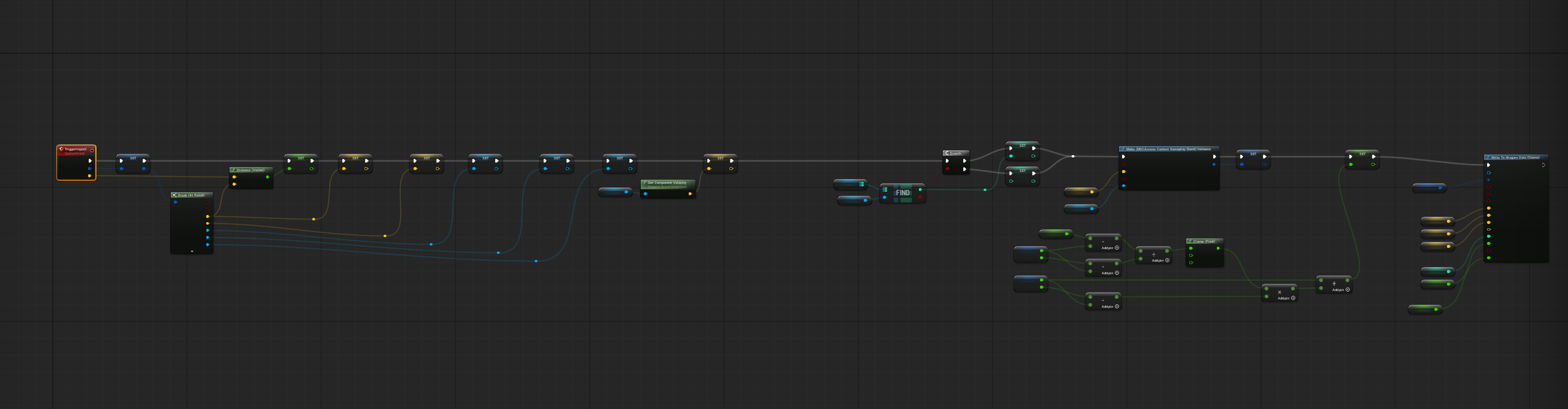
This post is about issues working with Chaos destruction, specifically with projectiles.
I ran into the same problem again while working on furniture, and it’s getting frustrating. There’s no clear explanation anywhere on how to properly set this up. In one example, a Master Field is used destruction-quick-start; in another, Cedric Cayo says it’s better to use External Strain Chaos Destruction System | GDC 2025.
There are two main ways to affect Chaos collision and destruction: by using fields, or by applying direct physical impact (of course, using tracing too, but that’s not the case for me).
When using a projectile, the setup is simple at first. You configure everything through Projectile Movement, and it works well until Removal is triggered. After that, the object no longer blocks collision properly, either for the projectile itself or for traces.
With a projectile, it is easy to spawn the fields you need on impact and control the destruction that way. In my case, though, that is not enough because I need the destruction to continue in a consistent way.
It would help if Epic provided more control options for this case instead of effectively removing that interaction.
I would like to have more control for cases like this. There are three destruction behaviors that would be useful.
Persistent destruction — destruction that can continue at any moment whenever needed.
One-time destruction — objects that should become inactive after the first hit. There are many small objects where it is useful to see some dynamic reaction on impact, but after that it is no longer necessary, and it would be better to remove them from memory but leave the objects in the scene.
Partial removal — for example, furniture that can start breaking apart. It would look strange if the whole object disappeared from the scene after the first hit and left the room empty, but I also would not want it to stay fully active in memory forever. After the first hit and partial removal of some broken parts, it would be useful to either disable collision on the remaining object or switch it to kinematic. At the same time, I would not want that furniture to become inactive immediately.
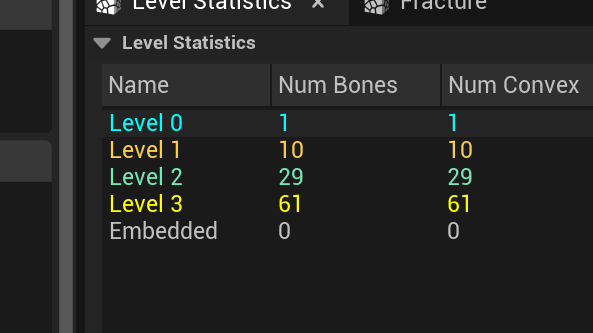
Chaos already has three collision states during destruction: the main collision, cluster collision, and piece collision. It would be nice if we could optimize cluster collisions based on a set of boxes rather than their convex hulls, but right now, optimizing using boxes seems odd—a single box covers a single object and isn’t ideally oriented. It would also be useful to keep an object in the scene for some time after destruction, and then, instead of deleting it completely, just disable its collision and leave it in the level as a static mesh.
The second option, aside from traces, is to use a collision object with physics enabled. This feels like the least stable solution. I am not sure studios making shooters actually rely on real physics for projectile behavior, but since there is no better alternative, I am currently following the approach shown in Epic’s Content Examples.
In simple terms, that setup is: enable physics, add velocity, assign a physical material, disable physics on hit, then remove the object.
The problem is that it behaves odd. With a medium-sized projectile, around the size of a character’s head, it can take anywhere from one to four hits to reliably break part of the target when using only the object’s physical impact. If I double the size, the destruction becomes much stronger and can take out half a column in one hit.
This becomes even harder when different destructible objects need to react in a similar way. For example, a small projectile may fail to break a column on the first hit, while the same object pushes furniture instead of damaging it. If I increase the size, then half the column explodes and the furniture is over-destroyed as well.
Using fields seems like the most logical and stable method, but in my tests Apply External Strain does not work correctly for a physical object on hit, and I still do not know why. FS_MasterField is also difficult to control: at around 0.5 scale it does nothing, and at 0.8 it almost explodes the whole object.
The main goal is not to make it feel like the object is being hit by a large rock. It should feel more like a blaster shot: break connections in a small impact radius, push the broken pieces slightly in different directions, and maybe tip the object a little instead of blowing it apart.
Basically, in this case, I’ll have to—I certainly wanted to avoid it, but I just need to generate as many Projectile variants as possible, including all fields, test them all, and then choose the most stable option.
For now, I’m switching to another project I’ve been working on alongside this one for the past few weeks, and I’ll come back later to continue.