Hi everyone — I’m Brais, based in Barcelona.
I studied game development and I’ve spent the last 4 years in the R&D
department of a TV production company, working across virtual production,
internal tool development, and 3D for broadcast sets.
Real-time VFX and tech art are what I actually want to do, so I’m
starting this sketchbook to learn properly and get feedback.
First piece: a stylized explosion.
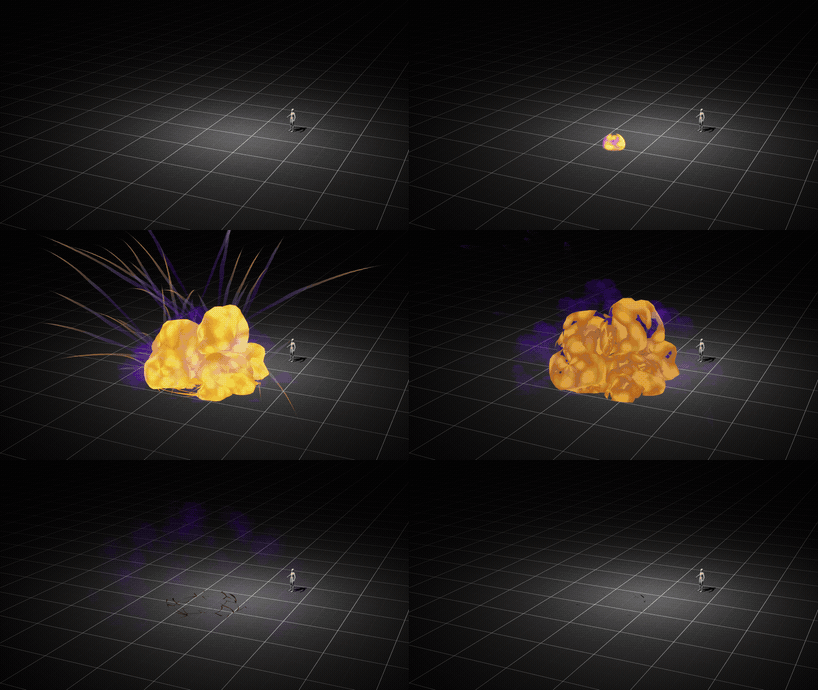
Full quality version:
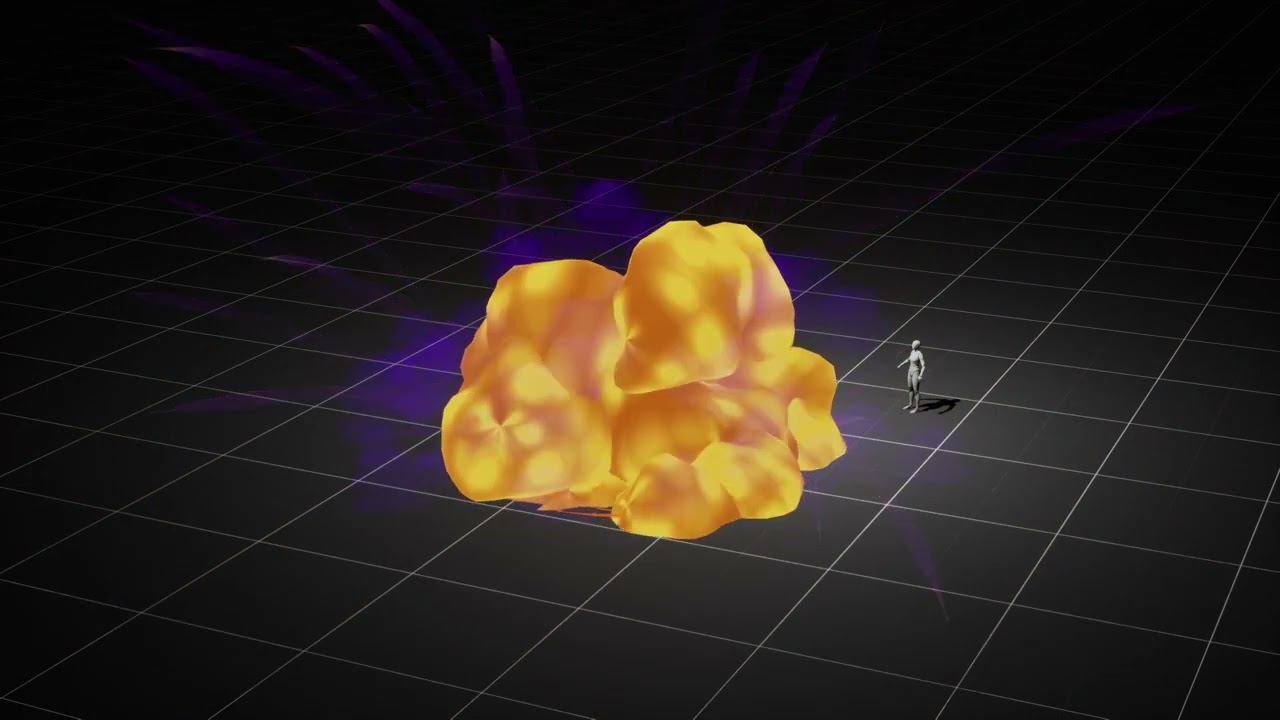
Almost everything here is mesh-based rather than sprite-based, and the
smoke runs on a procedural material I built to be reusable.
The base material
Before building the system I made a single procedural material meant to
be reused across different meshes, fully parameter-driven. Everything is
exposed so I can build a new look just by creating material instances.
Current feature set:
- Modifiable panner and swirl
- Fake lighting
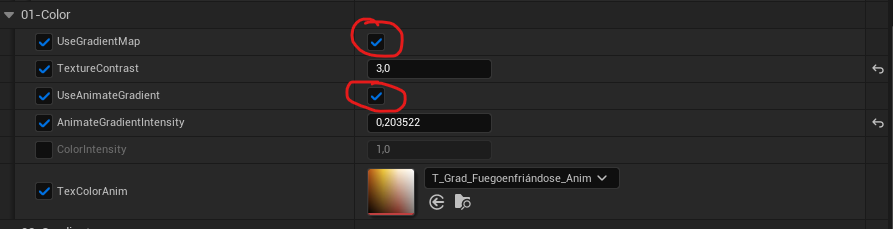
- Animated gradient curve
- Atlas curve
- Posterization
- Inflate
- Noise
- Dissolve, plus edge dissolve with emissive
- …and a few more
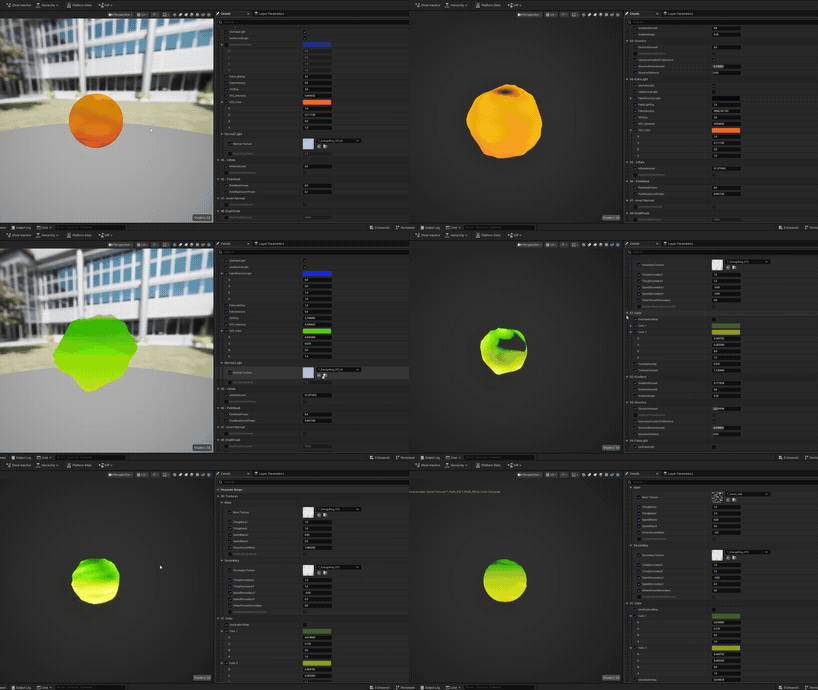
In this explosion the smoke is driven mostly by the animated gradient
curve and the dissolve, but the same material with different settings
gives me these two examples:
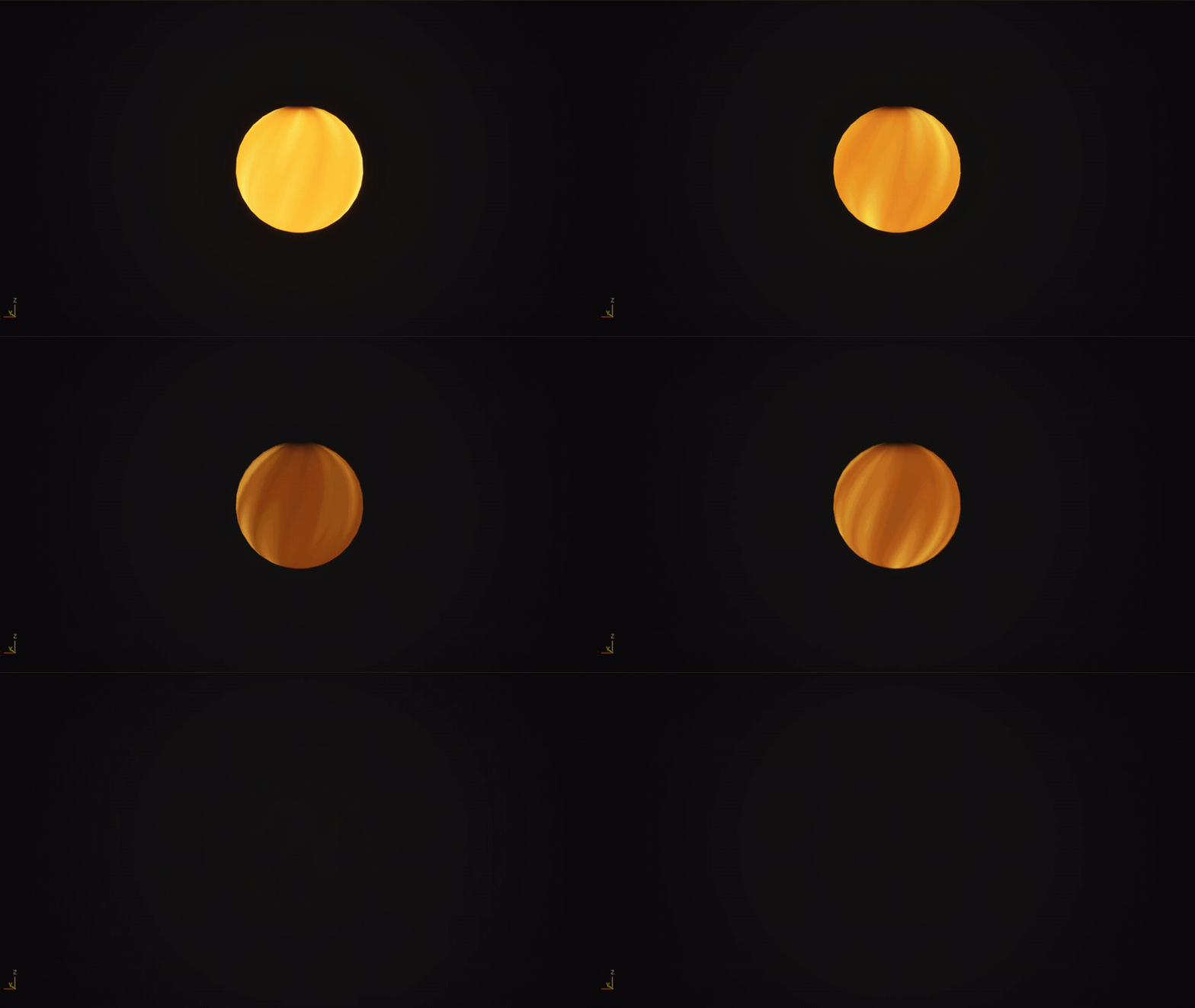
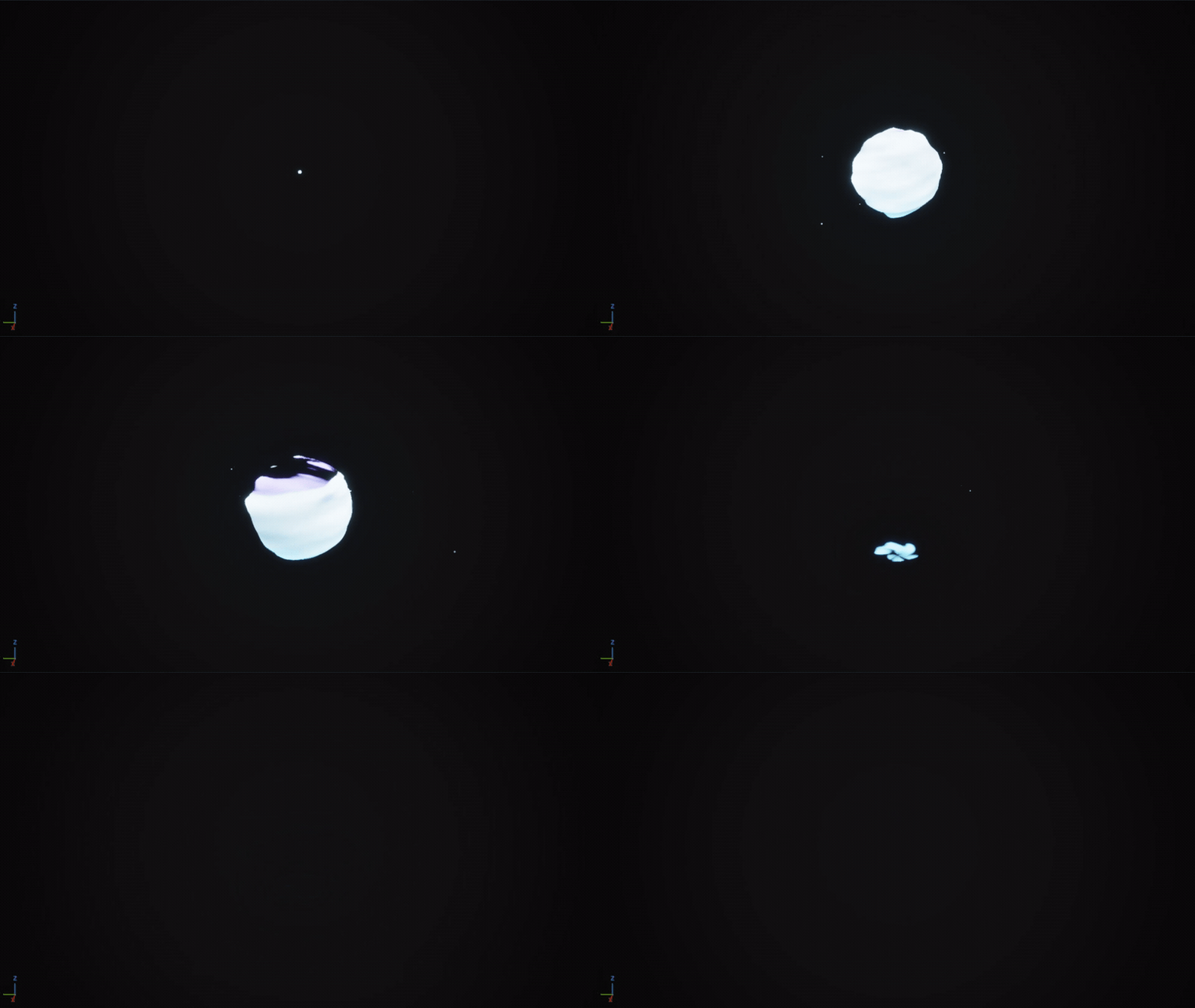
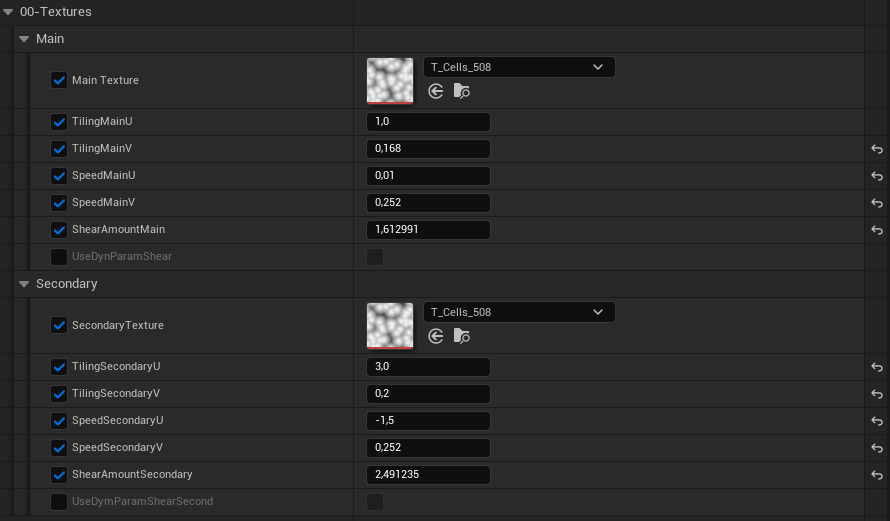
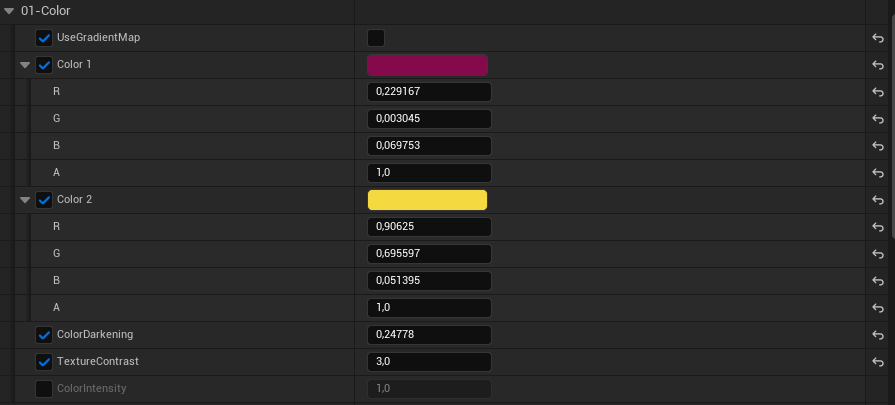
Material instance parameters
-
Texture Details
-
Color Details
-
Gradient / Dissolve
-
Fake Light
-
Inflate / Pole Mask / Inverted Normal / Depth Fade
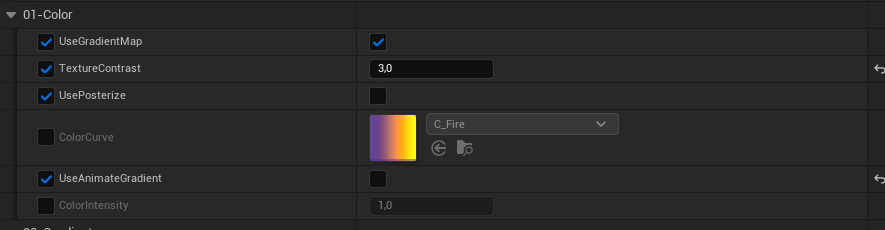
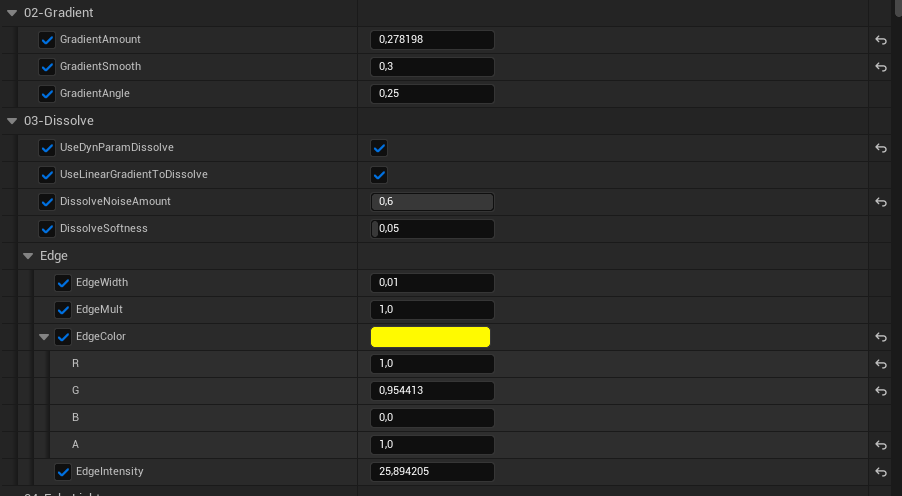
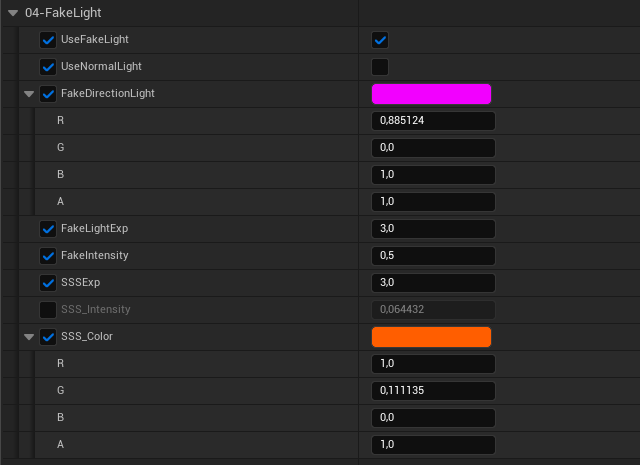
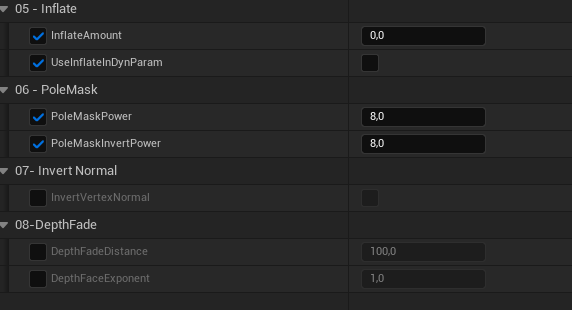
It took me a while to build, but I hope to get a lot of use out of it in
future projects.
Breakdown
Each part of the system, in build order:
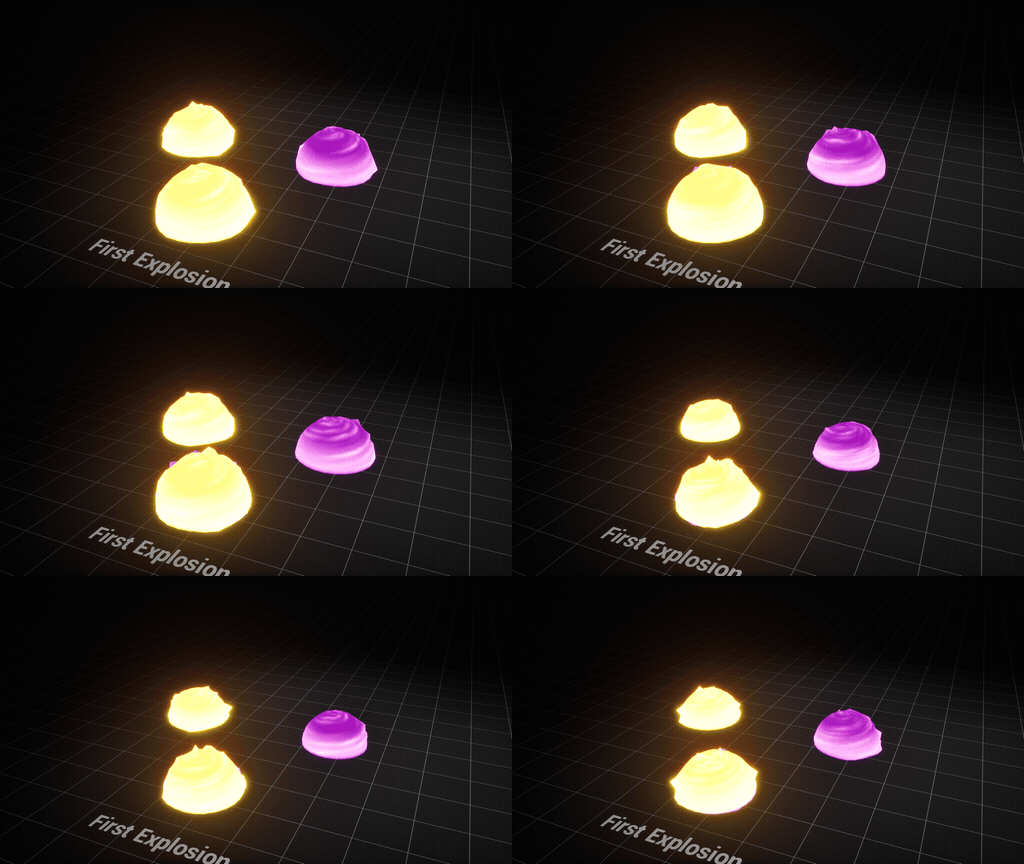
Initial blast — two sphere meshes with material from above, no sprites.
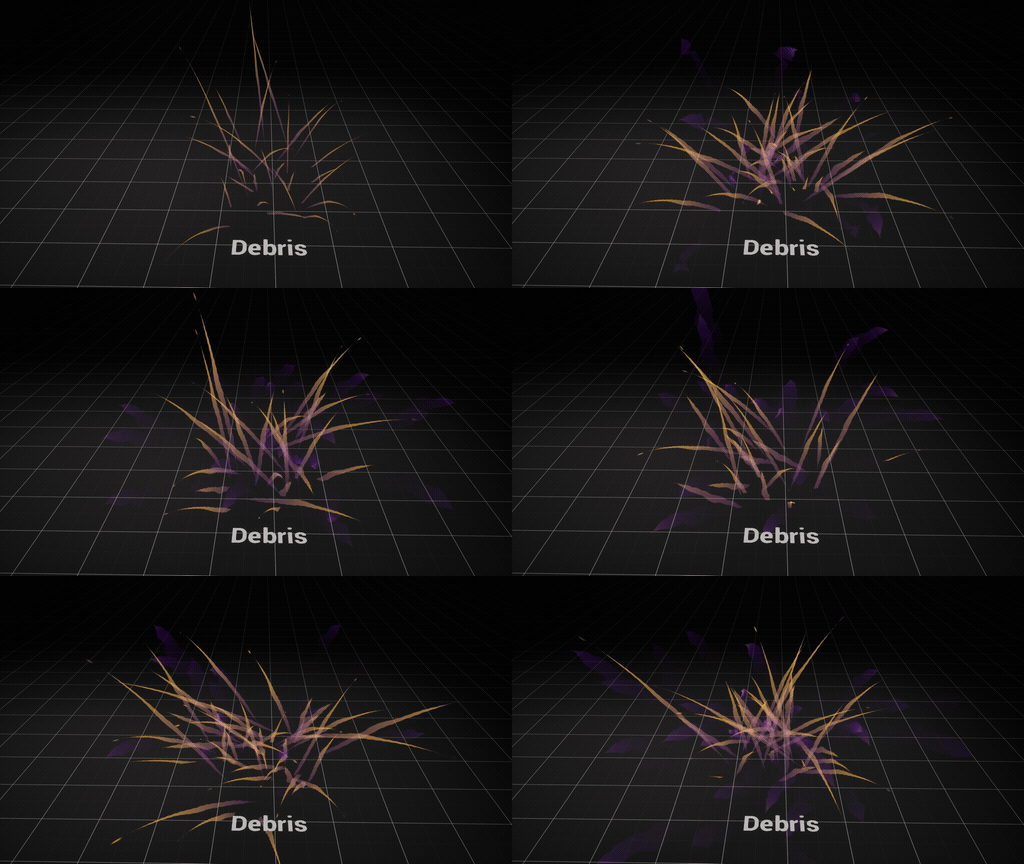
Debris — a burst using event location to spawn ribbons.
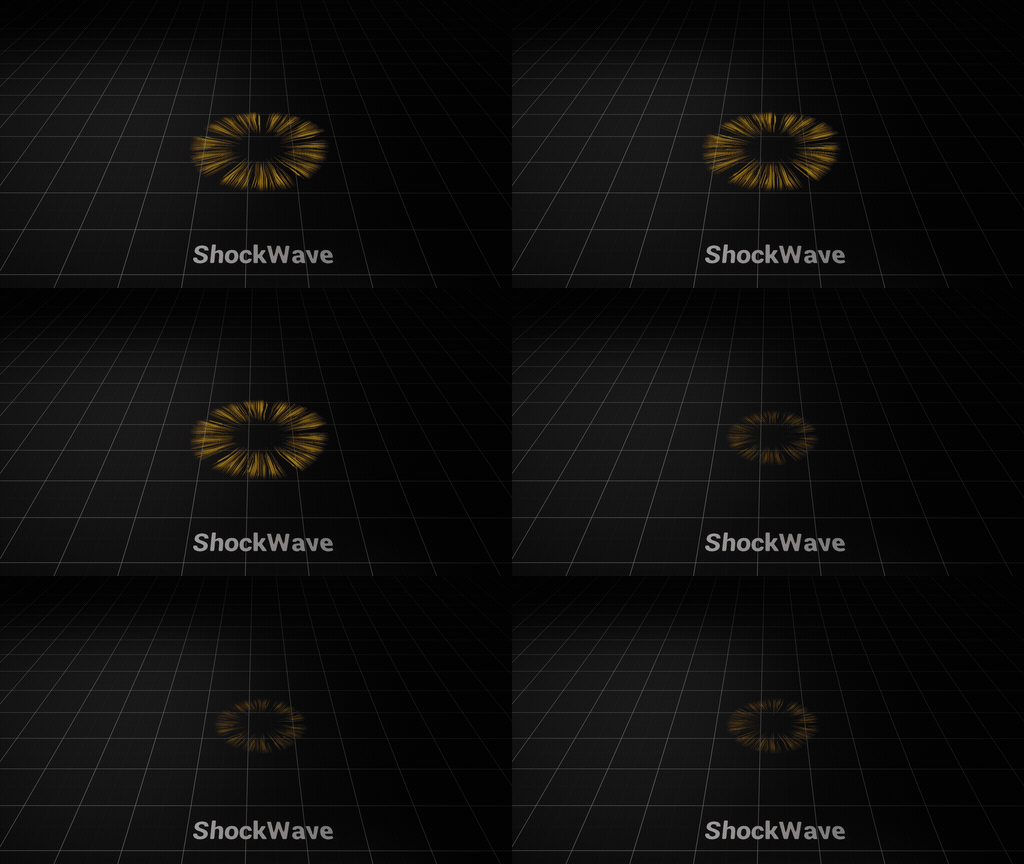
Shockwave — a disk mesh with radial UVs (U=0 at the centre, U=1 at
the rim), on its own dedicated material.
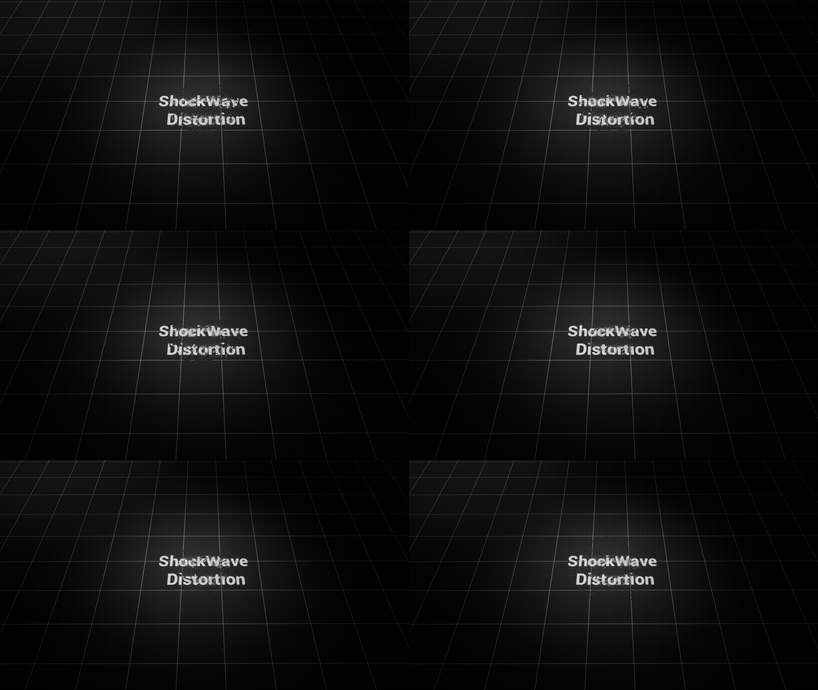
Heat distortion shockwave — same idea, refraction only.
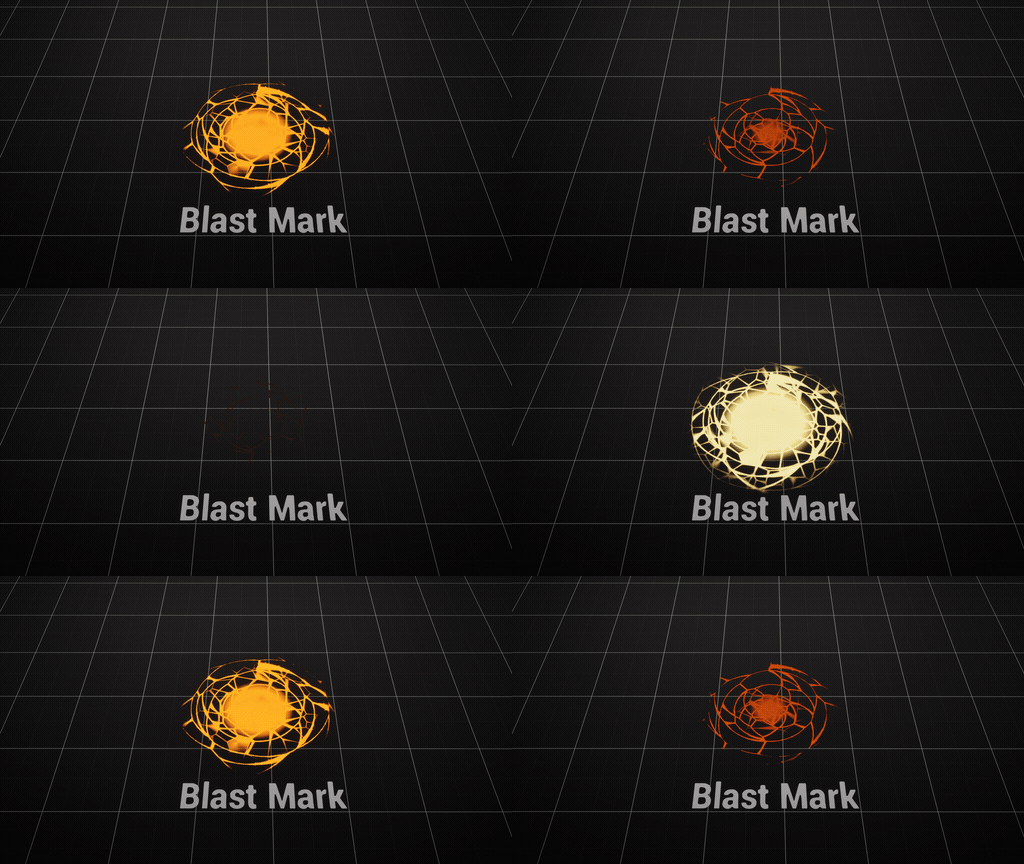
Blast mark — a plane on the ground.
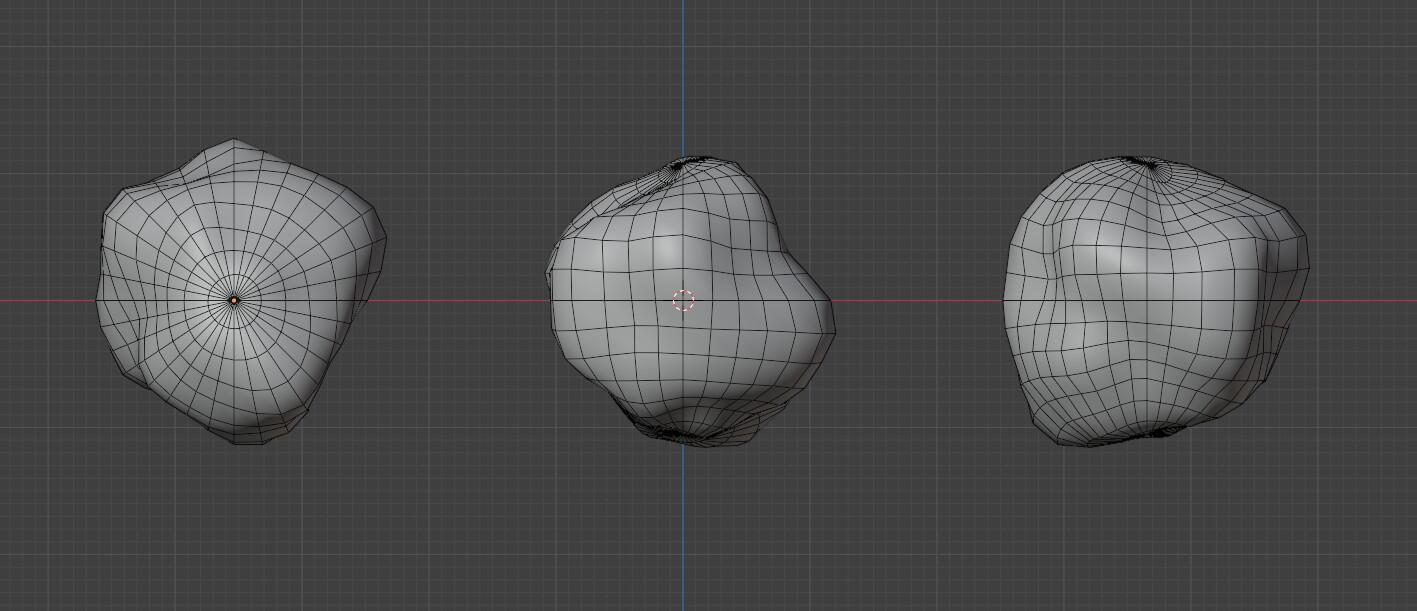
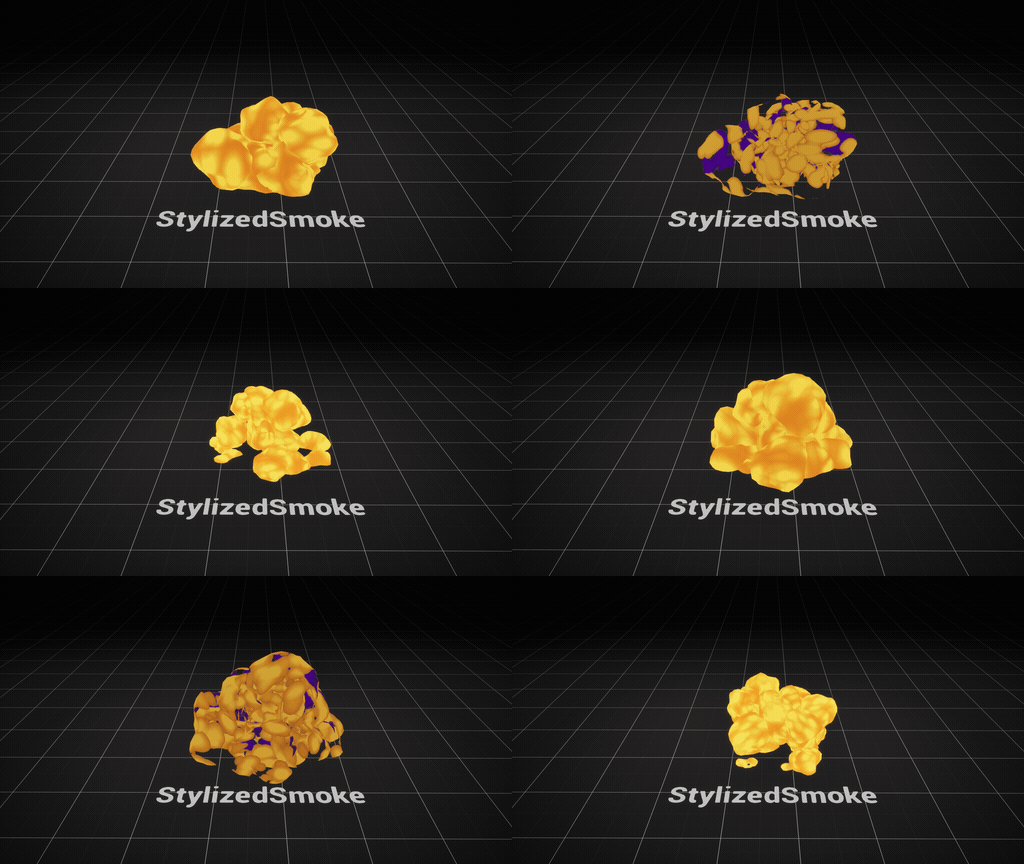
Smoke — a few cloud meshes at different positions, rotations and
scales.
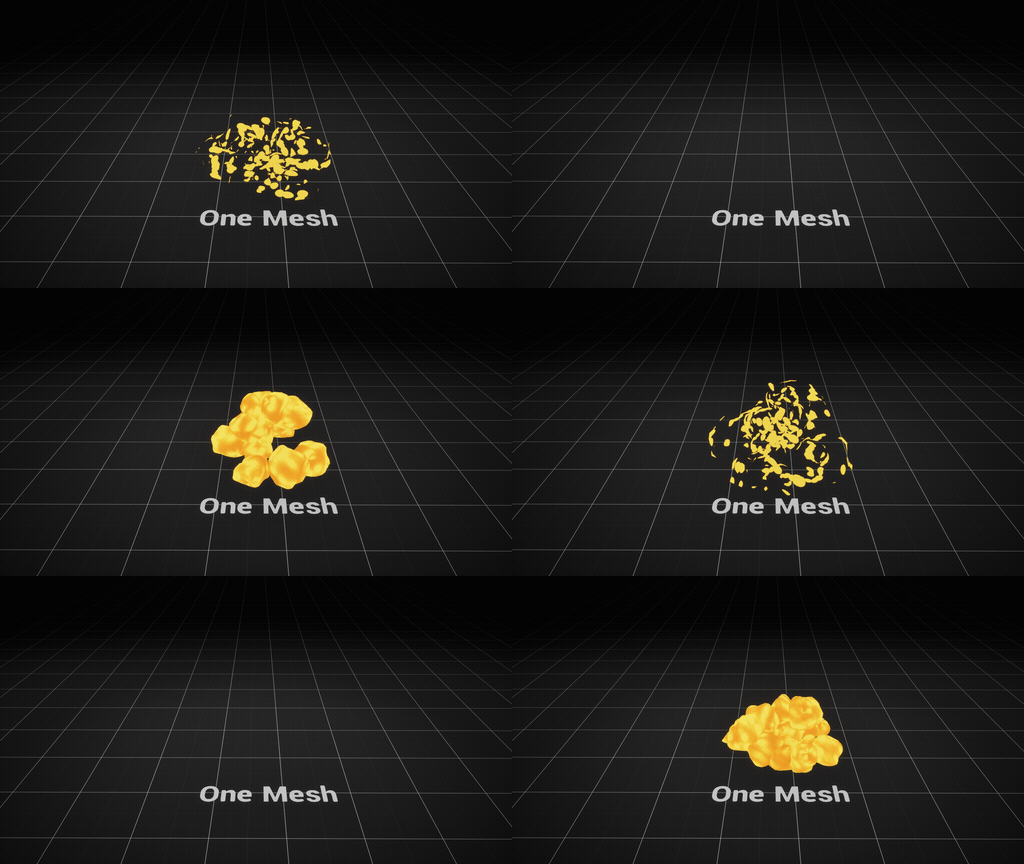
One trick I like
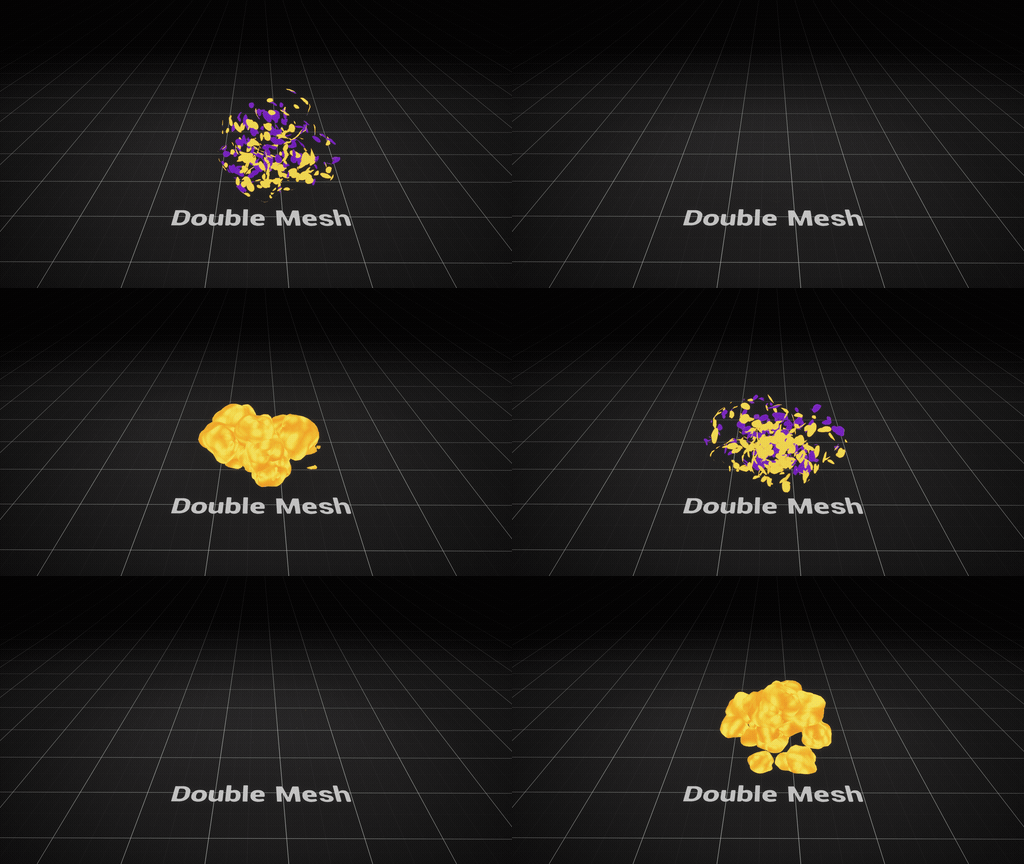
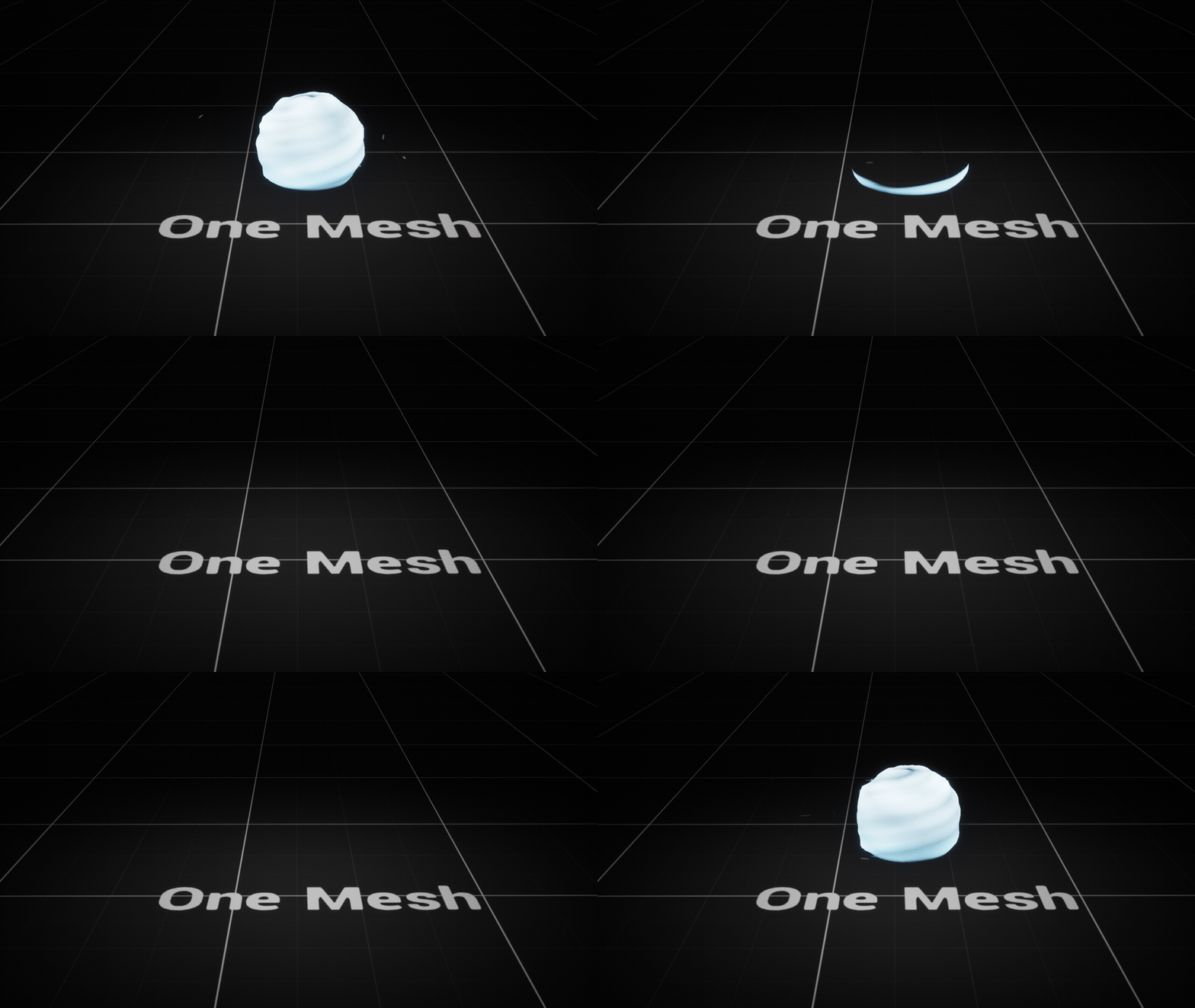
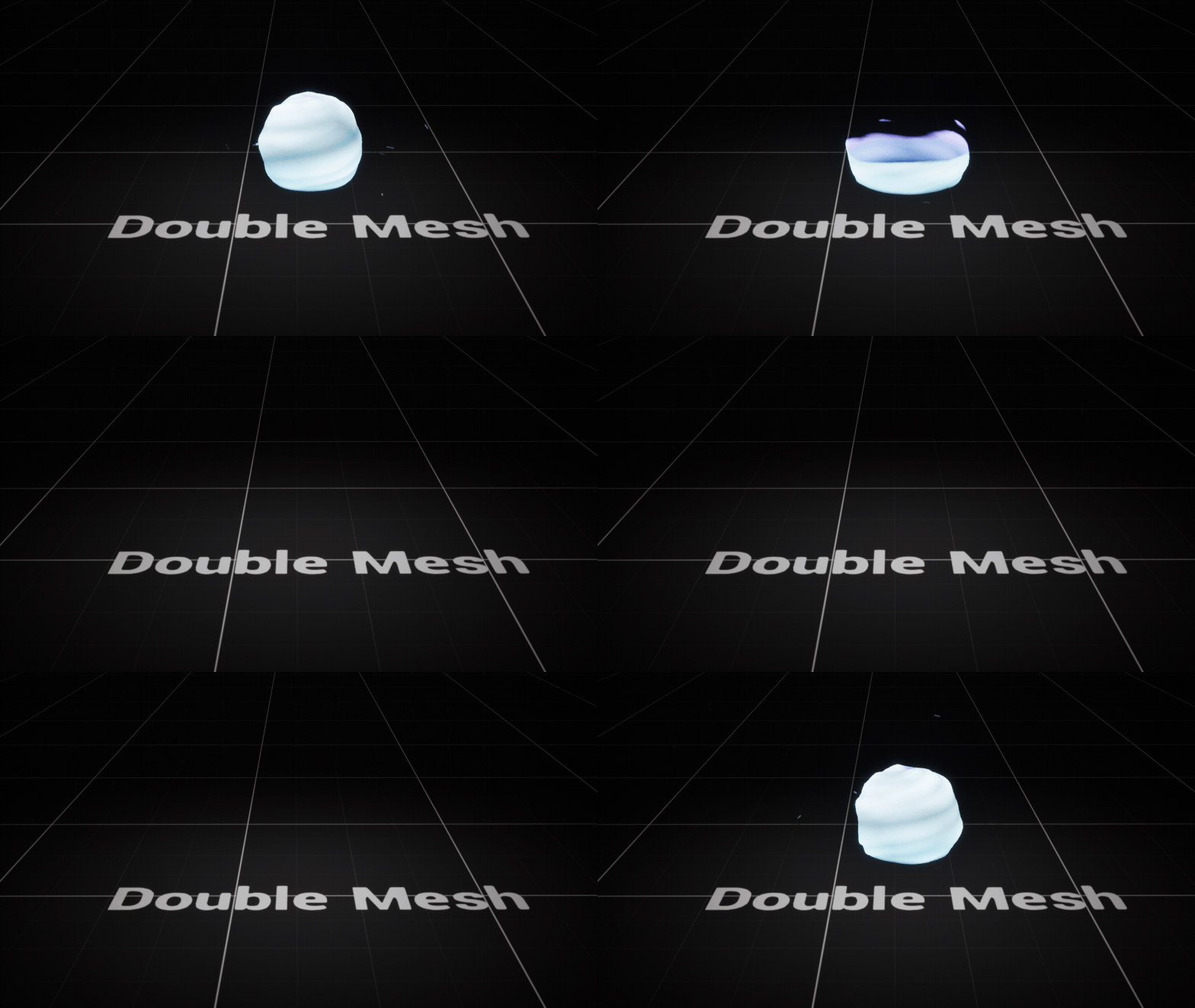
Two copies of the same mesh with inverted faces in the same system,
sharing everything except the material colour. It lets the inside of the
volume read differently from the outside.
Any feedback is very welcome. I’ll keep using this thread to post new
effects as I make them.