Yellow wizards, welcome to my VFX sketchbook. I’ve been dabbling in game development for bit and ended up falling into the VFX rabbit hole. Now I’m here since some of my stuff is presentable.
FAQ
Thumbnail?
View post on reddit
In this Thread
What's the rundown?
I’m Ali, a self-taught noob (for now). I make my stuff in Godot. My main project is an over scoped nightmare. Feel free to ask questions. Feel free to leave feedback also!
I plan to post anything cool I make here alongside a poor description of how I made it to hopefully convert people to the light (Godot) 
socials:
youtube
bsky
16 Likes
Love this shader and mesh
2 Likes
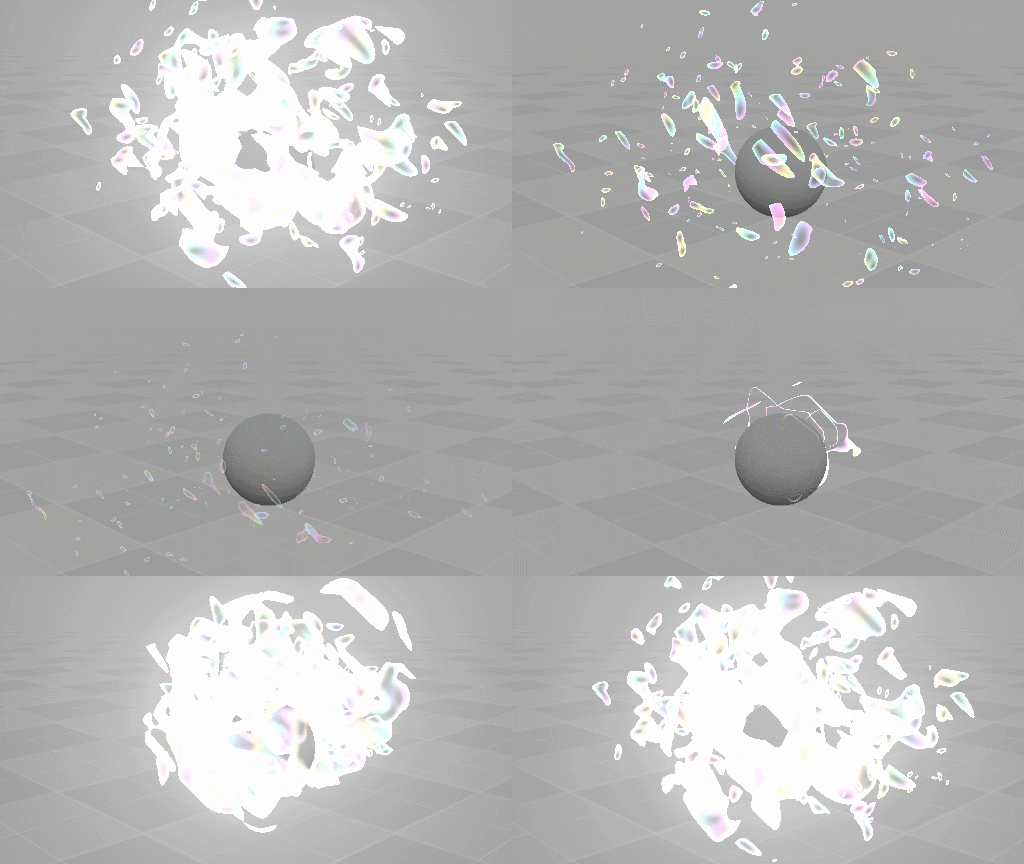
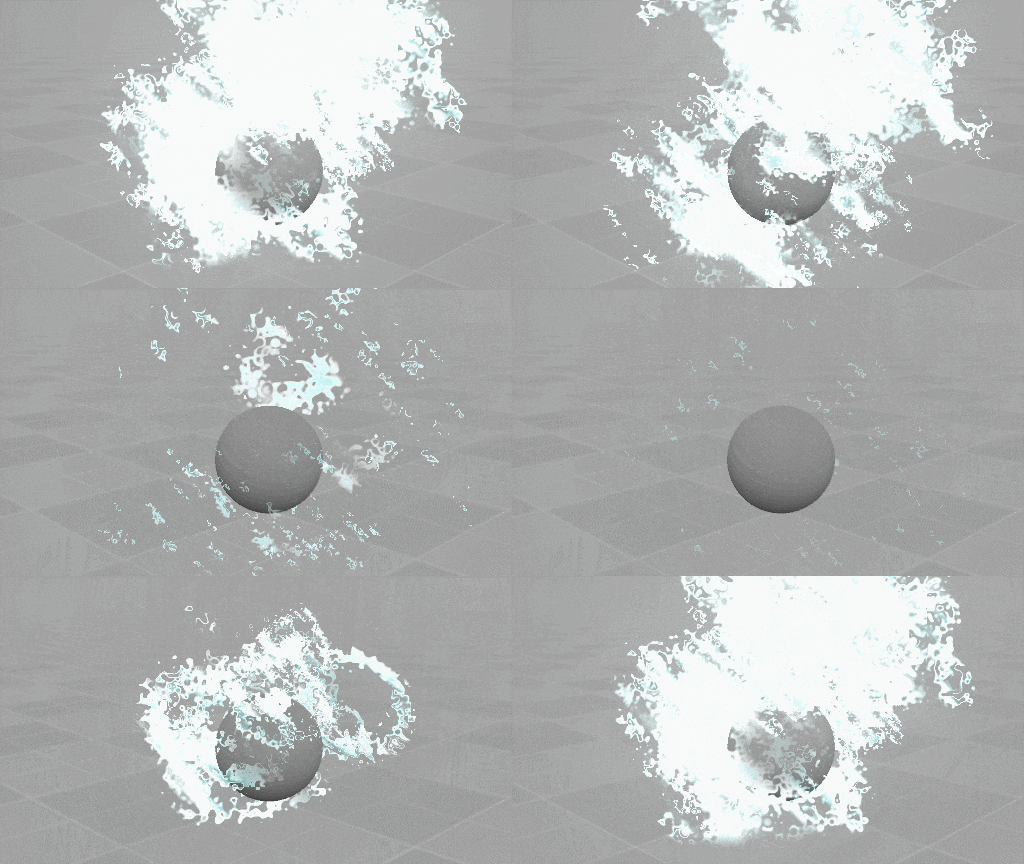
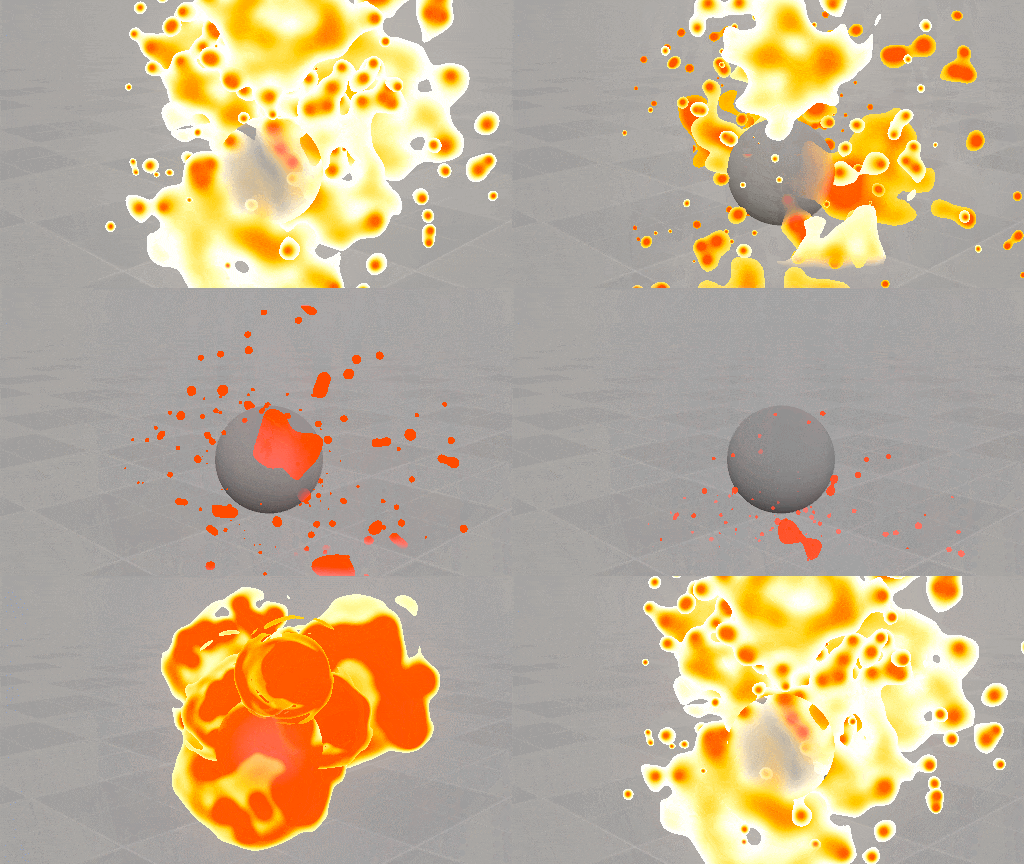
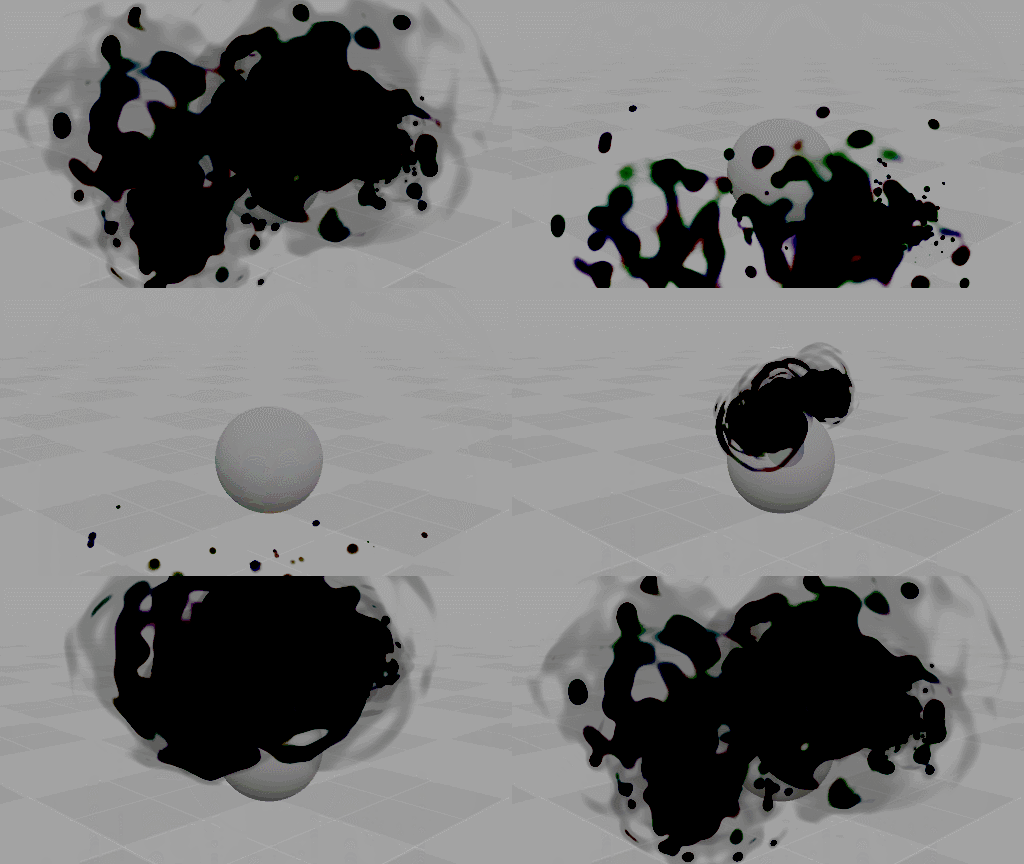
Yellow again, great wizards. I was trying to create a liquidy effect similar to the splashes found in Mario Kart World. I completely missed the mark and went a bit overboard with my approach, but ended up with this piece and a few others. They need a bit of work but I feel like the shader has good bones (especially if you ignore performance…)
Here are the other effects I made using the shader I wrote:
Details
Like usual, I was aiming for a procedural effect. The shader running these effects is based on 2D metaballs.
My effect doesn’t use a viewport. Instead I spent time writing a particle system into the shader. The particle logic inside the shader is very primitive and limited. Additionally, I can’t explain it really well… I sorta just used some physics formulas I remembered from high school. Beyond the particle logic and 2D metaballs the rest is pretty basic. Excuse my terrible summary:
Glass: Cellular UV distortion + SDF Circles with custom falloff + Particle logic to control circle positions + Metaball processing (Step/Smoothstep) + Gradient Mapping + Applying a rainbow to the edges for iridescence + Heightmap Proximity Fading + Dissolve by value over time + Repeated 8 times with an actual particle system.
Foam: Low frequency? Cellular UV distortion + SDF Circles with custom falloff + Particle logic to control circle positions + Metaball processing (Step/Smoothstep) + Gradient Mapping + Heightmap Proximity Fading + Dissolve by value over time + Repeated 8 times with an actual particle system.
Lava: SDF Circles with custom falloff + Particle logic to control circle positions + Metaball processing (Step/Smoothstep) + Gradient Mapping + Heightmap Proximity Fading + Dissolve by value over time + Repeated 8 times with an actual particle system.
Oil is like lava but with a dark version of the iridescence effect I used in glass. I’m not sure why the edges look so different compared to lava, it’s probably just the gradient mapping and the threshold set for the metaball stuff…
Shader Code
Instead of reading my bad details you can just take a look at the shader code. It’s MIT licensed! But you’ll need to port it if you’re not using it in Godot.
I wonder if I’ll be able to move on from liquids for a bit now that I’ve made this…
2 Likes
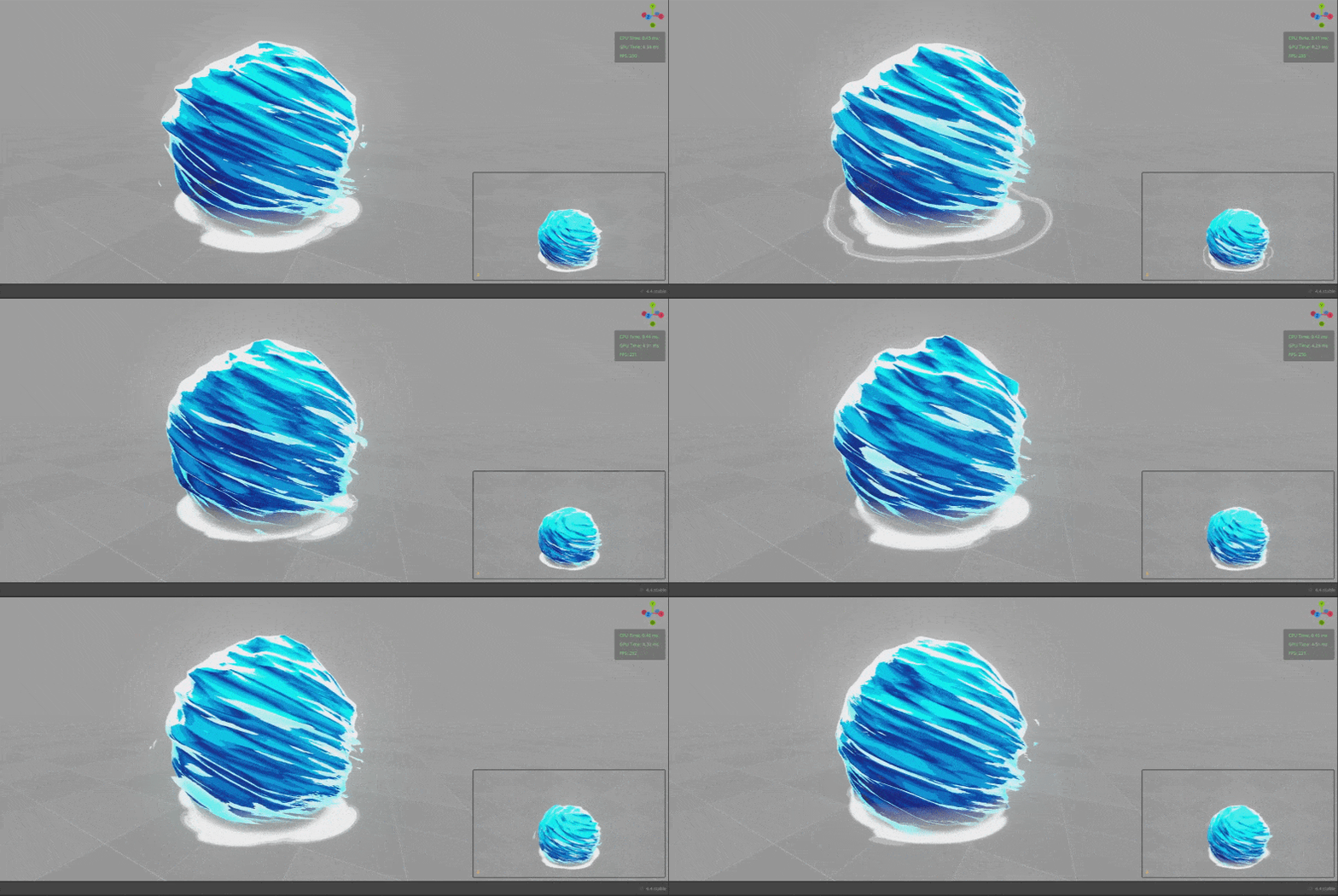
Don’t mind me… just moving some stuff around.
Details
View post on imgur.com
A water ball! I heavily referenced @MascoFX’s Mizuchi Shield to make it. Mine uses raymarching though since I’m too lazy to prepare a mesh.
Main: SDF Sphere + Twist Deformation + Scrolling 3D Cellular Noise Deformation + Colour-mapped to grayscaled normal. + Fresnel Overlay + Slight Posterization
Ground: SDF Square drawn on the inside face of a flattened cone + Scrolling 2D Cellular Noise + Smoothstep Feathering + Posterization
3 Likes
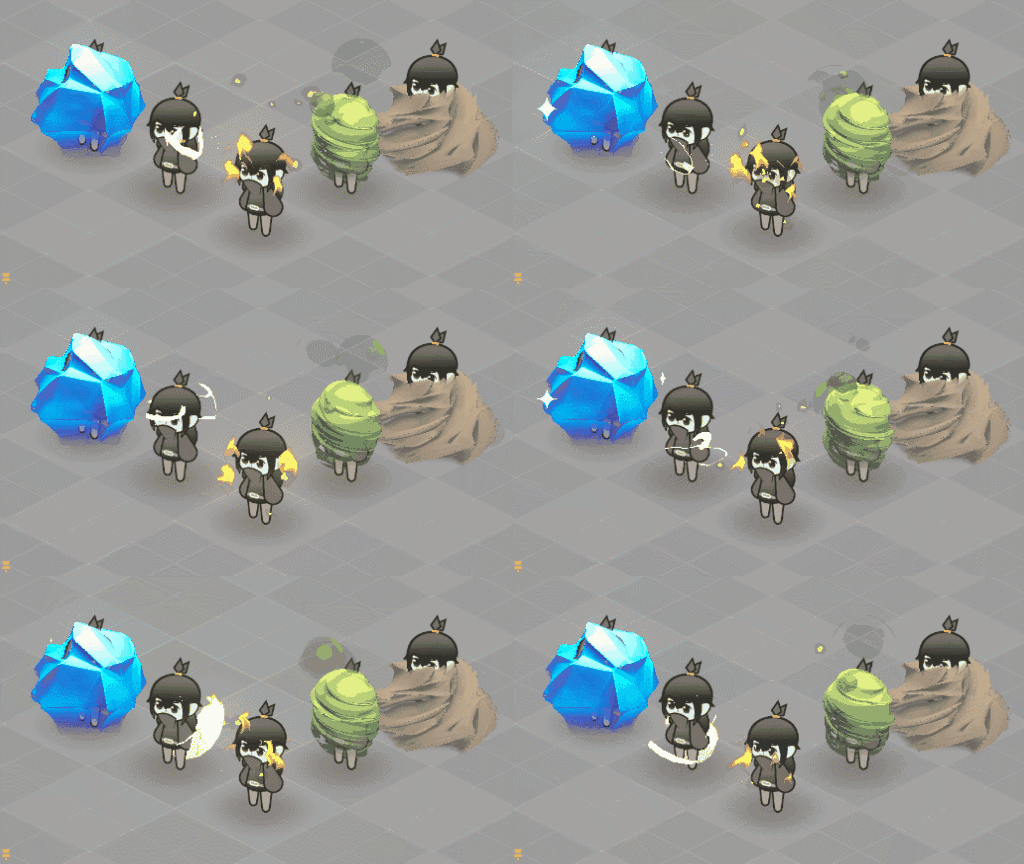
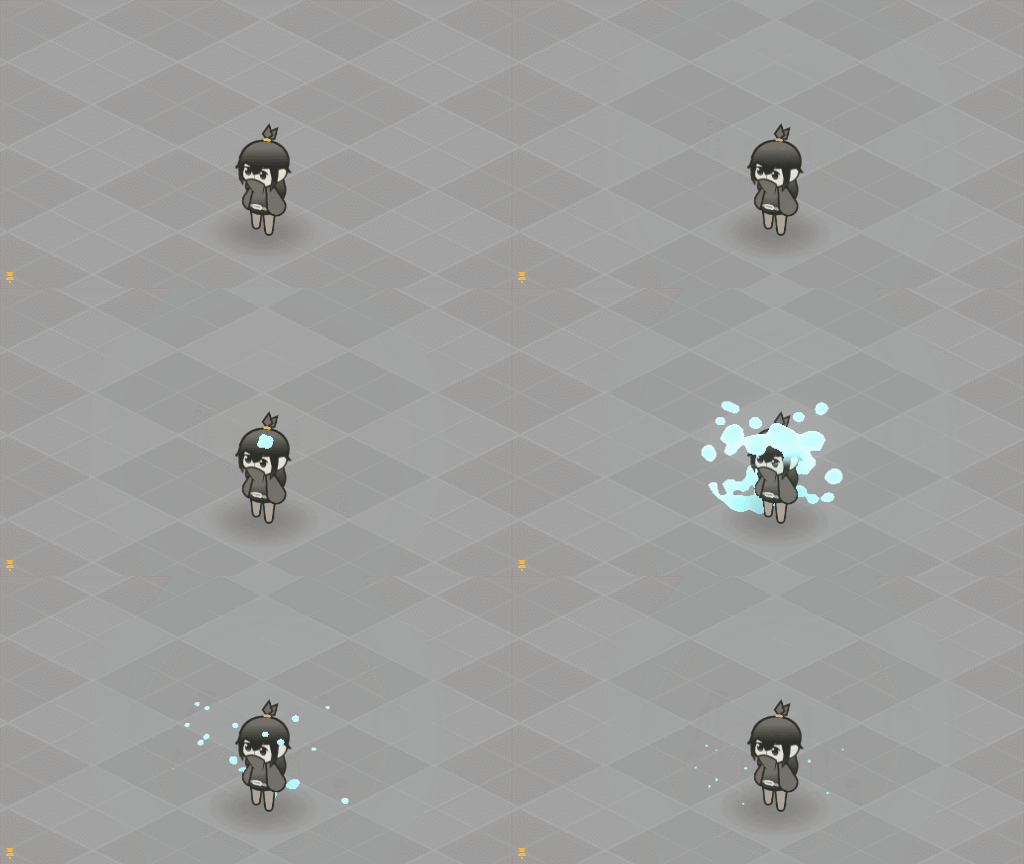
I made these with the same shader I used to create the waterball. The “ice”, “dirt”, and “poison” are raymarched, but the “electricity” and small “flames” are normal 2D SDF trickery.
Get more frames on imgur.com
1 Like
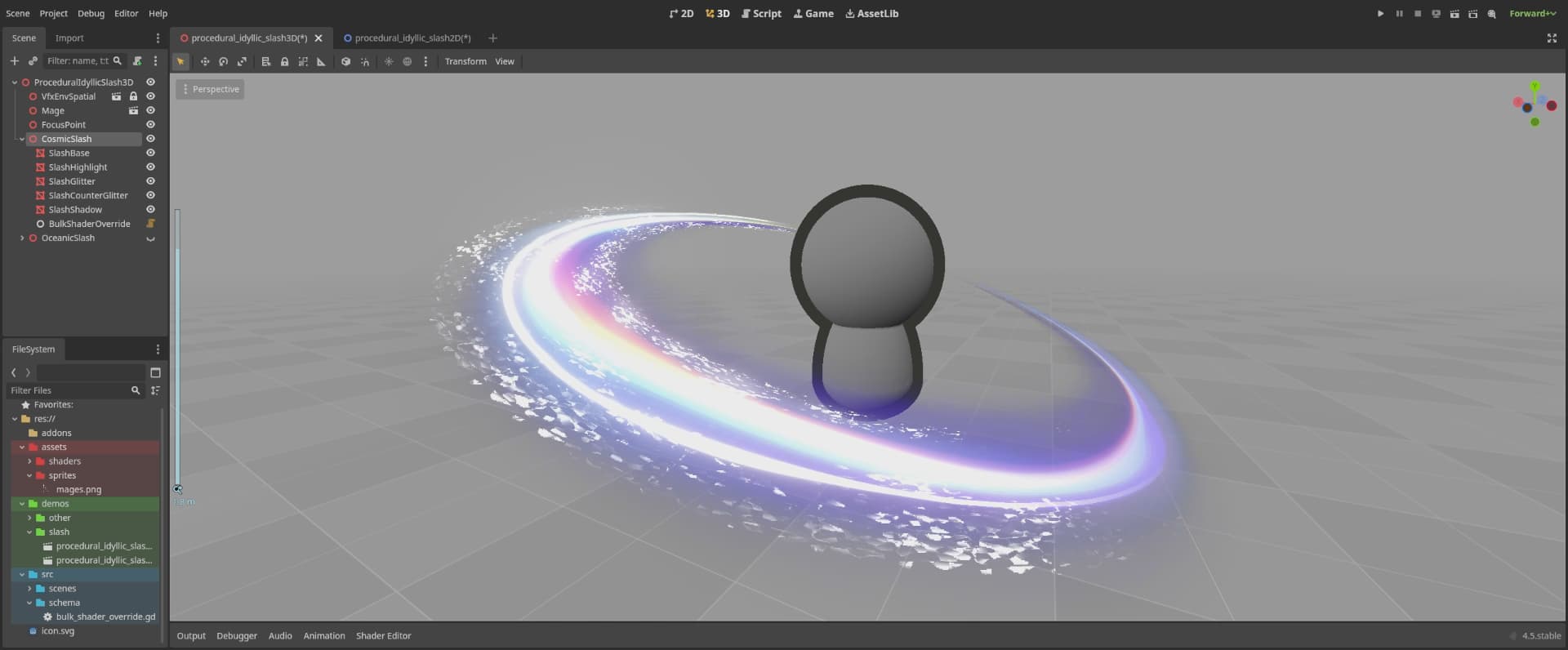
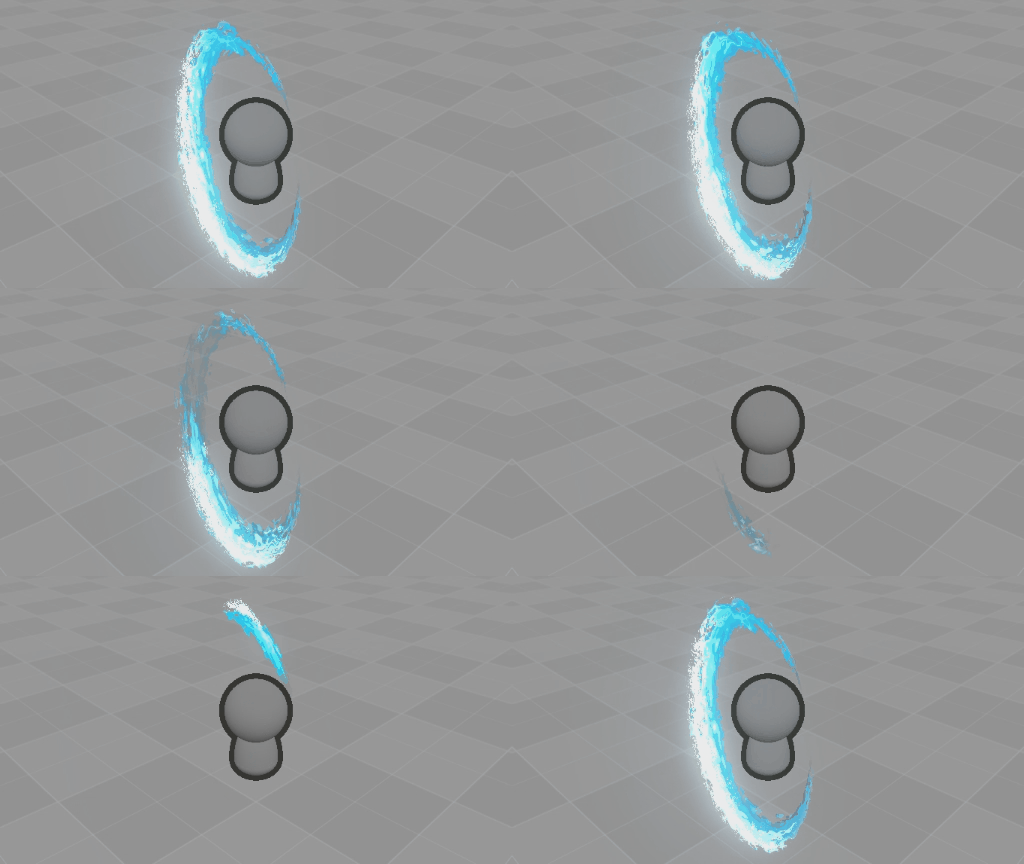
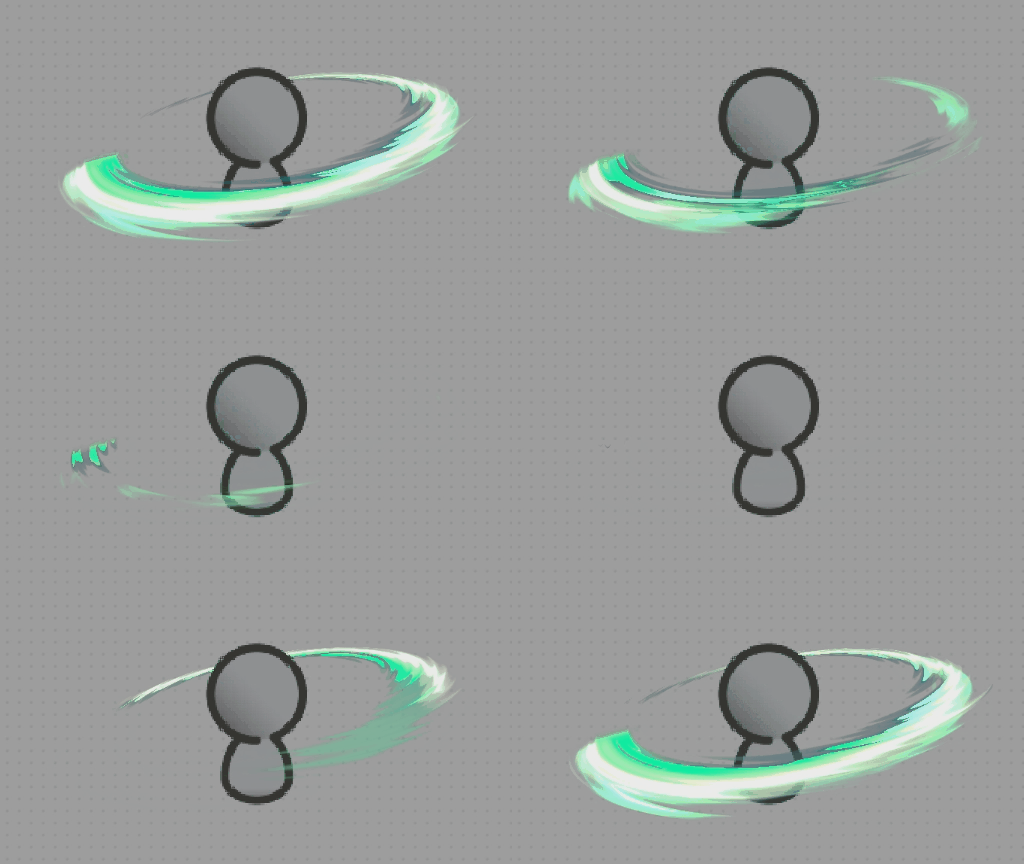
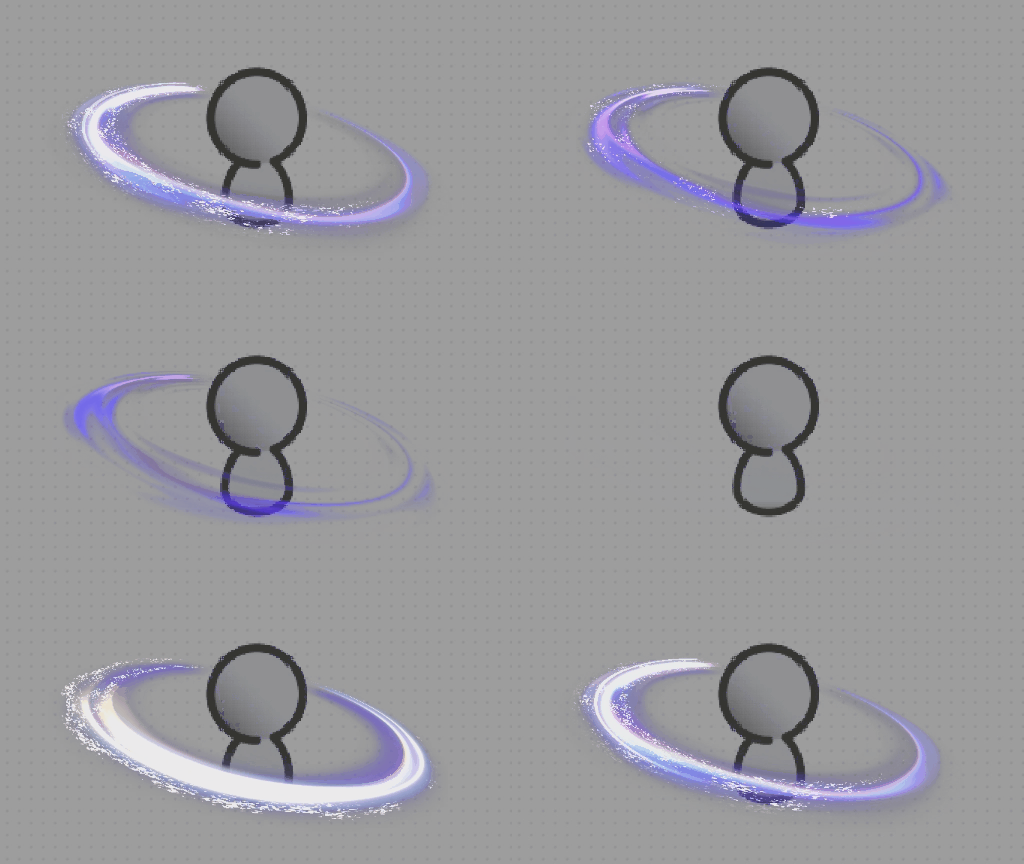
Happy new year! Near the end of 2025 I took time to do some slash effects. My previous slash effects have been pretty mid, so I really wanted to make something awesome this time.
I was aiming for the vague idea of a “stylized slash effect” while working on these. They turned out pretty nice thanks to some help and feedback I received while making them.
Details
As usual, these are made procedurally. The shader running these slash effects was designed using the information I learned from this amazing video.
These are the general steps the shader takes to create the image:
- Draw a triangle shape.
- Distorts and dissolves said shape with scrolling noise.
- Some less important image processing and masking
- Color mapping / Chromatic Aberration / neither / or both
Over time the shader also moves and scales the image. I’m explaining it really poorly lol. but that’s the gist.
Shader Code
If you’re curious, this shader is MIT licensed also. If you use Godot, you can peek around at how I constructed the effects by checking out this github repo.
1 Like